
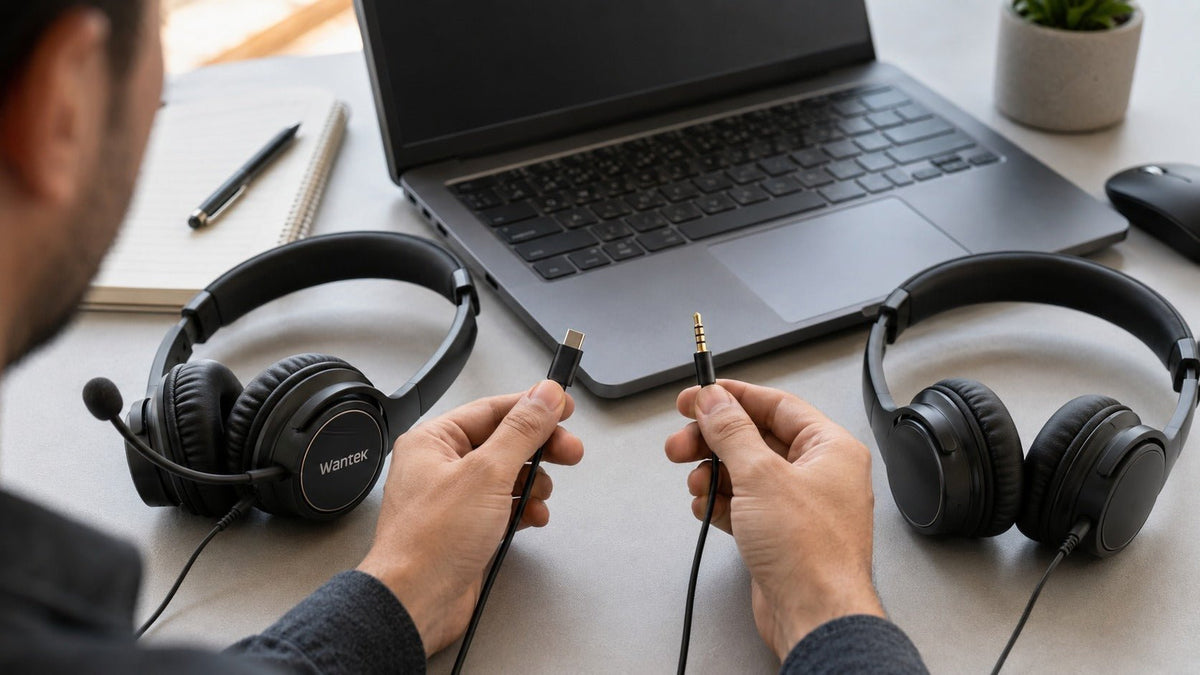
Neither USB nor 3.5 mm automatically gives you better sound or a better microphone.
A 3.5 mm headset is often the simpler starting point when you need a compatible analog connection across controllers, audio interfaces, computers, or other devices with a suitable headset jack. A USB headset is often more practical for computer-based calls when the headset or its inline electronics handle audio conversion, controls, or model-specific digital processing.
The better choice depends on your device, microphone requirements, controls, and complete audio signal path—not the connector alone.
USB vs. 3.5mm at a Glance
Use this as a starting point, then verify the exact headset and host device before buying.
| Decision factor | USB headset | 3.5mm headset |
|---|---|---|
| Signal path | Digital USB audio on a digital USB headset | Analog audio between the headset and host |
| Audio conversion | Usually handled in the headset, cable electronics, or USB control module | Primarily handled by the connected device or audio interface |
| Audio quality | Depends on headset electronics, drivers, tuning, amplification, and processing | Depends on the headset plus the source DAC, amplifier, and analog input/output |
| Microphone | Can integrate ADC, controls, and model-specific processing | Depends more on the host microphone input and processing chain |
| Compatibility | Requires a supported host, port, and headset implementation | Requires a compatible analog jack and wiring |
| Latency | Depends on hardware, drivers, buffers, and processing | Analog transport is very fast, but total system latency still depends on the full path |
Practical rule: check the device first, then compare headset features.

How USB and 3.5mm Headsets Handle Audio Differently
The main difference is where conversion between digital and analog audio takes place.
With a typical 3.5 mm analog headset, the computer, controller, phone, audio interface, or other source converts digital playback audio into an analog signal before sending it to the headset. A headset microphone sends an analog signal back toward the source, where it can be amplified and converted into digital audio.
With a digital USB headset, the host sends digital audio data through USB. Conversion can take place inside the headset, an inline control module, or other electronics in the USB accessory. Microphone audio is converted back into digital data before reaching the computer.
The Android Open Source Project distinguishes digital USB audio headsets from analog accessories and documents standardized USB headset behavior. Review the Android USB headset specification.
That architecture changes which hardware influences the result. A 3.5 mm headset depends more heavily on the host's analog circuitry; a digital USB headset carries more of its own conversion and processing electronics. Neither architecture guarantees better performance.
Does USB Sound Better Than 3.5mm?
Not inherently. The connector is not an audio-quality rating.
What affects a 3.5mm headset?
- Headset drivers, tuning, fit, sensitivity, and impedance
- The source DAC, headphone amplifier, output power, and output impedance
- Electrical noise and the quality of the host's analog output
What affects a USB headset?
- Headset drivers, tuning, fit, and acoustic design
- The DAC, ADC, amplification, and other electronics inside the USB headset system
- Any model-specific DSP or software processing
A capable analog headset connected to a good interface can outperform a weak USB implementation. A well-designed USB headset can also outperform a noisy or underpowered analog output. Choose based on the complete system rather than assuming digital is automatically superior.
Which Connection Is Better for Microphone Quality?
USB does not automatically mean a better microphone.
With a 3.5 mm headset microphone, final voice quality can depend on the microphone capsule, boom position, microphone input, gain, preamplification, analog-to-digital conversion, electrical noise, and software processing.
A USB headset can integrate the microphone preamp, ADC, physical controls, and digital processing into the headset system. Depending on the exact model, that may include microphone noise reduction, sidetone, mute controls, or software configuration. Those are product features, not properties of the USB connector itself.
For work calls, compare boom position, voice pickup, background-noise handling, physical mute behavior, software compatibility, and consistency across the computers you actually use.
Compatibility Usually Matters More Than the Connector Specification
A headset that cannot perform the required audio and microphone functions on your device is the wrong choice regardless of theoretical sound quality.
Windows PCs
Compatible USB Audio Class devices can use Windows' USB audio support, although vendor software may still be required for additional functions. A 3.5 mm headset needs the correct analog connection and wiring. Microsoft documents the Windows USB Audio 2.0 class driver.
Mac
Check the exact Mac model and headset connection. Do not assume every Mac provides the same analog ports or that every USB headset exposes identical controls in every application.
PlayStation 5
Sony documents support for compatible headsets through the controller headset jack and for compatible USB headsets. See Sony's PS5 headset guidance.
Xbox
The Xbox Wireless Controller includes a 3.5 mm stereo headset jack for compatible headsets. USB headset support should be verified for the exact Xbox-compatible product rather than inferred from the connector. Check the Xbox Wireless Controller specifications.
Phones and tablets
Compatibility varies by device. USB-C can carry digital USB audio on supported devices, but connector fit alone does not guarantee microphone, controls, power behavior, or full headset compatibility. A 3.5 mm headset requires a compatible analog jack or a suitable adapter.
Not Sure Which Connection Fits Your Setup?
Answer five quick questions about your use case, device, connection, and wired or wireless preference to narrow the Wantek headset options worth comparing.
Does USB Have More Latency Than 3.5mm?
There is no useful universal number for “USB headset latency.”
Digital USB audio can involve USB transport, buffers, drivers, operating-system processing, DAC/ADC stages, headset DSP, and application processing. A 3.5 mm analog connection avoids USB transport, but the complete system can still include digital processing, conversion, software buffering, or monitoring latency elsewhere in the path.
Microsoft's Windows audio documentation shows that latency depends on the audio engine, processing, driver, hardware, and buffer configuration rather than a single connector-level number. Review Microsoft's low-latency audio documentation.
For ordinary calls and general computer use, connector type alone is usually not enough information to predict whether latency will matter. For recording, live monitoring, rhythm games, or other latency-sensitive work, use measurements from the exact hardware and software configuration.
What Changes When the USB Connector Is USB-C?
USB-C changes the physical connection available to the headset, but it does not create a new rule for sound quality.
A digital USB-C headset can carry USB audio and place conversion or processing in the headset system rather than depending entirely on the computer's analog output. That still does not mean USB-C automatically sounds better, has lower latency, or provides identical headset behavior on every USB-C port.
Treat USB-C compatibility and audio quality as separate questions. First confirm that the device and headset work together. Then compare microphone performance, controls, audio quality, and other features.
For a deeper look at USB-C-specific buying criteria, see the Wantek USB-C headset guide.
Which Should You Choose for Work?
Start with the connection your work device actually supports, then compare the exact headset features you need.
Choose USB as your starting point when:
- Your calls are mainly handled on a compatible desktop or laptop
- You want the headset system to carry its own audio conversion electronics
- Model-specific digital controls or microphone processing matter to your workflow
- You want less dependence on the analog output quality of different compatible computers
Choose 3.5mm as your starting point when:
- You use compatible controllers, audio interfaces, or analog headset jacks
- You want a straightforward analog signal path
- You already use a DAC, sound card, or audio interface you want to keep
- You do not require headset-side digital processing or software integration
If your 3.5 mm headset uses a four-contact plug, the TRS vs. TRRS guide explains why a plug that physically fits can still fail to provide the microphone function you expect.
A Five-Step Check Before Buying
Identify the exact device you will connect to.
Check whether the required USB-A, USB-C, or 3.5 mm connection is available and supported.
Confirm that both headphone audio and microphone input work through the intended connection.
Check the exact headset's controls, microphone features, software requirements, and compatibility notes.
Make a short real-world test call on the setup you actually plan to use whenever possible.
For a team deployment, repeat the check on representative computers rather than assuming one successful workstation proves compatibility everywhere.
Ready to Compare Actual Headsets?
Once you know which connection your computer requires, compare Wantek PC headsets by connection, wearing style, microphone, and controls.
Frequently Asked Questions
Is USB better than 3.5mm for headset audio quality?
No. Sound quality depends on the headset, DAC, amplifier, tuning, processing, and source hardware. USB changes where some audio electronics are located but does not guarantee better sound.
Is USB better than 3.5mm for microphone quality?
Not automatically. USB can integrate microphone conversion and digital processing, while 3.5mm relies more on the host input. Actual microphone design and processing determine the result.
Do USB headsets have more latency than 3.5mm headsets?
USB audio uses digital transport and buffering, but total latency depends on hardware, drivers, software, and processing. There is no universal latency difference that applies to every headset.
Can I use a 3.5mm headset with PS5 or Xbox?
Compatible 3.5mm headsets can connect through the PS5 DualSense or Xbox Wireless Controller headset jack. Verify the exact headset and required microphone functions before buying.
Can I use a USB-C headset with a phone?
Sometimes. The phone must support the headset's USB audio implementation and required functions. Connector fit alone does not establish complete audio, microphone, or control compatibility.

