
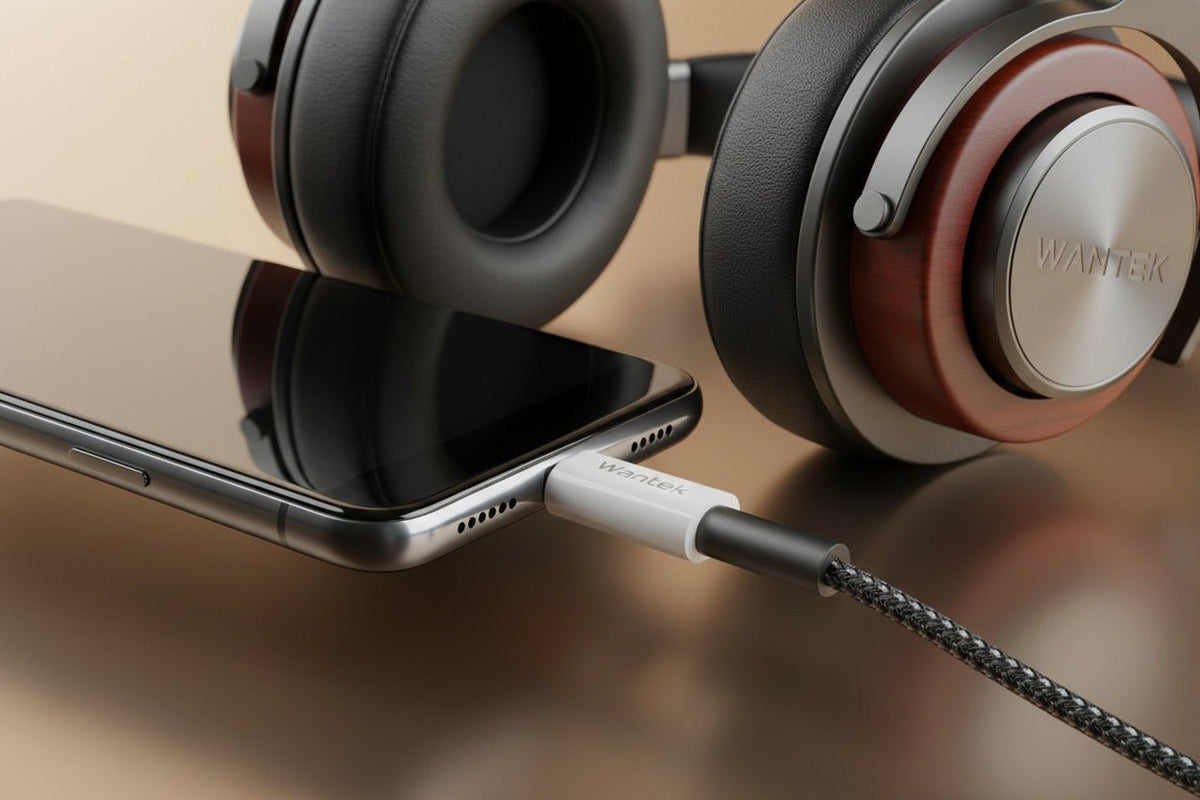
The best USB-C to 3.5 mm headphone adapter is the one that matches your host device, headphones, and microphone requirements. For most modern phones, that means a digital USB audio adapter with its own DAC, not a passive pin-to-pin dongle. If you also need a headset microphone, inline buttons, higher headphone output, or simultaneous charging, those requirements should be confirmed separately before you buy.
Quick answer: Start with compatibility, not a DAC-chip brand or a maximum sample-rate number. For USB-C Apple devices, Apple's own USB-C to 3.5 mm adapter is the simplest documented starting point. If you need headset-microphone support plus charging passthrough, StarTech publishes a USB-C audio-and-charge adapter with a TRRS jack and up to 60 W Power Delivery passthrough. If you need published headphone-output specifications rather than a basic dongle, a dedicated portable DAC/amp such as the iFi GO link 2 is a different class of product.

What Kind of USB-C to Headphone Jack Adapter Do You Need?
A 3.5 mm headphone plug carries analog audio. USB-C can carry digital data, power, and other functions, so the connector shape alone does not tell you whether a simple analog adapter will work.
For Android's USB-C-to-analog accessory specification, Google explicitly requires a digital-to-analog adapter and says analog-only USB-C adapters are not supported. The adapter converts digital playback into analog audio and can also provide an analog-to-digital path for a compatible headset microphone.
That is why “USB-C to 3.5 mm” is not enough information on a product listing. For a modern phone that outputs digital USB audio, look for language such as built-in DAC, digital audio adapter, or explicit compatibility with your device model.
| Need | What to verify | Why it matters |
|---|---|---|
| Basic listening | Digital USB audio support and a built-in DAC | A passive adapter may not work on a host that supplies only digital USB audio. |
| Calls or gaming chat | TRRS microphone input and required button support | Headphone playback can work even when microphone or controls do not. |
| Demanding headphones | Published output voltage or power into a relevant load | Maximum sample rate does not tell you how much headphone drive is available. |
| Listen while charging | Explicit audio + USB-C Power Delivery passthrough support | A single-port phone needs an adapter designed to handle both functions together. |
Three Adapter Paths Worth Comparing
There is no defensible universal winner because the host device and headphones change the answer. These three examples show the main product classes rather than pretending that one dongle is best for every setup.
Apple USB-C to 3.5 mm Headphone Jack Adapter
Apple documents its USB-C to 3.5 mm Headphone Jack Adapter as a way to connect standard 3.5 mm headphones or speakers to compatible USB-C devices. Apple's current compatibility list includes USB-C iPhone, iPad, and Mac models.
Choose it when your priority is a compact first-party adapter for a supported Apple device. Apple does not publish output power, DAC-chip identity, or independent audio measurements on the cited product page, so it should not be described as a high-power audiophile amplifier based on that page alone.
StarTech USB-C Audio & Charge Adapter CDP235APDM
StarTech's CDP235APDM addresses a different problem: using a wired 3.5 mm headset while charging a USB-C host. StarTech documents a 3.5 mm TRRS headset jack, microphone support, and USB-C Power Delivery passthrough up to 60 W for compatible laptops and tablets.
Choose this type of adapter when simultaneous audio and charging are actual requirements. Verify the host's charging behavior and headset functions before deployment, because a two-port adapter adds more compatibility variables than a simple audio-only dongle.
iFi GO link 2
The iFi GO link 2 represents the portable DAC/headphone-amplifier category rather than the basic phone-dongle category. iFi publishes a 3.5 mm output, PCM support up to 384 kHz, DSD256 support, output impedance below 0.4 ohm, and at least 79 mW at 32 ohms or 14 mW at 300 ohms.
Choose a product in this class when you need published amplifier specifications, use headphones that need more output than a basic dongle provides, or specifically want a dedicated portable DAC/amp. Do not buy it merely because its sample-rate number is higher; output requirements and audible performance depend on the complete headphone and source chain.

Do You Need a DAC in the Adapter?
If the host sends digital audio over USB-C and your headphones terminate in a conventional analog 3.5 mm plug, yes: digital-to-analog conversion has to happen somewhere between the host and the headphone drivers.
That does not mean every external DAC sounds better than every built-in headphone jack. Audio quality depends on the DAC, amplifier, output impedance, noise, distortion, headphone sensitivity and impedance, and the recording itself. The connector is not a quality rating.
If you are deciding whether to keep an analog headset plus adapter or move to a direct USB headset, the USB vs. 3.5 mm headset guide explains where conversion takes place in each signal path and why neither connection automatically wins on sound or microphone quality.
Will the Headset Microphone and Inline Controls Work?
Do not assume so. Google's Android adapter specification includes stereo accessories with and without microphones, one-channel analog-to-digital conversion for microphone input, headset-microphone detection, and translation of compatible headset button events to USB HID events. That describes what a compliant adapter can support; it does not prove that every retail adapter implements every function correctly on every host.
The 3.5 mm plug also matters. A common stereo headphone plug is TRS, while many consumer headsets use a four-contact TRRS plug for stereo audio plus microphone. Pinout compatibility still matters even when the physical diameter is the same. See the TRS vs. TRRS guide before buying an adapter for calls, gaming chat, or an inline microphone.
Which Specifications Actually Matter?
Host-device compatibility
This is the first filter. Google tells Pixel users to check that USB-C adapters work with digital audio. Apple documents its own adapter for compatible USB-C devices. Samsung places an explicit device-support condition on its adapter. A USB-C plug physically fitting the port does not prove audio compatibility.
Headphone output
For easy-to-drive earbuds and portable headphones, a basic active adapter may be enough. For harder-to-drive headphones, look for published voltage or milliwatt output into a stated impedance. Headphone sensitivity matters alongside impedance, so a simple “100 ohms equals difficult” rule is not reliable.
Microphone and remote support
If you use a headset rather than headphone-only TRS plug, confirm microphone input and the controls you actually need. Playback compatibility alone is not sufficient evidence for call compatibility.
Sample rate and bit depth
Numbers such as 24-bit/96 kHz, 24-bit/192 kHz, or 32-bit/384 kHz describe supported digital formats. They do not, by themselves, establish lower noise, lower distortion, more output power, or better audible performance.
Charging passthrough
For phones and tablets with one USB-C port, audio-plus-charging adapters can be useful. Verify both the supported charging standard and the audio functions on your specific device. Do not infer microphone support or charging wattage from the presence of two sockets.
Device-Specific Buying Guidance
USB-C iPhone and iPad
Apple Support says USB-C iPhones can use wired headphones and other audio accessories through the USB-C connector and specifically points to the Apple USB-C to 3.5 mm Headphone Jack Adapter for 3.5 mm speakers or headphones. That makes the first-party adapter the cleanest documented baseline for supported Apple hardware.
Google Pixel
Google says Pixel USB-C accessories, including adapters, should work with digital audio. For a 3.5 mm analog headset, use an active digital-audio adapter rather than assuming an analog-only USB-C dongle will work.
Samsung Galaxy
Check the exact Galaxy model rather than assuming every USB-C adapter is interchangeable. Samsung has published a first-party USB-C headset-jack adapter in some regions, and its own documentation says it is intended for Samsung devices that support USB Type-C earphones. Accessory availability and supported-model lists can vary by region.
Windows laptops, Macs, and tablets
Check that the USB-C port and operating system support USB audio, then confirm microphone and control behavior if you need them. For music listening, also compare the headphone's power requirements with the adapter's published output rather than choosing by sample rate alone.
Common Problems and What to Check
No sound at all
Confirm the adapter is a digital USB audio device with a DAC, then check the host's USB audio support and audio-output selection.
Headphones work but the microphone does not
Check that the adapter accepts a headset microphone, that the 3.5 mm plug is the expected TRRS type, and that the host selects the adapter as the input device.
Volume is too low
Compare the headphone's sensitivity and impedance with the adapter's published output. If the adapter maker publishes no output data, do not assume a high sample-rate specification means strong amplification.
Buttons behave inconsistently
Remote-control behavior depends on the headset wiring, adapter implementation, host operating system, and application. Confirm the exact function you need rather than treating “mic supported” as proof that every button is supported.
How to Choose Without Overbuying
For ordinary wired earbuds or efficient portable headphones, start with a compact active adapter that explicitly supports your device. Move to a dedicated DAC/amp only when you have a reason: documented output requirements, specific format support, lower output impedance, or another feature you will actually use.
If your real goal is simply to use a wired work headset, an adapter may not be the cleanest path. A direct USB headset can remove one connection point and make the required microphone and controls part of the headset system itself.
Prefer a Direct Work Headset Instead of an Adapter?
Use the Wantek Headset Finder to narrow options by device, USB-C or 3.5 mm connection, use case, and wired or wireless preference.
Frequently Asked Questions
Do all USB-C to 3.5 mm adapters have a DAC?
No. Analog-only USB-C adapters exist, but Android's current USB-C-to-analog adapter specification does not support them. For modern digital-audio hosts, choose an active adapter with digital-to-analog conversion.
Can a USB-C adapter improve headphone sound quality?
It can change the result because the adapter contains the DAC and amplifier, but improvement is not automatic. Compare noise, distortion, output power, output impedance, and headphone requirements rather than connector type alone.
Will a USB-C to 3.5 mm adapter work with a headset microphone?
Only if the adapter and host support microphone input and the 3.5 mm headset wiring is compatible. Verify TRRS microphone support instead of assuming every headphone adapter handles calls.
Is 24-bit/192 kHz automatically better than 24-bit/48 kHz?
No. Maximum format support does not establish audible quality. DAC implementation, amplifier performance, source material, headphones, listening level, and the complete signal chain all matter.
Do I need a portable DAC/amp instead of a basic dongle?
Use one when your headphones need more documented output or you need specific audio features. Efficient everyday headphones usually do not justify a larger DAC/amp solely for a higher sample-rate specification.

