
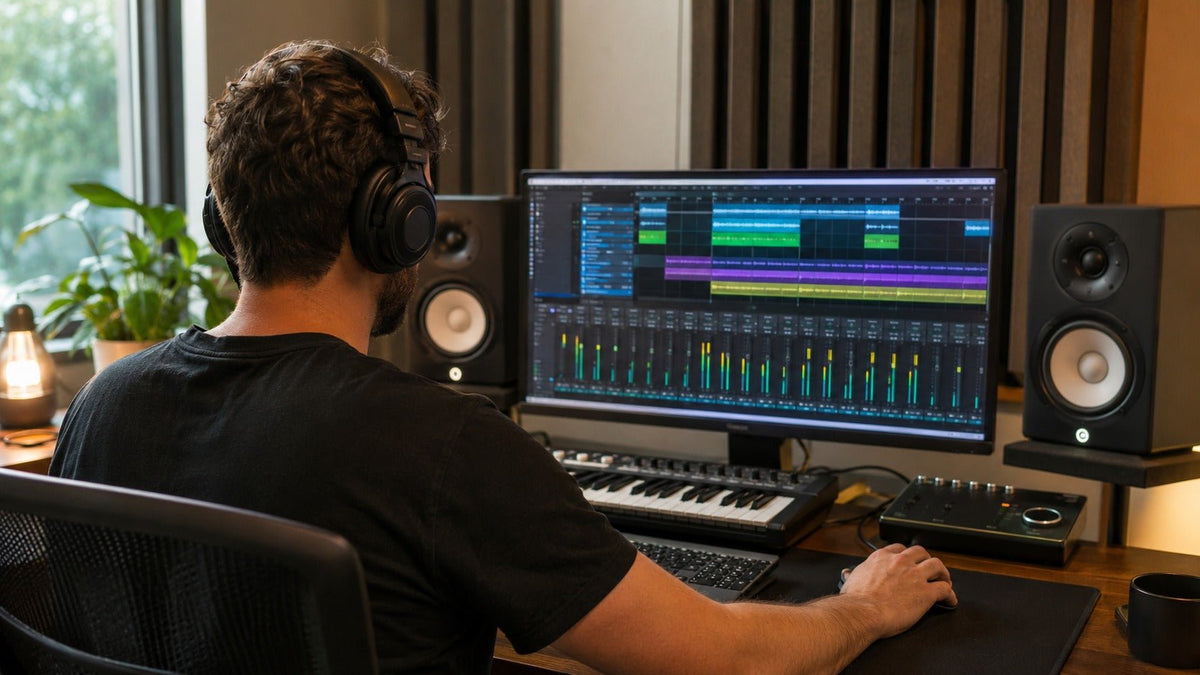
A wireless studio headset can serve very different jobs: listening back to a mix, monitoring your voice while recording, or talking with a collaborator. Choose the connection around that job. A Bluetooth listening mode and a dedicated wireless monitoring link can have different capabilities, even on the same headphones.
Quick answer: For live vocal or instrument monitoring, start with wired headphones or a dedicated wireless system with documented latency for its monitoring mode. Bluetooth can be useful for playback and reference listening. If you also need a microphone, verify its input path separately from the headphone connection.
What Does “Wireless Studio Headset” Mean?
In product listings, a headset usually includes a microphone, while studio headphones may provide listening only. Neither label guarantees recording quality, low latency, or a predictable frequency response. Check what the exact model sends to the computer and what it plays back to your ears.
Start with one question: do you need to hear a live performance as it happens, or listen to audio that is already recorded? That distinction determines how much monitoring delay matters. The broader studio headphone buying guide covers fit, isolation, and source requirements once you have chosen the connection path.
Match the Connection to Your Studio Task
| Task | Starting point | What to verify |
|---|---|---|
| Record vocals or instruments | Wired monitoring; consider dedicated wireless after checking its delay. | The full monitoring path, microphone bleed, and performer comfort. |
| Listen back or arrange recorded tracks | Bluetooth can be practical when immediate live feedback is unnecessary. | Stable playback and a familiar sound profile. |
| Play a software instrument live | A wired or documented low-latency wireless output. | Delay from the key press through the software to the headphones. |
| Talk with a remote collaborator | A headset with a supported microphone input. | Input selection, mute behavior, and playback quality while the mic is active. |
BandLab’s latency guidance recommends a wired setup for recording and distinguishes that task from listening or mixing, where delay is less noticeable. This is a useful starting point for ordinary Bluetooth headphones; it does not describe every dedicated wireless monitoring system.
Bluetooth and Dedicated Wireless Are Different Paths
Compare the connection mode you will actually use. A Bluetooth version, codec name, or “studio” label alone does not establish the delay of a complete recording setup. A low-latency claim also needs a named mode and supported source.
A Dedicated Monitoring Example
AIAIAI lists TMA-2 Studio Wireless with W+ Link latency below 10 ms, S11/X03 compatibility, and transmitter inputs through mini-jack line-in and USB-C. Those are manufacturer specifications for that system and mode, not a measurement of your microphone-to-headphone chain.
The similarly named older TMA-2 Studio Wireless+ has different specifications. Match the exact model and transmitter before borrowing a latency figure from a review or listing.
A Bluetooth Headphone with a Wired Option
The Audio-Technica ATH-M50xBT2 manual describes its low-latency mode for games and video. It also documents wired playback without battery power. In that wired mode, the headphone buttons do not operate and the included cable carries no microphone input.
That gives you two distinct workflows: wireless playback and wired headphone monitoring with a separate recording microphone. The manual does not establish a measured live-tracking latency for the Bluetooth mode.
Check the Whole Monitoring Chain
When you sing into a microphone and monitor through a computer, delay can come from the interface, software processing, and headphone connection. A wireless-link figure accounts for only the part described by its manufacturer.

Focusrite explains direct monitoring as routing an interface’s input straight to its headphone or line outputs with near-zero latency, while still sending the input to recording software. Adding a wireless transmitter after that output adds another stage whose delay must be checked.
- Try wired headphones from the interface first to establish a baseline.
- Choose either direct monitoring or the software monitoring path you need; avoid hearing both copies of the same input.
- Compare the wireless path using the same microphone, project, and monitoring settings.
- Sing or play against the backing track, then check for audible delay, dropouts, or an uncomfortable doubled voice.
- Keep the wired option available if the wireless path does not work for that performance.
Direct monitoring may bypass software effects you want to hear during performance. If you need those effects, test the software path with the actual project. When choosing the interface itself, compare the monitoring controls and connections in the audio interface buying guide.
Verify the Microphone Separately
A transmitter that sends playback to headphones does not automatically return a microphone signal to your recording software. Check whether the system supports microphone input in that mode, which device appears as the input, and whether mute affects the signal you are recording.
On the Mac setups described in Apple’s Bluetooth audio support guide, activating the Bluetooth headphones’ microphone switches the connection to a speaking-and-listening mode with reduced playback quality. Verify your exact computer and headset combination rather than assuming every wireless connection behaves the same way.
For a separate USB or interface microphone, select that device as the recording input and the intended headphones as output where your software supports it. Record a short sample and confirm the software captured the selected microphone.
Sound, Fit, and Battery Checks Before Buying
For tonal decisions, keep the EQ and listening mode consistent and compare familiar reference tracks. A sound profile you enjoy is not automatically a reliable monitoring reference; the studio vs. audiophile headphone guide explains that distinction.
- Microphone bleed: For vocal tracking, check whether headphone playback reaches the live microphone at your working level.
- Fit: Check cushion space, clamp, heat, and glasses contact during a realistic session.
- Battery: Use the runtime specified for the intended wireless mode; check the transmitter’s battery too.
- Fallback: Confirm what the wired connection supports, including playback without power and any microphone limitations.
- Connections: Match the transmitter input to your interface or computer. A charging connector does not by itself confirm USB audio.
Also Need a Headset for Work Calls?
If your separate requirement is client calls or remote collaboration, compare Wantek’s work-oriented wireless headsets by microphone, wearing style, and device connection. Check studio-monitoring requirements separately before using a call headset for recording.
Wireless Studio Headset FAQ
Can I record vocals while wearing Bluetooth headphones?
You can record a microphone while listening through Bluetooth, but live monitoring may be delayed. Start with wired monitoring, then evaluate any wireless alternative in the exact recording setup.
Can wireless headphones be used for mixing?
Yes, but judge them by consistent sound, the active listening mode, and how mixes translate elsewhere. Wireless connectivity alone does not establish monitoring accuracy.
Does direct monitoring remove wireless delay?
Direct monitoring bypasses the computer’s software monitoring path. A wireless transmitter connected afterward can still add delay between the interface output and your headphones.
Does a wireless studio headset include a recording microphone?
Check the exact model and connection mode. Some systems provide headphone playback only, while built-in call microphones or wired cables can have separate input limitations.

