
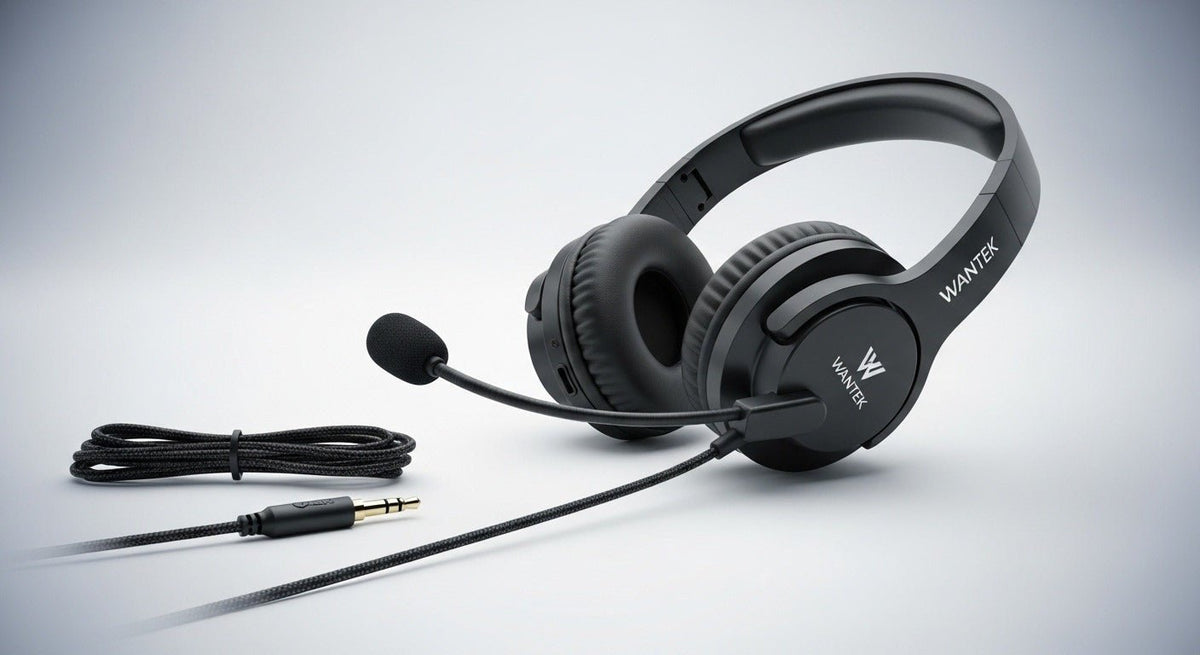
AUX cord headphones with a microphone usually use a 3.5 mm headset connection, but a plug fitting into the jack does not guarantee that the microphone or inline controls will work. The connector wiring and source device both matter.

Quick answer: identify whether the source needs stereo audio only or stereo plus microphone. Then check whether the device has a compatible 3.5 mm combo headset jack, separate headphone/mic jacks, or needs an adapter.
TRS vs. TRRS: count the contacts
| Connector | Common use | Main check |
|---|---|---|
| TRS | Stereo headphones or other analog audio paths. | Usually does not carry a headset microphone. |
| TRRS | Stereo headset plus microphone on compatible devices. | Jack wiring and device headset support. |
| Dual 3.5 mm | Separate headphone and microphone jacks on some desktop PCs. | May require a headset splitter. |
Physical fit does not guarantee microphone support
A 3.5 mm plug can fit physically while the microphone remains inactive. The device has to support the correct headset wiring, and older CTIA/OMTP differences can still matter on some equipment.
PCs, laptops, phones, and controllers differ
Laptops and phones
Many devices use a single combo headset jack when a 3.5 mm port is present. Others have removed the analog jack and require USB-C, Lightning, or another adapter path.
Desktop PCs
Some desktops separate headphone output and microphone input into two jacks. A one-plug headset may need a compatible splitter to use both functions.
Game controllers
Controllers can support compatible 3.5 mm headsets, but microphone and control behavior depends on the controller and platform. Check the console documentation rather than assuming every inline control works.
Inline controls are another compatibility layer
Volume, mute, and multifunction buttons may not behave the same way across all devices. A headset can pass audio and microphone signals while some inline controls do nothing. If call control matters, test the exact combination.
Cable quality and length matter
For desk use, the cable must reach comfortably without staying under tension. For mobile use, too much cable can be inconvenient. Strain relief around the plug, inline control, and ear cup is especially important because those points see repeated bending.
How to choose an AUX headset with mic
- Identify the source device and exact jack type.
- Confirm whether microphone input is required.
- Check TRS vs. TRRS and any splitter/adapter requirement.
- Choose the wearing style for comfort and isolation.
- Check cable length, strain relief, and inline controls.
- Test microphone and controls on the actual device.
For more detail on connectors and adapters, see Wantek’s 3.5 mm adapter guide.
Adapters Can Change the Compatibility Question
A USB-C or USB-A adapter that ends in 3.5 mm may contain its own audio electronics. The fact that the headset plug fits the adapter does not prove that microphone input, inline controls, or every device feature will work. Verify the complete adapter-and-device path.
Audio-Only Success Does Not Prove the Microphone Works
If you can hear sound but the microphone is missing, check whether the source expects a TRRS headset connection, separate headphone and mic jacks, or a different input device in software. On desktop PCs, a headset splitter may be needed when the computer exposes separate sockets.
Choose Cable Length Around the Desk or Controller
Too little cable creates tension at the plug; too much cable can snag on a chair or desk. Consider where the phone, laptop, controller, or PC tower sits before treating a longer cable as automatically better.
Frequently asked questions
Does every 3.5 mm headset include microphone support?
No. Stereo headphone plugs and headset plugs can use different contact layouts. Check the exact connector and source-device jack.
Why does audio work but the microphone does not?
The jack may support stereo output but not the required microphone wiring, or the PC may use separate headphone and mic inputs.
Do I need a splitter for a desktop PC?
Possibly. If the PC has separate headphone and microphone jacks, a compatible headset splitter may be needed for a single TRRS plug.
Compare 3.5 mm Headsets with Microphones
Use the connector and microphone checks above, then compare current 3.5 mm headset options by wearing style and work or gaming use.

