
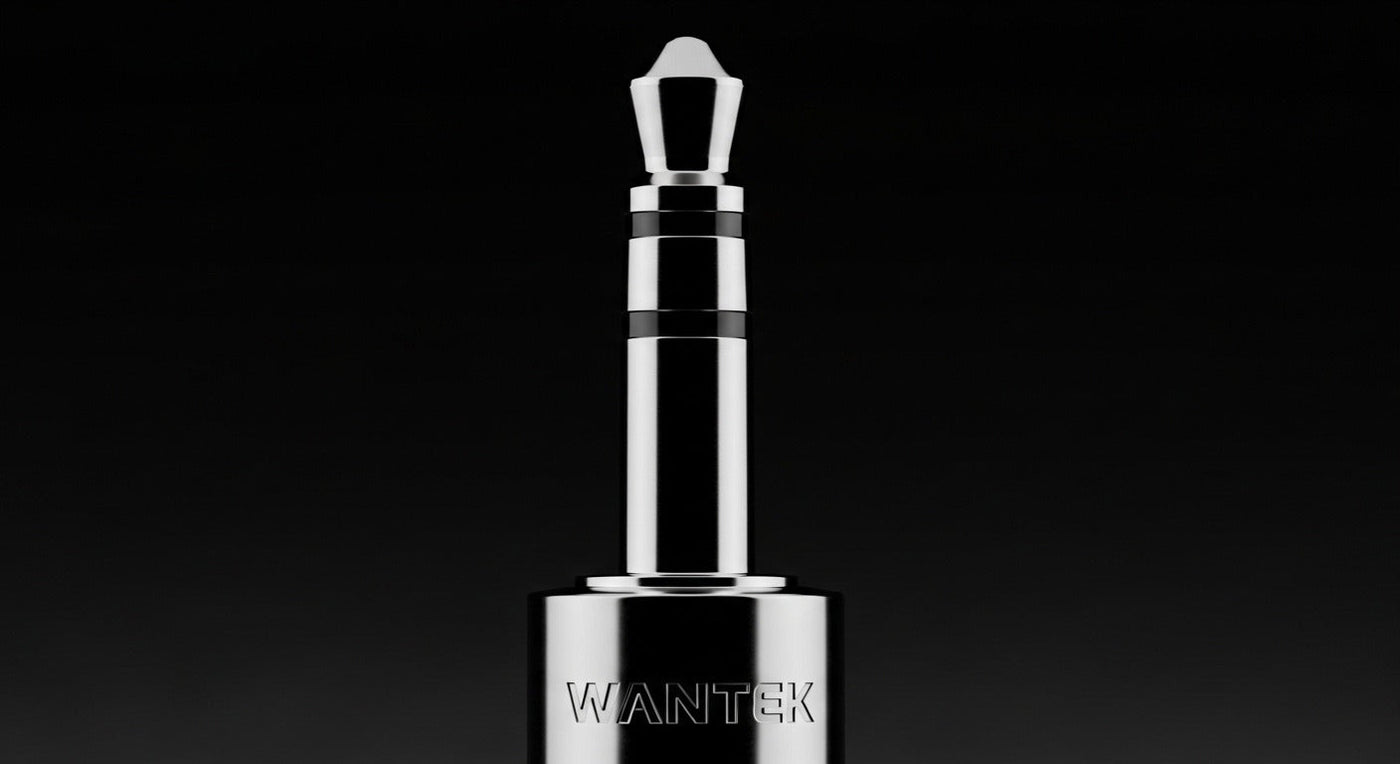
A 3.5 mm headphone connection can carry simple stereo listening, headset audio plus a microphone, or another analog signal depending on the plug contacts and the host device. When an adapter is involved, physical fit is only the first check. Start with the device, the function you need, and the connector on the headset before choosing a cable or dongle.
Quick answer: use a direct 3.5 mm connection when your device already provides a compatible analog jack. Use an adapter only when you know what must be converted or split. A plug fitting into a socket does not prove that stereo audio, microphone input, buttons, or charging will work.
Start with the job the adapter must do
| Situation | What you may need | Critical check |
|---|---|---|
| Headphones into a compatible 3.5 mm jack | No adapter if the plug and port already support the required audio. | Confirm whether the port is headphone-only or a headset combo jack. |
| TRRS headset into separate PC headphone and mic jacks | A headset splitter designed to separate one TRRS headset connection into the required headphone and microphone plugs. | Direction and wiring matter; a generic Y-cable is not automatically a headset splitter. |
| 3.5 mm headphones into USB-C | A compatible USB-C audio adapter, often with digital-to-analog conversion. | Verify the host device, audio support, microphone requirement, and adapter implementation. |
| 3.5 mm plug into a different analog jack size | A size adapter such as 3.5 mm to 6.35 mm when the signal layout is otherwise compatible. | Changing plug diameter does not add microphone support or change an incompatible wiring layout. |

TRS and TRRS determine what a 3.5 mm plug can carry
A common stereo headphone plug uses three conductive sections: tip, ring, and sleeve, usually shortened to TRS. A consumer headset plug often adds a second ring, creating a four-contact TRRS connection that can carry stereo audio plus a microphone when the host and wiring are compatible.
The important point is that 3.5 mm describes diameter, not function. Two plugs can both be 3.5 mm while carrying different signals. If you need to identify the contacts, microphone path, or older headset wiring differences, use Wantek's TRS vs. TRRS connector guide rather than guessing from the plug size.
When a headset splitter is the right adapter
Many desktop PCs and audio interfaces expose separate headphone-output and microphone-input jacks. A headset with one four-contact TRRS plug may therefore need a splitter that separates the headset signal into the connections expected by the computer.
Check the direction before buying. A cable designed to combine two outputs, share audio between listeners, or merge another signal is not automatically the same as a headset-to-PC splitter. The product description should explicitly match your source and headset arrangement.
USB-C to 3.5 mm is a different kind of conversion
USB-C is a multipurpose digital connector, while conventional 3.5 mm headphones use analog audio. On a modern host that outputs digital USB audio, conversion must happen somewhere before the analog headphones receive the signal. That is why a USB-C plug on an adapter is not enough information to establish compatibility.
If this is your exact problem, use the dedicated USB-C to 3.5 mm adapter guide. It separates basic listening, headset-microphone support, headphone output, simultaneous charging, and host-device compatibility instead of treating every dongle as equivalent.

What about 2.5 mm and 6.35 mm adapters?
A size adapter can be simple when both sides are compatible analog connections and you only need to change the physical plug diameter. The three common sizes you are likely to encounter are 2.5 mm, 3.5 mm, and 6.35 mm, but each size can appear with different contact layouts and purposes.
If your uncertainty is mainly about diameter rather than USB conversion, Wantek's headphone jack size guide compares 2.5 mm, 3.5 mm, and 6.35 mm separately from TRS/TRRS function.
How to choose the right 3.5 mm adapter in five steps
Identify the source device and exact port.
Start with the laptop, phone, controller, audio interface, desk phone, or other device that will carry the audio. Do not choose the adapter from the headset side alone.
List the functions you need.
Separate stereo playback, microphone input, inline buttons, mute, volume controls, charging, and other requirements. Playback working does not prove the microphone or controls will work.
Identify the headset plug.
Check whether it is 3.5 mm TRS, 3.5 mm TRRS, another analog size, or a different connector. Count contacts only after confirming the physical size.
Choose the correct conversion path.
Use a splitter for separate headphone and microphone ports, a size adapter for compatible analog sizes, or a compatible USB audio adapter when moving between USB and analog audio.
Verify the complete setup before standardizing it.
For work calls or team orders, test the actual headset, adapter, host device, and calling software together. One successful connection on a different computer or a similar adapter does not establish compatibility everywhere.
3.5 mm or USB for a work headset?
Neither connector is automatically better for sound or microphone quality. A 3.5 mm headset depends more on the host's analog audio path, while a digital USB headset can move conversion and controls into the headset or inline electronics. Wantek's USB vs. 3.5 mm headset guide compares those signal paths and compatibility tradeoffs in more detail.
Current Wantek 3.5 mm options
Wantek's current 3.5 mm collection includes single-ear and dual-ear work headsets, plus multi-connection models. The WK882 is a dual-ear wired headset currently listed with USB-C, USB-A, and 3.5 mm connection options. That can reduce the need for a separate adapter when the same headset must move between compatible devices, but the required microphone and control functions should still be verified on the actual device.
Compare 3.5 mm work headsets
Start with the device and port, then compare single-ear or dual-ear fit, microphone, controls, and any multi-connection requirement.
Frequently asked questions
Why does my 3.5 mm headset play audio but the microphone does not work?
The port may support headphones only, the headset wiring may not match, or the adapter may support playback without microphone input. Check the host specification, plug type, and adapter function separately.
Can any USB-C to 3.5 mm adapter carry a headset microphone?
No. Host and adapter support vary. Verify that the adapter explicitly supports the headset microphone and that the 3.5 mm plug wiring is compatible with the intended device.
Does a 3.5 mm to 6.35 mm adapter improve sound quality?
No improvement follows from the size change itself. A compatible size adapter changes the physical connection; sound still depends on the headphones, source, amplification, and the rest of the signal path.
Is a TRRS splitter the same as a headphone-sharing splitter?
No. A headset splitter is designed to separate or combine specific headphone and microphone paths. A sharing splitter may simply duplicate playback audio, so check the stated signal direction and purpose.


1 comment
Very informative