
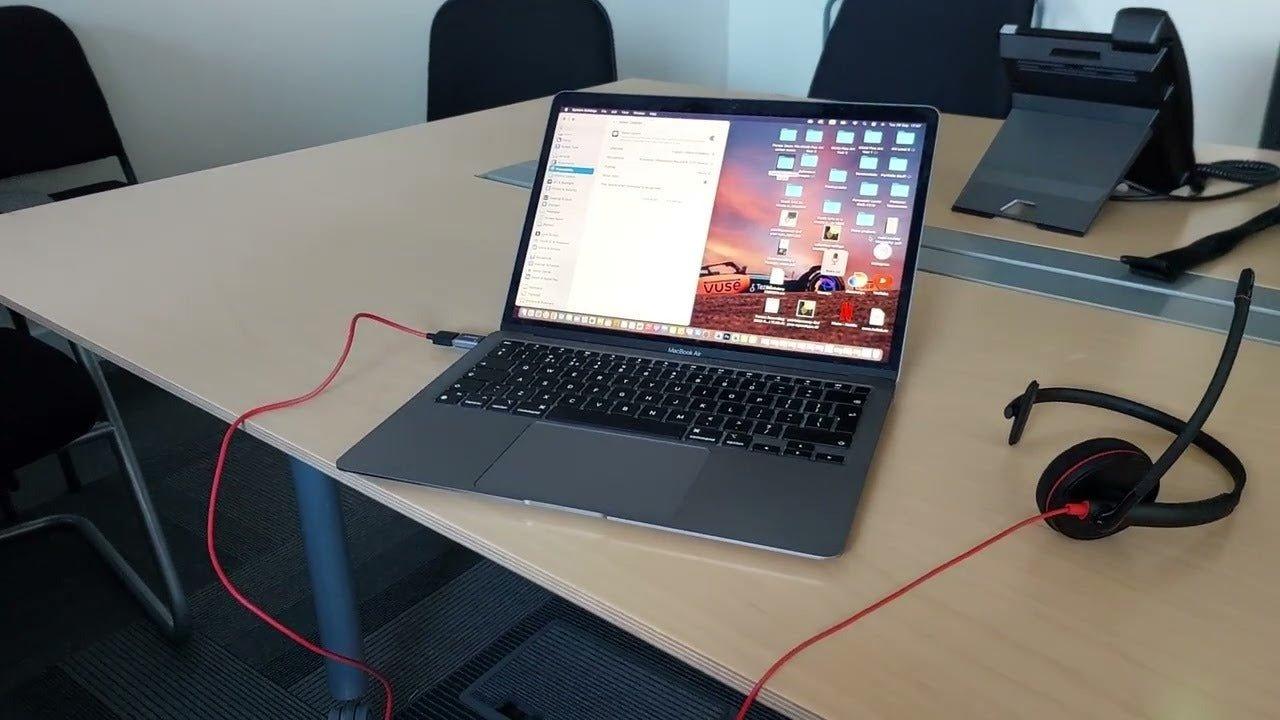
If you are searching for a Plantronics headset today, the current product family is presented under HP Poly. That makes the first buying step simple: identify whether you need Bluetooth, DECT, USB, or a contact-center headset before comparing individual models.
Quick answer: Treat “Plantronics headset” as a legacy brand search, then verify the current HP Poly model, connection type, supported call device, wearing style, controls, and software or desk-phone requirements.

Start With the Current HP Poly Categories
HP's current Poly headset catalog separates products into Bluetooth, DECT, USB, and contact-center families. It lists current Voyager, Savi, Blackwire, Mission, and EncorePro lines. Check the current HP Poly headset catalog before buying from an older Plantronics listing.
| Decision area | What to check | Why it matters |
|---|---|---|
| Bluetooth | Phone and computer mobility, exact multipoint and adapter support | Wireless freedom is useful only if the model supports your real call devices and workflow. |
| DECT | Base-station inputs, desk-phone or PC support, remote call control | DECT buying decisions are usually about the base and phone integration as much as the headset. |
| USB / contact center | USB-A or USB-C path, mono or stereo fit, deployment and controls | Wired models simplify charging but still need the correct connector and app or endpoint support. |
Match the Headset to the Call Device
A PC headset, desk-phone headset, and mobile Bluetooth headset may all look similar while using very different connection paths. Write down the exact phone, computer, or calling application before choosing the headset family.
For desk-phone deployments, use Wantek's desk-phone headset compatibility page to check the phone-side connection separately from the headset brand.
Separate Audio From Call Control
Hearing audio and sending microphone audio does not automatically prove that answer/end, mute synchronization, busy lights, or remote desk-phone pickup will work. Those functions can depend on the model, USB adapter, base station, phone, or application.
Be Careful With Older Plantronics Listings
- Confirm the exact model number and whether it is current or legacy.
- Check what base, dongle, cable, or adapter is included.
- Verify replacement parts and software support before buying used or old stock.
- Compare current warranty and return terms from the actual seller.
Frequently Asked Questions
Is Plantronics now Poly?
Current headset products are presented by HP under the Poly brand. Older Plantronics model names still appear in searches and resale listings, so verify the exact model before buying.
Should I choose Bluetooth or DECT for office calls?
Bluetooth is commonly used across phones and computers; DECT models use a dedicated base and can suit office or desk-phone workflows. The correct choice depends on the endpoint and required call controls.
Can any Poly headset work with any desk phone?
No. Desk-phone connection and remote call control are model-specific. Verify the phone model, headset system, base, and any required cable or lifter.
Compare Office Headsets by Connection
Use your phone, computer, and wearing preference to narrow wired and wireless office options.

