
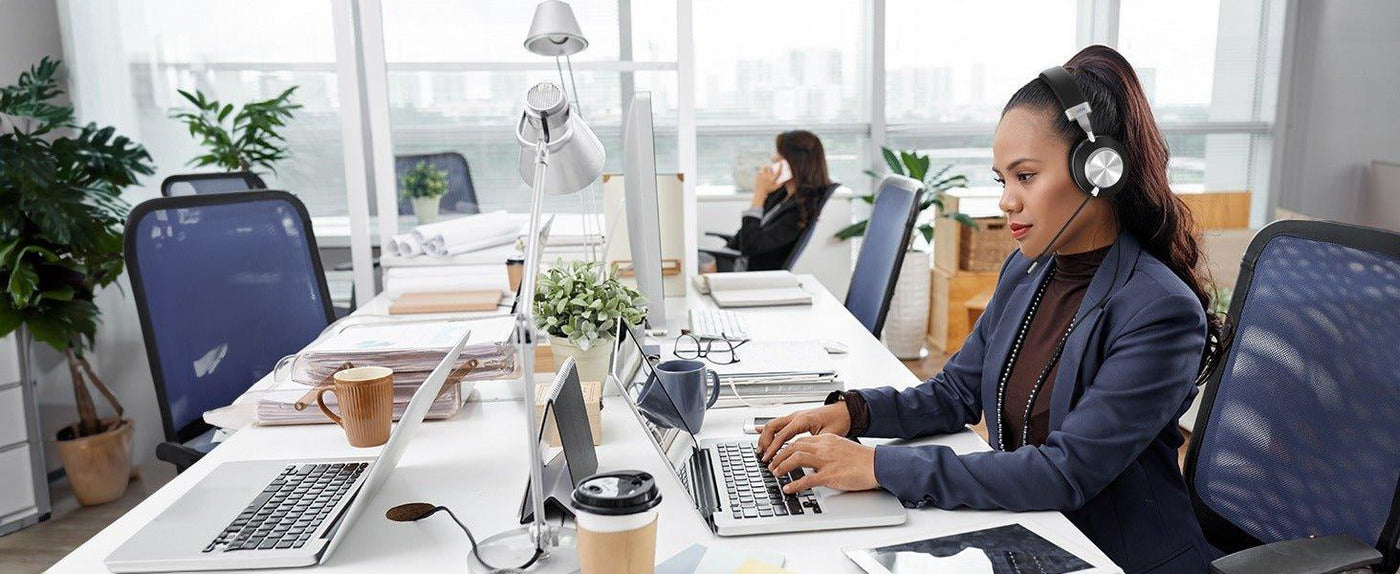
A DECT headset uses a wireless link to a compatible base station or dedicated DECT USB adapter. The base or adapter then connects to a PC, desk phone, or another supported call source. Unlike a Bluetooth headset, a DECT-only model does not pair through a computer's built-in Bluetooth.
Quick answer: Start with the device handling your calls. For PC-only calls, check whether a DECT USB adapter or USB-connected base is included. For a desk phone, verify the exact phone, base connections, and any required remote call-control accessory before buying.

How a DECT Headset Connects
The DECT radio link runs between the headset and its compatible base or DECT adapter. That device handles the connection to the computer or desk phone. This is different from a Bluetooth headset that pairs directly with a laptop or phone.
| Factor | DECT headset system | Direct Bluetooth headset |
|---|---|---|
| Wireless link | Headset to compatible DECT base or dedicated DECT USB adapter. | Headset pairs to supported Bluetooth device. |
| PC connection | Supported base USB connection or DECT USB adapter, depending on model. | Direct Bluetooth or USB receiver depending on model. |
| Desk phone | Compatible base may require a phone cable, EHS accessory, or handset lifter. | Only when the phone supports the required Bluetooth headset path. |
| Management | Base may handle charging and call routing; adapter-based models may charge separately. | Charging may use a cable or separate dock. |
PC Compatibility Depends on the Base or Adapter
If PC calls are the goal, confirm that the supplied base or USB DECT adapter works with your computer and appears as the intended microphone and speaker device. Check the actual calling application separately: USB audio working does not prove that headset answer/end buttons or mute status integrate with every softphone.
Charging Base vs. DECT USB Adapter
Not every DECT headset needs a desk-mounted radio base. The Jabra Engage 55 SE, for example, connects to a PC or Mac through its dedicated USB DECT adapter and does not offer direct Bluetooth smartphone connectivity. A charging stand is an optional configuration. By contrast, the Yealink WH62 uses a base with documented USB connections for PC and supported IP-phone workflows.
Choose the adapter-based path for a supported PC-only workflow, or a compatible multi-connection base when you need desk-phone integration. A DECT USB adapter should not be assumed to work in an arbitrary desk-phone USB port.
Desk-Phone Compatibility Is Model-Specific
A DECT base can connect to supported desk phones, but the phone cable, interface, EHS adapter, or handset lifter may vary. Record the complete phone model and verify audio and remote answer/end controls separately. Wantek's desk-phone compatibility checker helps identify a starting connection path; it does not establish compatibility for every third-party DECT system.
Do Not Buy by Maximum Range Alone
Published range figures depend on the exact product and test conditions. Walls, floors, building materials, other radios, and base or adapter placement can reduce usable range. Test the route users actually walk rather than treating an advertised maximum as an indoor guarantee.
Battery and Charging Must Fit the Shift
Compare the rated talk time and its test conditions with the longest expected call block, then include charging time. A base-mounted charging cradle can simplify desk use, but shared and multi-shift environments still need a charging and spare-unit plan.
Single-Ear or Dual-Ear?
Single-ear DECT headsets keep one ear uncovered for room awareness. Dual-ear versions provide call audio to both ears and more physical coverage. Choose the wearing style separately from the wireless technology.
DECT Buying Checklist
- PC, desk phone, or both
- Dedicated DECT USB adapter or compatible base station
- Base input/output connections and supported phone models
- EHS, handset lifter, or phone-cable requirements
- Number of connected sources and how calls switch between them
- Real-building range
- Talk time, charging workflow, and included accessories
- Single-ear or dual-ear fit
- Replacement battery, cushions, base, and cables where applicable
DECT Headset FAQ
Does a DECT headset pair directly with a PC?
Usually the headset connects to its own DECT base or USB adapter, which connects to the PC. It does not use the computer's built-in Bluetooth connection unless the exact headset also supports Bluetooth.
Is DECT the same as Bluetooth?
No. They are different wireless technologies and use different connection paths. Some headset systems support both technologies, but a DECT label alone does not establish Bluetooth pairing or smartphone compatibility.
Will a DECT headset work with any desk phone?
No. Verify the phone model, compatible base, required cabling, and remote call-control accessories. A phone's USB port does not guarantee support for a particular DECT adapter.

