
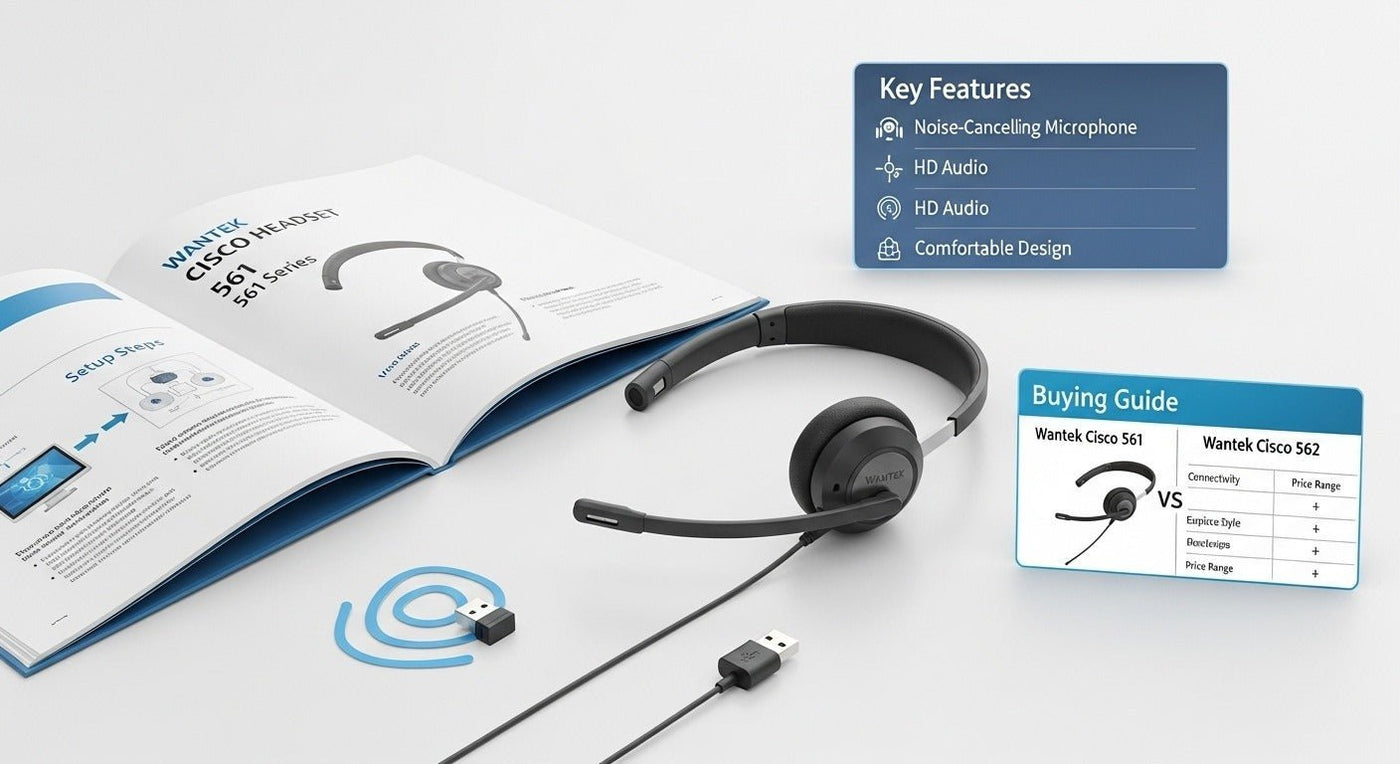
Cisco Headset 561 is the mono model in the Cisco 560 Series. It uses DECT and requires either the Standard Base or Multibase; the base connects the headset to phones or computers.

Current Cisco specifications
| Feature | Cisco 561 / 562 base specs |
|---|---|
| Wireless | DECT 6.0 or region-specific DECT. |
| Range | Up to 100 m / 333 ft under stated conditions. |
| Active battery | Up to 10 hours. |
| 561 weight | 74.5 g. |
Standard Base vs Multibase
The Standard Base supports one simultaneous connection and does not support Bluetooth. The Multibase supports three simultaneous connections and includes Bluetooth 4.2 plus HFP/A2DP.
See Cisco’s Headset 500 Series data sheet for current specifications.
Setup
Connect the correct base to the supported Cisco phone or computer, dock/pair the headset to the base, then test audio, microphone, mute, and call controls. Compatibility remains device-specific.
If you are comparing the Cisco 561 with other desk-phone systems, Wantek’s wireless office-phone headset guide explains DECT, Bluetooth, bases, EHS requirements, and model-level compatibility.
Cisco Headset 561 Uses DECT Through a Base
Cisco describes the Headset 561 as the single-ear model in the 560 Series. It requires either a Standard Base or a Multibase; the base connects to the calling device and communicates wirelessly with the headset.
Standard Base vs. Multibase
| Feature | Standard Base | Multibase |
|---|---|---|
| Wireless link to headset | DECT | DECT |
| Simultaneous source connections | One | Up to three |
| Bluetooth support | Not supported | Bluetooth is supported by the base. |
| Typical role | Simpler single-source desk setup | Multi-device desk setup |
See Cisco's Headset 500 Series data sheet and 560 Series user guide for the documented base behavior.
Range Depends on Configuration and Environment
Cisco's data sheet lists a maximum range up to 100 meters / 333 feet. The user guide also explains that the default range is about 45 meters / 145 feet and can be increased by an administrator, while walls, doors, interference, and other DECT sources can reduce usable range.
Battery Figures Need the Source Condition
Cisco's current data sheet lists up to 10 hours of active use for the 561/562 platform, while Cisco's product overview page lists 9 hours of talk time for the 561. Treat those as source-specific published figures rather than converting them into one guaranteed runtime.
Basic Setup Sequence
- Choose the Standard Base or Multibase for the intended device workflow.
- Connect the base to the supported phone or computer path.
- Power the base and confirm that the headset pairs with it.
- Select the headset or base as the audio device when the calling device requires it.
- Place a test call and verify speaker audio, microphone, mute, and call controls.
Bluetooth Is a Base Feature, Not a Headset Shortcut
The Standard Base does not support Bluetooth. The Multibase can add Bluetooth as one of its source paths. Do not describe the Cisco 561 itself as an ordinary direct-Bluetooth headset without reference to the base configuration.
Cisco Headset 561 FAQ
Is the Cisco 561 mono or stereo?
The 561 is the single-ear model. Cisco uses the 562 for the dual-ear version of the 560 Series.
Does the Cisco 561 require a base?
Yes. Cisco documents the 561 for use with either the Standard Base or Multibase.
Does the Standard Base support Bluetooth?
No. Cisco lists Bluetooth support on the Multibase, not the Standard Base.
Compare Wireless Office-Phone Headset Paths
If you are not tied to the Cisco 561 ecosystem, compare the phone model, base requirements, mobility, and call controls before choosing another wireless headset system.

