
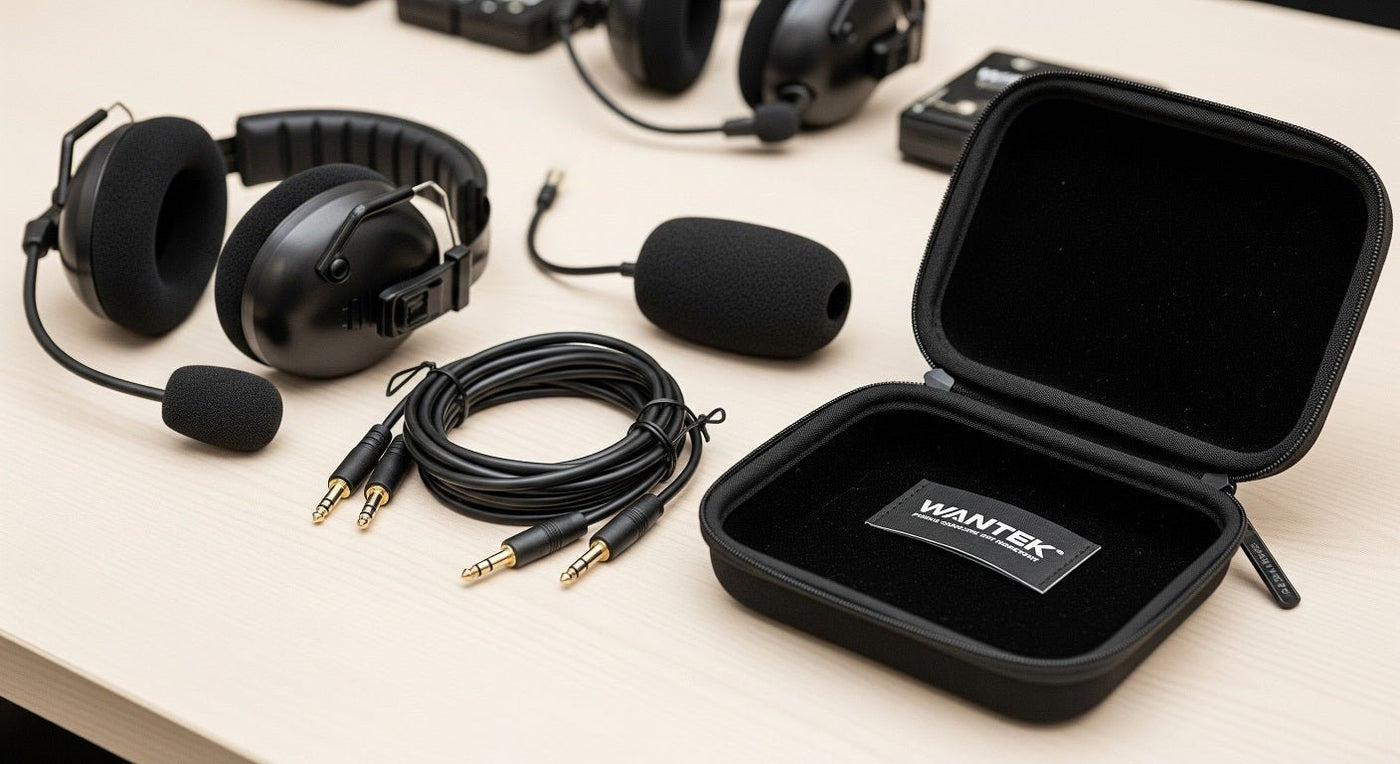
Buy dispatcher headset accessories for an identified headset-and-console combination. The connector, microphone interface, transmit controls, and workflow must all match. A plug that fits does not prove that audio, mute, or push-to-talk will work.
Record the full connection before buying parts
Write down the headset model and revision, lower cable or adapter part number, console or phone model, and software where applicable. Photograph the existing connections while following the center's equipment procedures. Use that record when requesting a replacement, rather than ordering by connector appearance.
| Accessory | What must match | Acceptance check |
|---|---|---|
| Lower cable or QD adapter | Headset and console interface | Receive and transmit audio |
| PTT switch | Console control requirements | Press, hold, release, and route behavior |
| Mute control | Intended audio path | Confirm who can still hear you |
| Cushions and covers | Exact headset and attachment | Fit, condition, and approved cleaning |
| Storage case or clip | Headset shape and intended function | No boom compression or cable strain |

Cables, quick disconnects, and adapters
Quick disconnect describes a function, not one universal connector standard. Match both ends of the approved cable. A passive adapter cannot be assumed to provide microphone amplification, USB conversion, or console signaling.
Keep a known-good replacement of the approved part where operational procedures allow. Label it with the equipment combination it was tested on. For desk-phone systems rather than a radio console, our phone-system headset guide separates audio compatibility from remote call control.
Mute is not the same as push-to-talk
Mute blocks a particular microphone path. Push-to-talk requests or controls transmission in a supported system. A button with one behavior cannot be substituted for the other without verifying the console requirements.
Run an approved test that identifies the selected channel, confirms incoming audio, checks outgoing speech, and verifies the release behavior. If the headset also serves a telephone path, test that separately. Do not assume a single mute button affects every connected application or channel.
For a documented desk-phone example, the Poly Edge E guide for PVOS 8.2.1 separates headset and EHS configuration. It does not establish compatibility with a dispatcher radio console.
Comfort parts and hygiene
Order cushions, voice tubes, and microphone covers using model-specific part numbers. Not every boom or microphone module is user-replaceable. A replacement cover should fit without blocking openings or changing the manufacturer's intended microphone position.
Use the equipment maker's cleaning instructions and the organization's shared-equipment policy. There is no universal replacement interval for every material and shift pattern. Inspect for damage, hardening, looseness, and contamination, and document replacement when needed.
Storage and a spare-parts plan
Select a case that protects the boom without forcing it into a tight bend. Use clothing clips only for the function described for that accessory; a cable-retaining clip should not be assumed to hold the microphone boom.
Build spare stock from actual failure and replacement records. Track part number, tested system, issue date, and condition. This is more useful than claiming one cable is universally the most common failure or that a kit can guarantee zero downtime.
Frequently asked questions
Are dispatcher accessories universal?
No. Treat electrical adapters, quick disconnects, microphone parts, and controls as model-specific until the manufacturers document the exact combination.
What should a replacement-kit request include?
Include headset and console models, cable part numbers, required controls, quantities, and the approved test procedure. Add consumables only after confirming their exact fit.

