
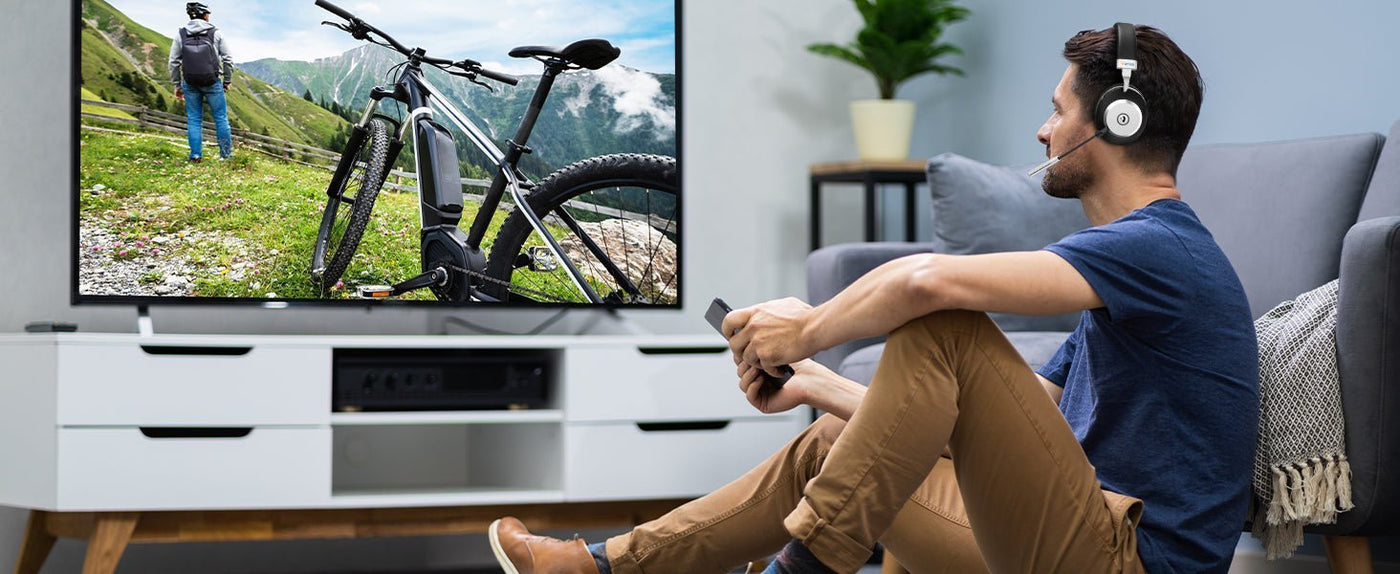
The best wireless headsets for TV depend first on how your television outputs audio. Choose a dedicated transmitter system when the headset will stay beside one TV, or use compatible Bluetooth headphones when you also want them for a phone or computer. Match the TV output, check lip sync, and decide whether another viewer needs speakers or a second headset.
Quick answer: Start with Sennheiser RS 175 for a dedicated optical/3.5 mm RF system, Wantek TV996WK for a TV headset with a transmitter charging base, or your existing Bluetooth headphones if the TV supports audio pairing. For speech-focused controls and a different wearing style, consider Sennheiser RS 5200. These are choices for different setups, not a tested performance ranking.

Wireless TV Headphone Connection Paths
| TV audio path | Best starting point | What to verify |
|---|---|---|
| Optical or 3.5 mm output | Dedicated RF TV system such as Sennheiser RS 175 | TV output format, transmitter input, volume behavior, latency, charging base and simultaneous speaker output. |
| Built-in Bluetooth | Bluetooth headphones supported by the TV | Bluetooth audio support, codec/latency behavior, volume control, dual-audio support and reconnection. |
| No Bluetooth but audio output exists | External Bluetooth transmitter | Optical/3.5 mm compatibility, codec support on both transmitter and headphones, power and lip sync. |
| Accessibility / shared viewing | TV-specific wireless system or supported dual-output setup | Independent volume, hearing profiles, TV-speaker coexistence and other listener requirements. |

Which Wireless Headsets Fit Your TV Setup?
The choices below cover a dedicated RF system, a Wantek TV system, reusable Bluetooth headphones, and a speech-focused receiver. The recommendations follow documented connections and controls; they do not establish a winner for sound quality or comfort. This guide is published by Wantek and includes a Wantek product.
Sennheiser RS 175: for a dedicated optical or 3.5 mm setup
Consider the RS 175 if you want an over-ear headset with its own transmitter and charging dock. Sennheiser documents optical and 3.5 mm analog inputs, bass boost, virtual surround modes, and support for up to two compatible receivers. A second receiver is a separate purchase.
The optical input accepts PCM/stereo rather than encoded surround formats. The manufacturer lists 18 hours of operating time and an 8.5-hour full charging cycle after initial charging, so compare the charging routine as well as runtime. See the RS 175 specifications and connection FAQ. It is a dedicated TV system; do not expect ordinary phone Bluetooth pairing.
Wantek TV996WK: for a headset that charges beside the TV
The Wantek TV996WK headset and transmitter base offers a TV-focused charging routine. Wantek lists up to 40 hours of battery life, approximately two hours to charge, and a package containing optical, 3.5 mm AUX, and RCA audio cables.
Wantek also publishes a wireless-latency specification below 40 ms. That is a manufacturer claim, not our end-to-end measurement of your TV. Match the television's outputs and audio settings to the base before ordering; the included USB charging cable alone does not establish USB TV-audio support.
Existing Bluetooth headphones: for reuse across devices
If you already own comfortable Bluetooth headphones, try them before buying another pair. The TV must support Bluetooth headphone audio, and reconnection, volume controls, and lip sync still need checking. Sony's TV Bluetooth compatibility guidance explains the A2DP requirement and notes that operation is not guaranteed with every Bluetooth audio device.
If the TV lacks direct Bluetooth audio, a compatible transmitter may let you keep the headphones. Check the TV headphone connection guide for the direct-pairing and transmitter paths.
Sennheiser RS 195: a tested option with an end-of-life warning
RTINGS still lists the Sennheiser RS 195 RF as its top tested TV headphone in its September 14, 2026 update. However, Sennheiser's U.S. RS 195-U page marks the model as End of Life and no longer available for purchase on its website.
If you find remaining retailer stock, confirm the exact model, warranty, included transmitter and accessories, and return terms. The RS 195 can still be relevant as a tested reference, but it is not the default current-buy recommendation in this guide.
Bluetooth Is Convenient, but Latency Varies
Bluetooth is attractive because the same headphones can move between a TV, phone, tablet and computer. The trade-off is that end-to-end delay depends on the TV, codec, headphone, processing and app. A newer Bluetooth version by itself does not guarantee perfect lip sync.
If speech and mouth movement are visibly out of sync, check the TV’s A/V-sync controls and the manufacturer’s instructions for your connection. A delay control may help audio that arrives too early; adding more audio delay will not fix audio that is already late. Test the actual program source, including any console or streaming box.
Do Not Buy From a “30-Foot vs. 100-Foot” Rule
Wireless range is affected by walls, interference, transmitter power, antenna design and radio technology. Bluetooth and RF products publish different ranges under different conditions, so a universal “Bluetooth = 30 feet, RF = 100 feet” rule is too simplistic.
For ordinary living-room use, stable connection and low latency matter more than maximum open-field distance.
Check the TV’s Actual Audio Outputs
Before buying anything, inspect the TV specifications or rear-panel ports. Common possibilities include optical TOSLINK, 3.5 mm headphone/line output, HDMI ARC/eARC, Bluetooth, or only digital audio routed through an external receiver or soundbar.
If the TV is sending Dolby Digital or another encoded format over optical, a stereo transmitter may require the output to be changed to PCM. For example, Sennheiser specifies PCM/stereo for the RS 175 optical input. Follow the transmitter manufacturer’s format instructions. HDMI ARC/eARC requires a transmitter or audio extractor explicitly designed for that output; an ordinary HDMI cable does not make an optical base ARC-compatible.
Can TV Speakers and Headphones Play at the Same Time?
This depends on the TV and connection. Some TVs disable internal speakers when Bluetooth headphones connect. Others provide multi-output or accessibility settings, while an external transmitter may allow the TV speaker path to remain active.
If one viewer needs headphones and another uses the TV speakers, verify simultaneous output before purchasing. Samsung documents Multi-output Audio and Multi Connect on supported TVs, but the available features depend on the model. Two-headphone output is also different from headset multipoint, which concerns connections to multiple source devices.
Bluetooth Transmitters Need Codec Compatibility on Both Ends
An external transmitter can add Bluetooth to an older TV, but low-latency behavior requires compatible support in both transmitter and headphone. Marketing a transmitter with one codec does not help if the headphone negotiates a different codec.
Do not buy a transmitter only because it says Bluetooth 5.x. Check the supported codecs, inputs, output format, pairing behavior and whether the headset microphone is irrelevant for a playback-only TV connection.
TV Headphones for Hearing Support
Dedicated TV systems can be useful when a viewer wants independent volume or speech controls. The Sennheiser RS 5200 provides a Speech Clarity feature, separate left/right volume adjustment, and a stethoscope-style receiver with interchangeable ear adapters. It connects through optical or analog TV audio and has a listed 12-hour operating time. Consider it when those controls and wearing style suit you better than full-size earcups.
If hearing assistance is the main goal, prioritize intelligibility, independent volume, comfort and the ability to coexist with TV speakers over music-oriented features such as LDAC or app EQ.
What About Gaming on the TV?
For console gaming, use the console’s supported headset path first. A Bluetooth link from the TV may add latency and may not route the console microphone back to party chat. USB dongles, controller 3.5 mm connections and platform-specific wireless links are often better for two-way gaming audio.
For example, PlayStation documents the PULSE Elite connection through its PlayStation Link USB adapter. A headset receiving TV sound is not automatically the console’s microphone input.
TV Headphone Setup Checklist
For a full movie, compare ear-cushion pressure, heat, headband fit, and whether glasses affect comfort. A charging base can make storage convenient, but check the actual charging time. Battery figures from different manufacturers do not establish identical performance under the same listening conditions.
- Identify the TV’s audio output: Bluetooth, optical, 3.5 mm, HDMI/eARC or receiver output.
- Decide whether low latency, portability or accessibility is the priority.
- Check whether TV speakers must stay active for another viewer.
- Verify stereo PCM or other required output format for a transmitter.
- Test dialogue lip sync before the return window closes.
- Check comfort for a full movie, not only a five-minute demo.
Frequently Asked Questions
What are the best wireless headsets for TV?
Start with the setup: RS 175 for a dedicated RF system, TV996WK for a transmitter charging base, or compatible Bluetooth headphones for device reuse. RS 5200 adds speech-focused controls. Verify TV outputs, lip sync, and fit before deciding.
Can any Bluetooth headphones connect to a smart TV?
No. The TV must support Bluetooth audio, and compatibility, volume control and latency vary. Some TVs support Bluetooth accessories only in specific modes or regions.
Are RF TV headphones better than Bluetooth?
Not universally. Dedicated RF systems can provide lower, more predictable latency and a charging transmitter, while Bluetooth is more portable and reusable across devices.
Can I use wireless TV headphones for console chat?
TV playback may work, but the microphone often will not route back to the console. Use the console’s supported headset connection when two-way game chat matters.
Check Wantek’s TV Headset Setup
Compare the TV996WK transmitter base, included cables, and charging specifications with your television’s audio outputs before buying.

