
If you want private TV audio without guessing about lip-sync, start with the connection path—not the headphone logo. Dedicated wireless TV headphone systems pair the listening device with a transmitter or base, while direct Bluetooth depends on what your exact TV can send. The right choice comes down to your TV outputs, acceptable delay, wearing style, battery routine, and whether more than one person needs to listen.
Quick answer: Compare Wantek TV996WK, Sony WH-RF400, Sennheiser RS 5200, Avantree HT5009 Plus, and Avantree Opera Aura as five different TV-first approaches. They are not presented as a lab-tested ranking. Each solves a different setup problem, so verify your television's audio output before buying.
Five wireless TV headphones with transmitters to compare
This shortlist favors products with current manufacturer documentation for TV use and a clearly defined transmitter or base-station workflow. It avoids treating a general-purpose Bluetooth headset—or a soundbar—as automatically equivalent to a dedicated TV headphone system.
| System | TV audio path | Useful when |
|---|---|---|
| Wantek TV996WK | Transmitter/charging stand; package lists Optical, 3.5 mm AUX, and RCA cables; Bluetooth 5.4 | You want a conventional over-ear TV system with several included connection cables and a charging stand. |
| Sony WH-RF400 | Dedicated RF transmitter dock | You want a simple TV-focused RF system with up to 150 ft of listed range and up to 20 hours of play time. |
| Sennheiser RS 5200 | 2.4–2.48 GHz transmitter; optical and analog TV connections | You prefer a lightweight stethoscope-style receiver, speech-focused controls, or support for additional compatible receivers. |
| Avantree HT5009 Plus | Optical/TOSLINK or 3.5 mm AUX transmitter; aptX Adaptive path | You want an over-ear set with a charging dock, a listed 50-hour battery specification, and support for up to two compatible receivers. |
| Avantree Opera Aura | LE Audio Auracast transmitter with HDMI ARC, Optical, or AUX input | You need HDMI ARC input or want to expand TV audio to multiple compatible Auracast receivers. |

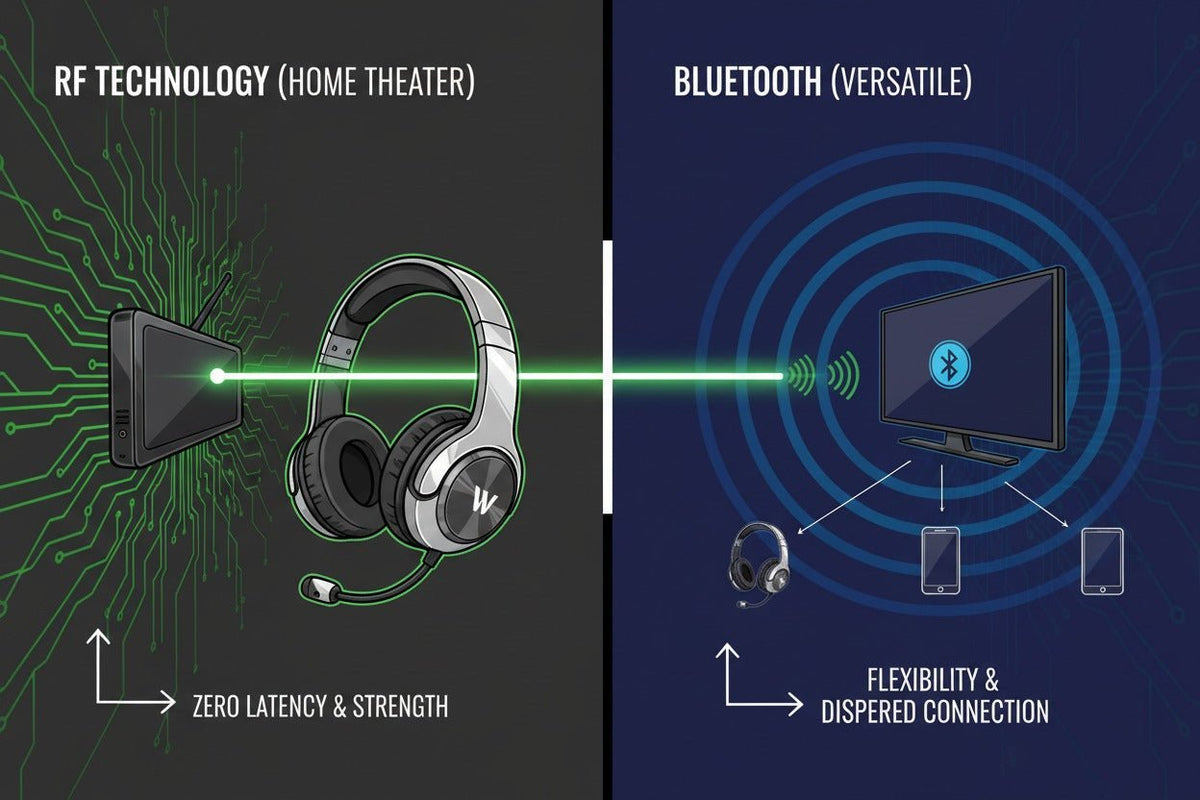
Legacy image note: The existing graphic uses “zero latency” as shorthand for RF. That is not a universal specification. Treat the image as a high-level RF-versus-Bluetooth illustration; actual delay depends on the specific system and signal path.
RF, Bluetooth transmitters, and Auracast are different TV audio paths
Dedicated RF systems use their own transmitter and receiver rather than the TV's built-in Bluetooth radio. That gives the manufacturer more control over the wireless link, but range and delay still belong to the exact product—not to RF as a universal guarantee.
Bluetooth transmitter systems add a Bluetooth audio path to a TV output such as optical or 3.5 mm audio. End-to-end delay depends on the television, transmitter, codec or wireless mode, and headphones. A newer Bluetooth version by itself does not prove a particular latency.
Auracast systems use Bluetooth LE Audio broadcast capabilities. Their main advantage for TV is expansion: one transmitter can broadcast to multiple compatible Auracast receivers. Compatibility matters because ordinary Bluetooth headphones cannot automatically join an Auracast broadcast.
If you are still deciding whether to pair directly, add a transmitter, or use a dedicated base, Wantek's guide to connecting Bluetooth headphones to a TV walks through those three connection paths before you buy hardware.
1. Wantek TV996WK: a TV-first over-ear system with multiple cable options
Wantek's current TV996WK product page lists Bluetooth 5.4, a 40-hour battery-life specification, an approximately two-hour charge time, and a transmitter that also serves as a charging stand. The package lists Optical, 3.5 mm AUX, and RCA audio cables, which covers several common TV audio-output types.
Wantek also publishes a wireless-latency specification of less than 40 ms. Treat that number as a manufacturer specification rather than an independent lab result. The useful buying question is whether your television exposes one of the supported audio outputs and can be configured for that path.
Consider it when: you want an over-ear headset that lives beside one TV, charges on its base, and includes several common audio cables. Check the current product page for availability because stock status can change.
2. Sony WH-RF400: a straightforward dedicated RF option
Sony positions the WH-RF400 as a wireless home-theater headphone system built around its transmitter dock rather than Bluetooth. Sony lists up to 150 ft of wireless range and up to 20 hours of play time. The headphones use an over-ear design and 1.57-inch drivers.
The main attraction is simplicity: this is a TV-focused RF product rather than a general-purpose Bluetooth headset that must negotiate a wireless audio path with the television. Walls and obstacles can still reduce usable range, so the 150-ft figure should be read as a maximum specification, not a promise for every room layout.
Consider it when: you want a conventional over-ear RF system and do not need phone pairing. See Sony's WH-RF400 product specifications for the current model details.
3. Sennheiser RS 5200: lightweight TV listening with speech-focused controls
The RS 5200 takes a different approach from full-size headphones. Its receiver is a lightweight stethoscope-style design, while the transmitter doubles as a charging dock. Sennheiser lists a 2.4–2.48 GHz carrier frequency, up to 70 meters of range, up to 12 hours of operating time, and support for as many as four compatible receivers.
The included connection accessories cover optical digital audio, a 3.5 mm TV output, and RCA through an adapter. Sennheiser also provides speech-clarity functions and separate left/right volume adjustment, which can be more relevant to TV dialogue than features such as travel ANC.
Consider it when: you prefer a lighter receiver around the ears and neck, want dialogue-oriented controls, or may add another compatible receiver later. See Sennheiser's RS 5200 specifications for connection and receiver details.
4. Avantree HT5009 Plus: optical/AUX transmitter with a long battery specification
The HT5009 Plus combines over-ear headphones with a transmitter and charging dock. Avantree's detailed specification table lists optical/TOSLINK and 3.5 mm AUX inputs, aptX Adaptive for the transmitter/headphone set, less than 68 ms of listed audio latency, a 30-ft operating range, and support for up to two compatible receivers.
Avantree's detailed specification and comparison sections list up to 50 hours of play time. The same product page also contains a higher 60-hour marketing bullet, so 50 hours is the more conservative figure to use when planning around the published documentation.
Consider it when: your TV has optical or analog audio out, you want a docked over-ear system, or you may add a second compatible receiver. HDMI-only televisions need an additional extractor. See Avantree's HT5009 Plus specifications for the current input and receiver limits.
5. Avantree Opera Aura: HDMI ARC and Auracast for expandable listening
Opera Aura is built around LE Audio Auracast instead of a traditional single-headset Bluetooth pairing workflow. Avantree lists HDMI ARC, Optical/TOSLINK, and 3.5 mm AUX as TV inputs, about 50 ms of latency, up to 35 hours of headphone play time, and up to 50 meters of range.
Its distinguishing feature is multi-listener expansion: the transmitter can broadcast to multiple compatible Auracast receivers. That does not mean any Bluetooth headphone can join. Additional listening devices must support compatible Auracast reception.
Consider it when: HDMI ARC is the easiest output on your TV, you want an Auracast-based system, or you plan to add compatible listeners. See Avantree's Opera Aura specifications for current connection and Auracast requirements.
Why the Sennheiser RS 195 is no longer in this active shortlist: Sennheiser's U.S. product page marks the RS 195-U as End of Life and says it is no longer available for purchase on its website. It can still appear in retailer inventories and older recommendation lists, but that is different from a current manufacturer-sold model. See Sennheiser's RS 195-U status page.
How to choose wireless TV headphones without guessing
Identify the TV's real audio outputs
Look for Bluetooth audio support, Optical/TOSLINK, 3.5 mm audio out, RCA out, or HDMI ARC. A Bluetooth remote does not prove that the television can transmit Bluetooth headphone audio.
Choose the signal path before the headphone
If lip-sync is a priority, compare the manufacturer's documented TV system and latency path. Do not infer delay from “Bluetooth 5.4,” “RF,” or another technology label alone.
Decide whether one or multiple listeners need audio
Some systems support additional receivers, while others are designed for one included headset. Headphone multipoint is not the same thing as a TV sending the same program to two headphones.
Pick the wearing style you can use for a full show or movie
Full-size over-ear headphones feel very different from a stethoscope-style TV receiver. Weight, pad pressure, heat, glasses, and where the controls sit can matter more after two hours than they do during a five-minute demo.
Check the charging routine and TV settings
A dock is convenient for a headset that stays beside one television. For optical systems, verify the required digital-audio format in the exact product instructions before changing TV settings.
What matters most for lip-sync?
The complete audio path matters more than the wireless marketing label. A television may process audio before sending it out; a transmitter may add encoding; the receiver may add decoding or DSP. That is why “RF equals zero delay” and “Bluetooth 5.4 equals low delay” are both too broad to use as buying rules.
When a manufacturer publishes an end-to-end or system latency figure, use that figure for the exact configuration it describes. If no latency is published, treat synchronization as something to verify with your own TV rather than something you can infer from version numbers.
Frequently Asked Questions
Are RF TV headphones always zero latency?
No. Dedicated RF systems are often designed for synchronized TV listening, but “RF” is not a universal zero-latency specification. Check the exact manufacturer's documentation for the system you are considering.
Does Bluetooth 5.4 guarantee perfect TV lip-sync?
No. End-to-end delay depends on the TV, audio processing, wireless mode or codec, transmitter, and headphones. The Bluetooth core version alone does not guarantee a specific latency.
Can I use wireless TV headphones if my TV does not have Bluetooth?
Yes, if the TV has an audio output that matches a dedicated transmitter or external Bluetooth transmitter. Common possibilities include Optical/TOSLINK, 3.5 mm audio out, and RCA.
Can two people listen to the same TV with wireless headphones?
Only when the exact TV system supports additional receivers or simultaneous listeners. Confirm the receiver limit for the transmitter; do not assume headphone multipoint provides two-person TV listening.
What if my TV mainly uses HDMI ARC?
Choose a TV-headphone system with HDMI ARC input, such as an appropriately configured Auracast system, or use a compatible audio extractor. Verify soundbar passthrough requirements separately if both devices must play.
Legacy comparison graphic: The existing image below is retained from the previous article version. It shows the former model mix, including the RS 195 and Bose TV Speaker. Use the updated comparison and manufacturer documentation above for current purchase decisions.

Want to compare Wantek's TV-specific setup?
The TV996WK page lists a transmitter/charging stand, Bluetooth 5.4, a 40-hour battery specification, and included Optical, 3.5 mm AUX, and RCA audio cables. Match those connections to your TV before ordering.

