
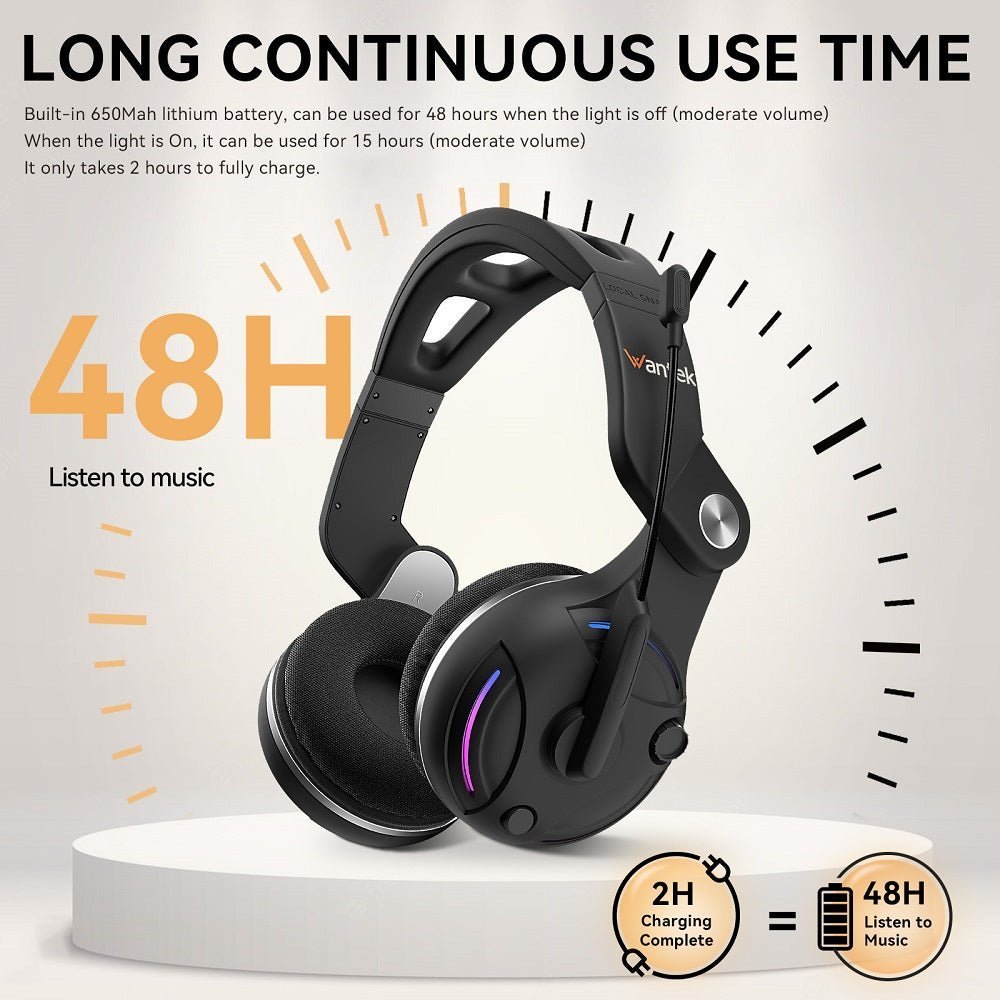
Wireless TV headphones can make dialogue easier to hear without forcing the entire room to use the same volume. For many seniors, the most useful system is the one that is easy to put on, easy to charge and reconnects automatically to the television.
Start at the TV, not the headphones. Identify the TV’s audio outputs and whether it can play through speakers and headphones at the same time. Then choose a system with simple controls, comfortable fit and a charging routine the user can repeat without troubleshooting.

| Priority | Why it matters | Check |
|---|---|---|
| Simple connection | Reduces repeated pairing problems | Dedicated base or auto-reconnect behavior |
| Independent volume | Lets the viewer choose a comfortable level | Headphone controls and TV simultaneous-output support |
| Charging | Daily usability depends on it | Docking cradle vs cable charging |
| Dialogue clarity | Can improve intelligibility | EQ/dialogue modes and comfortable seal |
| Low delay | Keeps speech synchronized with lips | Dedicated RF or well-matched low-latency path |
Dedicated TV Systems vs. Bluetooth
A dedicated TV listening system often uses a transmitter or charging base permanently connected to the television. That can be simpler than navigating a Bluetooth menu every time. Bluetooth is useful when the TV supports it reliably and the user is comfortable with device menus. If the television already supports Bluetooth audio, the TV Bluetooth setup guide covers native pairing and when a transmitter is actually needed.
Check Simultaneous Speakers
Some households want the TV speakers active for one viewer while another person uses headphones. This is a TV setting, not a feature the headphones can force. Confirm whether the exact television supports simultaneous outputs.
Comfort and Controls
Large, easy-to-find volume buttons can be more important than touch gestures. Over-ear, on-ear and under-chin TV receivers distribute weight differently, so the best style depends on glasses, hearing aids, neck movement and preferred seating position.
Hearing Aids Change the Fit Question
Over-ear headphones may fit around some hearing aids, while others can cause pressure or feedback. Do not assume one design works with every hearing-aid style. If hearing difficulty is significant, a hearing-care professional can help match the listening solution to the user's needs.
Keep Setup Written Down
For a shared household, label the transmitter input, keep the charging location consistent and write down the TV audio-output setting. That prevents accidental changes from turning into a difficult troubleshooting session.
Frequently Asked Questions
Are Bluetooth headphones good for seniors watching TV?
They can be, but a dedicated base system may be easier when automatic reconnection and charging simplicity are priorities.
Can TV speakers stay on while headphones are used?
Some TVs support simultaneous outputs and others do not. Check the exact TV model.
Are over-ear headphones compatible with hearing aids?
Sometimes. Comfort and feedback depend on the hearing-aid style and headphone fit.
What if the sound is delayed?
Use the TV's lip-sync settings if available and compare a lower-latency or dedicated TV audio system.

