
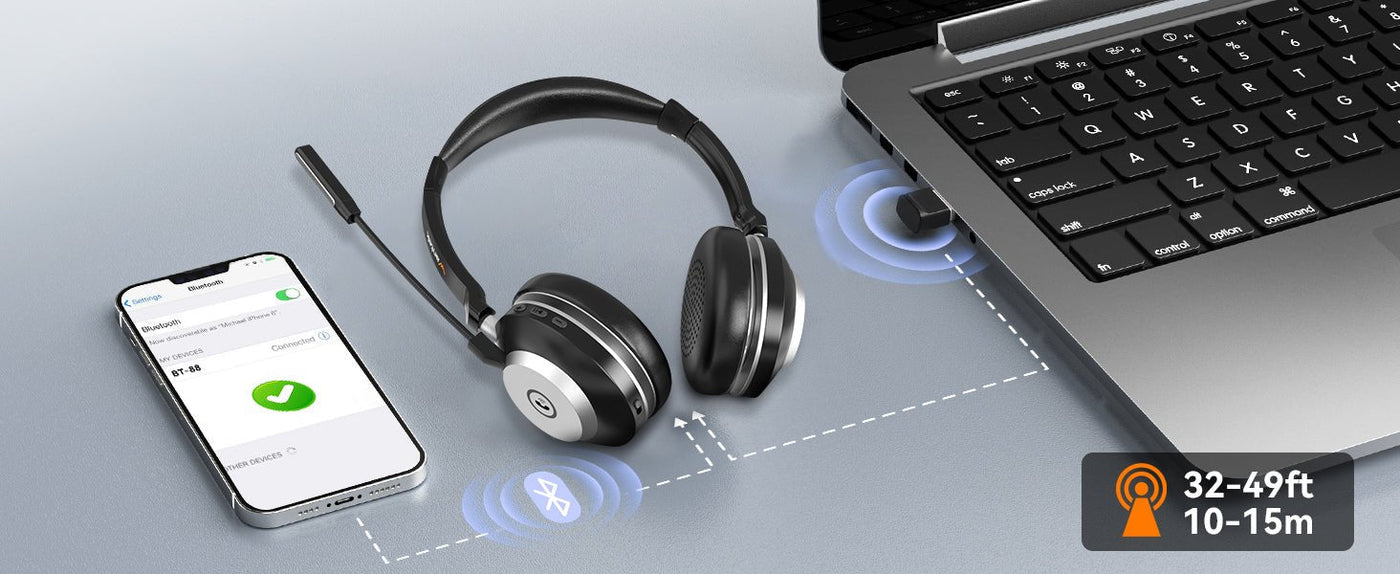
A Bluetooth TV transmitter acts as an audio bridge: the TV sends audio to the transmitter through a supported output, and the transmitter sends that audio to your Bluetooth headphones. The headphones pair with the transmitter—not with the television itself. If the television already supports Bluetooth audio, the TV Bluetooth setup guide covers native pairing before you add a transmitter.
Most setup failures happen before Bluetooth pairing. First confirm which TV audio output you are using—optical, 3.5 mm, RCA or another supported path—and set the TV to a format the transmitter can accept. Then pair the headphones.

| TV output | Transmitter requirement | Common issue |
|---|---|---|
| Optical/TOSLINK | Optical input and supported digital format | TV sends Dolby or another format the transmitter cannot decode |
| 3.5 mm headphone out | Analog 3.5 mm input | TV speaker behavior or headphone volume changes |
| RCA line out | Analog RCA input or adapter | Using an RCA input instead of an output |
| USB | Only if transmitter specifically accepts USB audio | Assuming any USB port sends TV audio |
Step 1: Identify the TV Audio Output
Look at the TV manual or labeled ports. Optical output is common on larger TVs; some models also have a 3.5 mm headphone jack or RCA line output. USB ports frequently provide power or media access rather than generic audio output, so do not assume USB will work.

Step 2: Connect the Transmitter
Use the input type the transmitter is designed to accept. If you use optical, remove protective caps from the cable and verify that the TV's digital output format matches the transmitter's supported formats.

Step 3: Put the Headphones and Transmitter in Pairing Mode
Clear old pairings if either device immediately reconnects to something else. Keep the headphones close to the transmitter for the first pairing and wait for the transmitter's connected indicator before troubleshooting the TV.

Step 4: Select the TV Audio Output
Some TVs switch automatically when a headphone jack is used; others require a Sound or Audio Output menu change. Optical outputs may remain active alongside the speakers, depending on the TV.

Fix Lip-Sync Delay
Bluetooth audio adds encoding, buffering and decoding delay. Low-latency performance requires compatible support across the transmitter and headphones. If delay remains distracting, compare the Bluetooth path with a dedicated TV listening system or wired output.

Frequently Asked Questions
Can any Bluetooth headphones work with a TV transmitter?
Usually if they support a compatible Bluetooth audio profile, but pairing, codec and microphone behavior depend on the transmitter.
Why is there no sound through an optical transmitter?
Check the TV's selected output and digital audio format. The transmitter must be able to decode the format the TV sends.
Can I use the TV speakers and Bluetooth headphones at the same time?
Some TVs allow simultaneous outputs and others do not. Check the TV's audio settings and manual.
Does a USB Bluetooth adapter for a PC work on a TV?
Not necessarily. A generic computer adapter may require drivers and may not operate as a standalone TV audio transmitter.

