
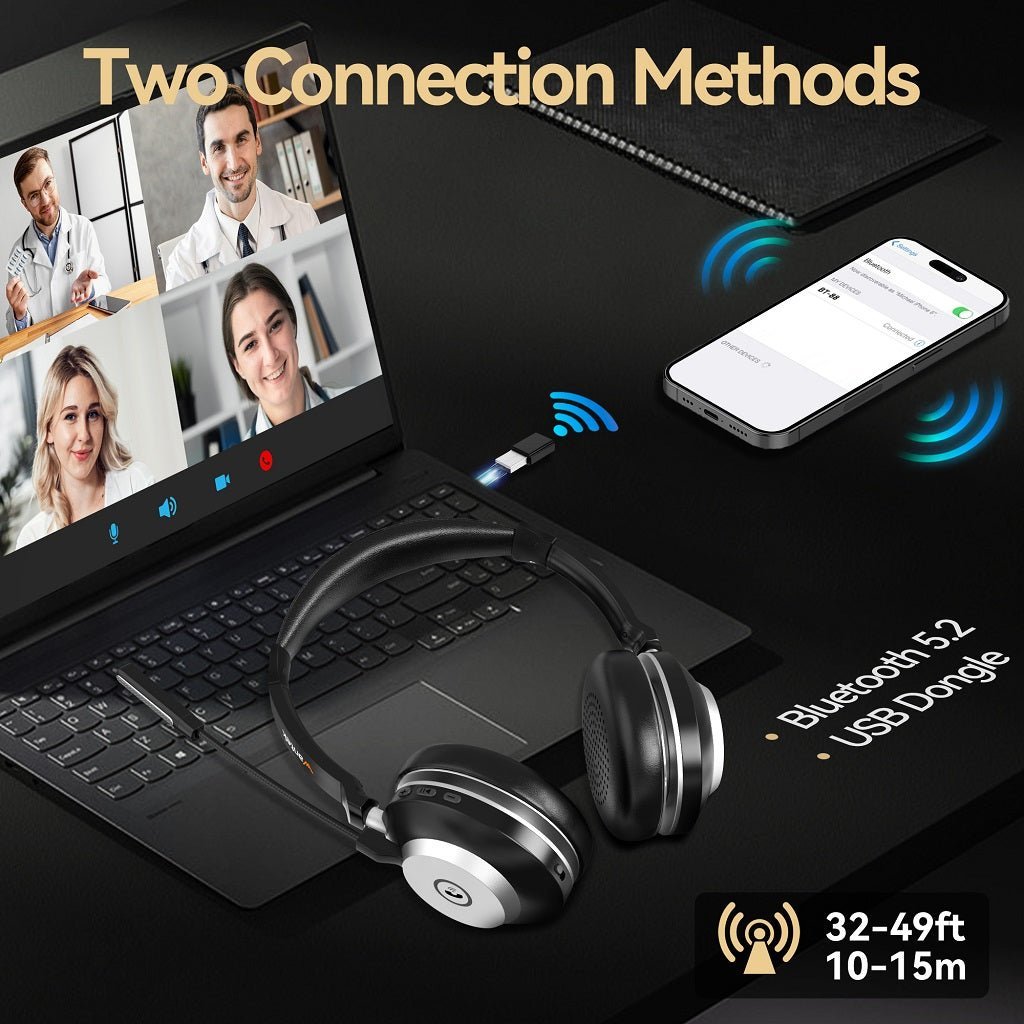
To use Bluetooth headphones with a TV, first check whether the TV itself supports Bluetooth audio. If it does, pair in the TV's sound/accessory settings. If it does not, use a transmitter connected to a supported audio output.
Two paths: native TV Bluetooth is simplest; an external transmitter adds Bluetooth to optical, 3.5 mm, RCA or another supported output. Latency, volume control and TV-speaker behavior vary by model.

Method 1: Native TV Bluetooth
Open the TV's audio or accessories menu, put the headphones into pairing mode and select them from available devices. Sony’s current TV support guidance, for example, confirms that compatible Google TV and Android TV models require A2DP support for Bluetooth audio devices.
Method 2: External Bluetooth Transmitter
If the TV lacks Bluetooth audio, connect a transmitter to an available output. Optical is digital, while 3.5 mm/RCA are analog; the transmitter must match the output and any required TV audio-format setting.
| Path | Advantage | Watch for |
|---|---|---|
| Native Bluetooth | No extra box | TV support, latency, speaker muting |
| Optical transmitter | Works with many TVs lacking Bluetooth | PCM/format setting and volume control |
| 3.5 mm transmitter | Simple analog connection | Headphone jack may mute TV speakers |
Fix Lip-Sync Delay
Bluetooth latency depends on the TV/transmitter, codec, headphones and processing. Disable unnecessary TV audio processing, use a compatible low-latency path where supported, and adjust AV sync if the TV provides it.
Keep TV Speakers On for Shared Viewing
Some TVs can output to headphones and speakers simultaneously; others cannot. Check the TV manual. An optical transmitter may preserve speaker output on some systems more easily than the headphone jack.
Frequently Asked Questions
How do I know if my TV has Bluetooth audio?
Check the TV audio/accessories menu and model manual; Bluetooth remote support alone does not prove headphone audio support.
Can I add Bluetooth to any TV?
Many TVs with a usable audio output can use an external transmitter, but connector and audio-format compatibility must match.
Why is Bluetooth TV audio delayed?
Encoding, buffering and TV processing add latency. The complete chain determines lip sync.
Can two Bluetooth headphones connect to one TV?
Only if the TV or transmitter explicitly supports two simultaneous headphone connections.

