
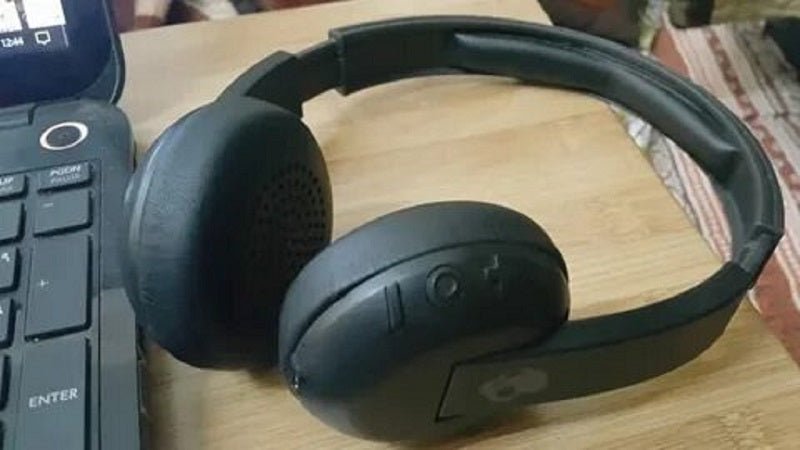
Skullcandy pairing steps vary by model, so the reliable method is: put the exact headphones or earbuds into pairing mode, open Bluetooth on the source device and select the model name. For true-wireless earbuds, case-button and reset sequences are especially model-specific.
Do not use one universal button sequence for every Skullcandy product. Use Skullcandy’s model-specific product guides for your exact model if the normal discovery step fails.

Basic Pairing Flow
Charge the headphones
Low battery can make troubleshooting confusing.
Enter model-specific pairing mode
Use the power/button or case sequence documented for your model.
Open Bluetooth settings
Select the Skullcandy model when it appears.
Confirm audio output
Make sure the phone/computer routes media to the headphones.
If the Headphones Do Not Appear
- Disconnect or disable Bluetooth on the previously connected phone.
- Remove the saved pairing entry and retry.
- Return the product to pairing mode rather than ordinary powered-on mode.
- Use Skullcandy's exact model reset instructions only if needed.
True-Wireless Earbuds Need Both Buds Synced
If one earbud works and the other does not, the issue may be earbud-to-earbud synchronization rather than phone pairing. Use the model support instructions instead of repeatedly pairing only one bud.
Frequently Asked Questions
Why won't my Skullcandy headphones enter pairing mode?
They may be reconnecting to a saved device or using a model-specific button sequence. Disconnect old devices and check the exact support instructions.
What PIN should I use?
Most modern Bluetooth headphones do not require manual PIN entry; if your model does, use its manual rather than guessing.
Why does only one Skullcandy earbud work?
The earbuds may have lost synchronization or one may not be charged. Follow the model-specific reset/resync procedure.
Do I need the Skullcandy app to pair?
Basic Bluetooth pairing is generally handled by the operating system; app features vary by model.


1 comment
Normally love skull candy ear buds my last 2 pair crap one pair sound cracking on left bud store never returned said I did it and this and last pair doesn’t charge over it