
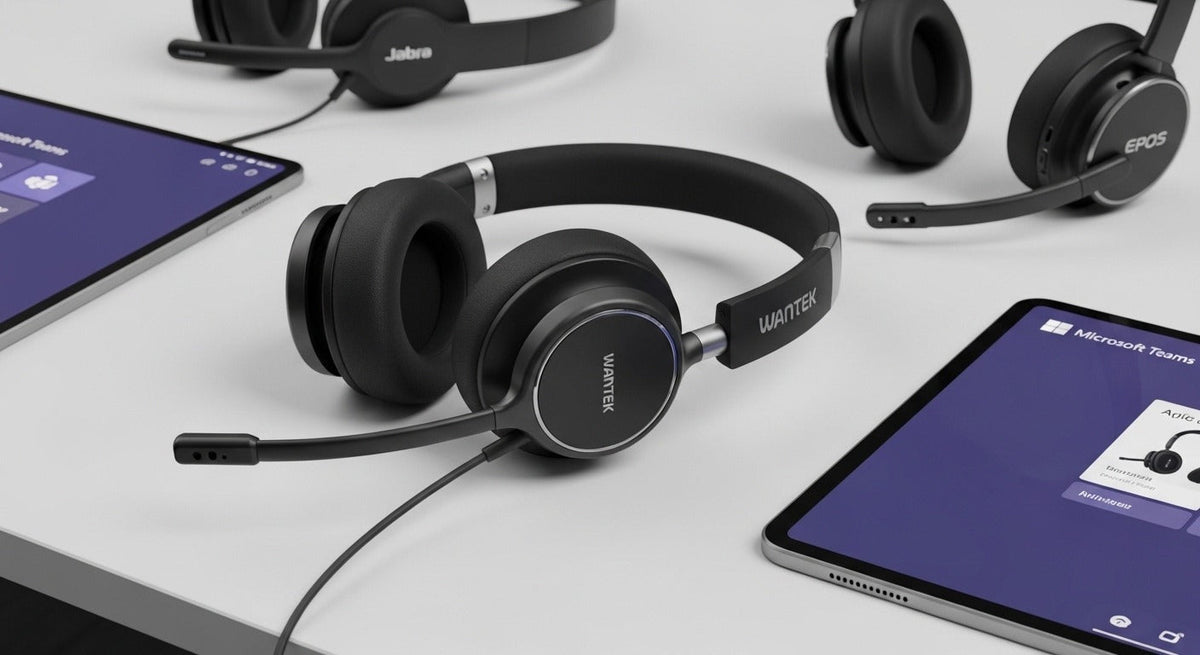
“Certified for Microsoft Teams” is a specific device program, not a generic synonym for “works with Teams.” Microsoft tests certified peripherals for plug-and-play use and Teams call controls.


Check the current Microsoft list
Microsoft’s certified personal peripherals list is updated over time. It includes USB-certified and native-Bluetooth-certified devices and records qualification dates.
USB dongles are still common
Microsoft notes that most Bluetooth headsets certified for Teams are designed to use a USB dongle with PCs and Macs. Native Bluetooth certification is a separate category.
Certification is not the only buying criterion
Also compare mono/stereo fit, boom mic, battery, multipoint, replaceable parts, fleet management, and user comfort.
If Teams certification is not your only requirement, Wantek’s business-call headset guide covers microphone format, wired vs. wireless connection, mute controls, comfort, battery, and broader platform compatibility.
“Works with Teams” Is Not the Same as “Certified for Microsoft Teams”
A headset can pass audio and microphone signals in Teams without holding Microsoft certification. Certification is a separate program tied to specific devices and supported connection modes. If certification is a procurement requirement, verify the exact model in Microsoft's current list rather than relying on a retailer badge.
Microsoft Certifies More Than One Connection Path
| Path | What Microsoft documents | What to verify |
|---|---|---|
| USB peripheral | Certified devices can use a cable or USB dongle and provide Teams call-control features. | Exact certified model, dongle or wired variant, firmware, and host device. |
| Native Bluetooth | Microsoft has a separate certification path for direct Bluetooth peripherals. | Certified device, supported Windows environment, Bluetooth radio, and Teams desktop version. |
| Uncertified audio device | May still provide basic audio and microphone functions. | Do not assume Teams button, mute sync, or certification-specific behavior. |
Microsoft's personal peripherals documentation explains the certified experience, while its Native Bluetooth certification page covers direct Bluetooth requirements and limitations.
Call Controls Matter More Than the Logo Alone
Certified devices can support features such as Teams call control and mute synchronization, but the exact behavior still depends on the certified device and connection mode. For a managed fleet, test the real meeting workflow rather than assuming every unit with similar branding behaves identically.
Check the Exact SKU and Connection
Some headset families have multiple UC, Teams, USB-A, USB-C, dongle, or regional variants. Record the complete model and connection path before purchase. Certification for one variant should not be transferred to another without confirmation.
Comfort, Microphone, and Deployment Still Need Separate Evaluation
Certification does not decide whether a headset fits a user, lasts through the required call block, or handles the acoustic environment well enough for your team. Check wearing style, microphone position, battery or cable workflow, replacement parts, and support separately.
Microsoft Teams Headset FAQ
Does every headset that works in Teams count as certified?
No. Basic audio compatibility and Microsoft Teams certification are different claims. Check the exact model in Microsoft's current certified-device list.
Can Teams certify direct Bluetooth headsets?
Yes. Microsoft documents a Native Bluetooth certification path with specific Windows, Bluetooth, and Teams requirements.
Does certification guarantee comfort?
No. Certification addresses the platform experience. Fit, clamp, cushion pressure, battery workflow, and microphone suitability still need separate evaluation.
Compare Office Headsets After Defining the Certification Requirement
If formal Teams certification is mandatory, verify it independently for the exact model. Then compare current office headset options by connection and wearing style.

