
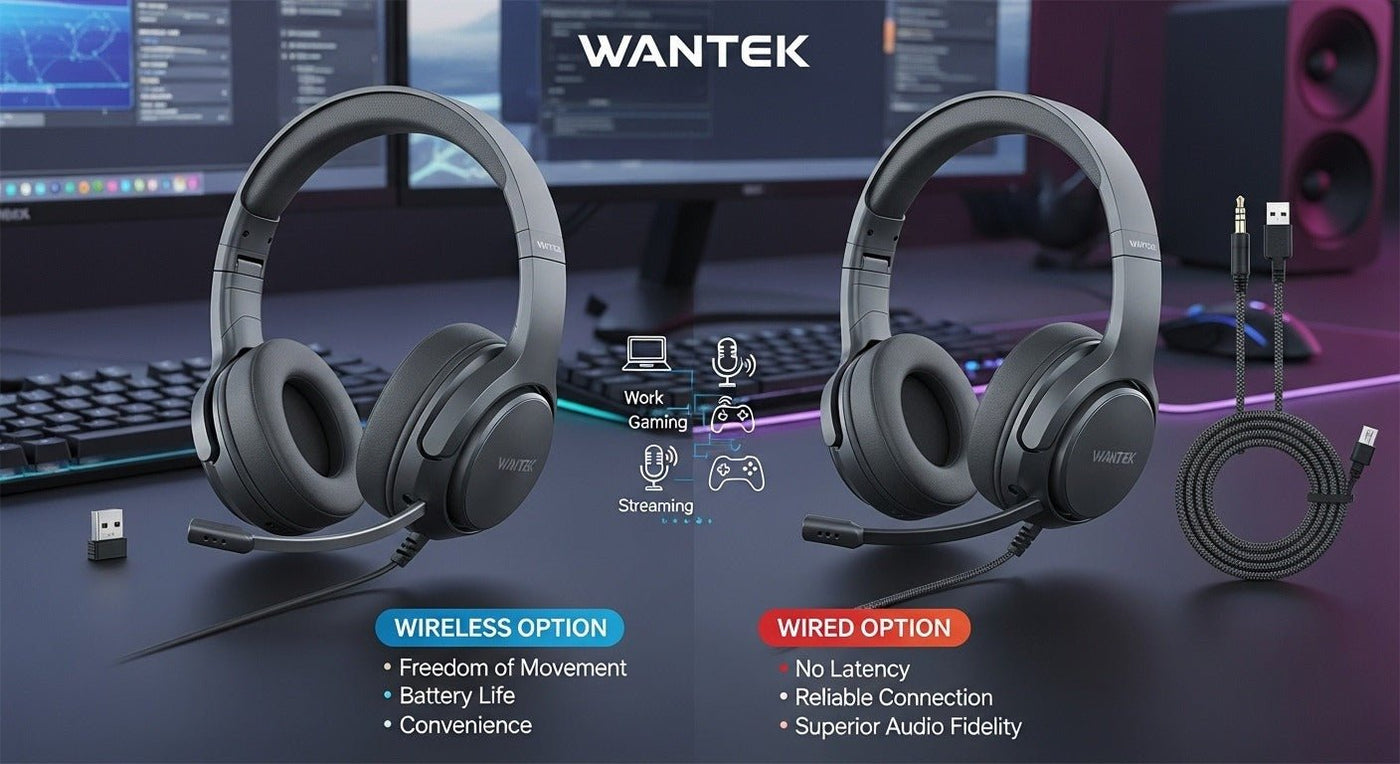
The best headset-and-microphone setup depends on the job. Work calls need predictable voice pickup and controls, gaming adds platform compatibility and chat, and streaming may benefit from a separate microphone when consistent voice quality and flexible positioning matter more than an all-in-one design.

Quick answer: choose a headset with a boom microphone for simple work or gaming setups. Consider separate headphones and a dedicated microphone when streaming, recording, or production requires independent control of the listening and microphone components.
Match the microphone setup to the task
| Task | Practical setup | Priority |
|---|---|---|
| Work calls | USB, 3.5 mm, or wireless headset with boom mic. | Speech clarity, mute, comfort, platform support. |
| Gaming | Gaming headset or headphones plus compatible mic. | Console/PC support, chat, controls, comfort. |
| Streaming | Headphones plus dedicated USB/XLR mic, or a quality headset for simpler setups. | Mic position, room noise, monitoring, routing. |
| Recording | Task-specific microphone plus monitoring headphones. | Source, interface, monitoring path, room. |
Headset mic vs. separate microphone
Headset microphone
A boom microphone stays attached to the headset, so mouth-to-mic distance remains relatively consistent when you move your head. It is convenient for meetings, customer calls, multiplayer chat, and users who want one device to manage.
Separate microphone
A desk, arm-mounted, or stand-mounted microphone gives you more freedom to choose the microphone independently from the headphones. The tradeoff is a more complex setup: placement, gain, room noise, desk vibration, interface or USB connection, and monitoring all need attention.
For work, controls and comfort come first
In a call-heavy day, physical mute, volume, answer/end behavior, and wearing comfort can matter more than music-oriented specifications. A boom microphone that stays in a predictable position is often useful in shared offices and remote-work environments.
Compare work-focused headset options
Wantek’s office headset collection groups wired and wireless models for computer, phone, and work-call setups.
For gaming, start with the platform
A gaming headset can have the right microphone and still be the wrong purchase if its connection is not supported by the console or PC. Check whether the headset uses 3.5 mm, USB, a proprietary wireless receiver, or another platform-specific path. Microphone support should be verified separately from game audio.
For streaming, room and microphone position matter
A dedicated microphone can give a streamer more control over distance, angle, gain, and accessories, but it also captures the room according to its design and placement. Keyboard noise, desk vibration, fan noise, and room reflections can become part of the signal if the setup is not managed carefully.
A headset microphone is simpler and can keep the mic close to the mouth, which may be preferable when convenience matters more than separating every component.
Wired vs. wireless
Wired headsets remove charging and pairing but keep you physically connected to the source. Wireless headsets add mobility, but battery, radio behavior, device switching, and platform compatibility become part of the workflow. Neither connection automatically gives you a better microphone.
What to check before buying
- The exact computer, console, phone, or interface carrying the audio.
- Whether you need one device or separate headphone and microphone components.
- Microphone placement and mute access.
- Background-noise conditions.
- Comfort for the longest session.
- Wired vs. wireless movement requirements.
- Monitoring, sidetone, or routing needs where relevant.
One Headset Can Cover Several Tasks, but the Priorities Change
A boom-mic headset can be enough for meetings, gaming chat, and casual streaming, but each task values different things. Work calls emphasize speech consistency and mute controls. Gaming adds platform support and latency. Streaming can justify a separate microphone when you need more control over placement, gain, or room pickup.
Monitoring Matters for Recording and Streaming
If you record or stream your voice, check how you will monitor yourself. Direct monitoring from an audio interface or microphone can reduce the delay that occurs when audio is routed through software. A gaming headset does not automatically provide zero-latency microphone monitoring.
Separate Microphone: When It Is Worth the Extra Hardware
A separate desk or boom-arm microphone can be useful when the microphone needs to stay in a fixed position independent of the headphones. It also adds desk space, another cable or interface path, and more setup to manage. Use it when that control solves a real problem rather than because a separate mic is assumed to be more professional.
For call-focused selection, use the business call headset guide.
Frequently asked questions
Is a separate microphone always better than a headset mic?
No. A separate mic offers more setup flexibility, while a headset boom is simpler and keeps microphone position more consistent as you move.
Do I need a USB microphone for streaming?
Not necessarily. USB is one practical path. XLR systems and headset microphones can also work, depending on the interface, room, workflow, and quality requirements.
Should I choose wired or wireless for work and gaming?
Choose wired for simplicity and no charging; choose wireless for mobility. Confirm the exact device and platform support before deciding.

