
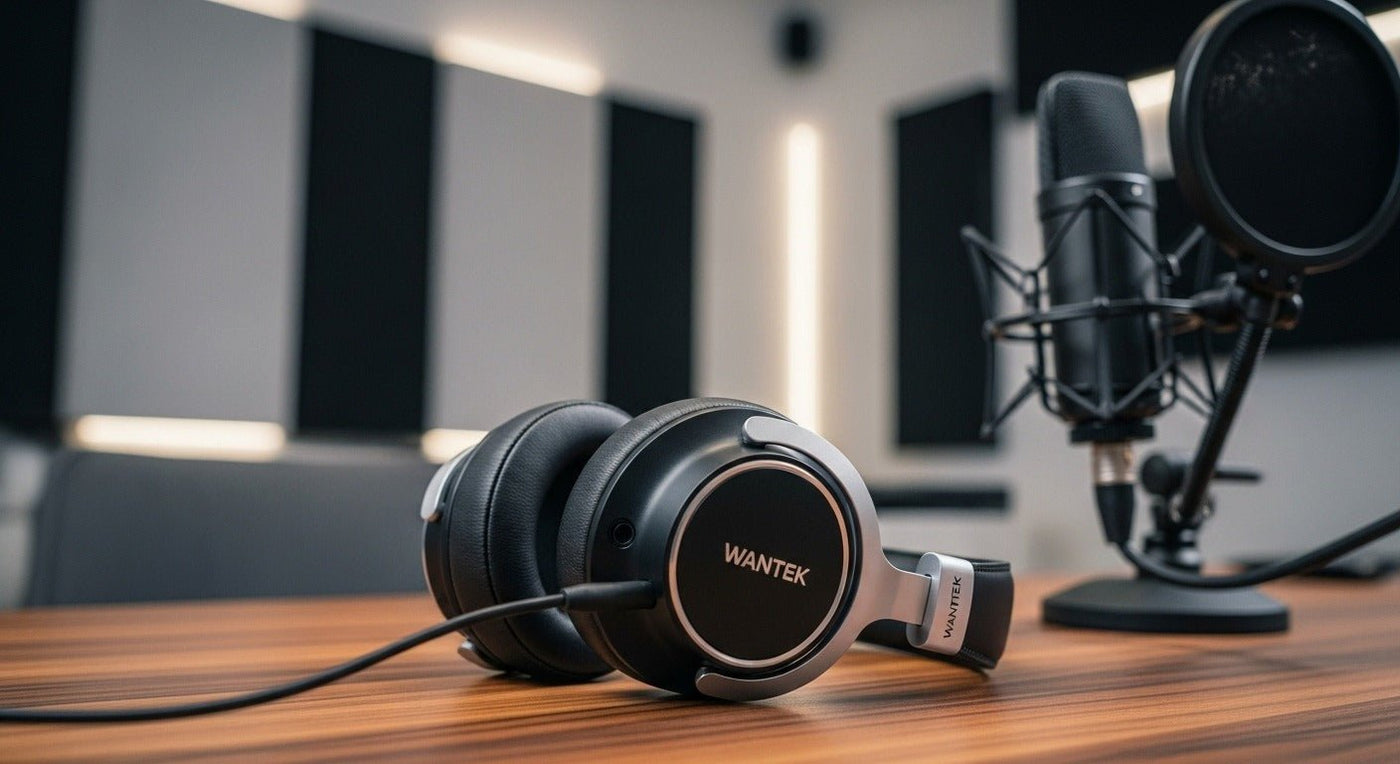
Podcast headphones are monitoring tools. They help hosts and guests hear microphones, remote callers, playback, noise, and routing problems while recording.
Closed-back is the usual starting point: it reduces headphone playback leaking into nearby microphones while keeping each person’s monitor mix private.

What matters for podcast monitoring?
| Factor | Why it matters | Check |
|---|---|---|
| Isolation | Reduces playback bleed into open microphones. | Closed-back cup seal. |
| Comfort | Sessions can run for hours. | Clamp, weight, heat, glasses. |
| Cable | Connects to interface/headphone amp. | Length, connector, replaceability. |
| Drive level | Multiple listeners may share a headphone amp. | Output level and headphone sensitivity. |

Do not choose from brand reputation alone
A familiar studio model can still be a poor fit if the cable is inconvenient, the pads become uncomfortable, or the interface cannot drive it to the needed monitoring level.
For why monitoring matters, read Wantek’s why podcasters wear headphones guide.
Podcast Headphones Are Monitoring Tools
During recording, headphones let hosts and producers hear microphone level, background noise, clipping, guest audio, and connection problems before those issues become part of the finished episode. The most useful pair is therefore one that supports reliable monitoring for the way you record.
Closed-back designs are common during recording
Closed-back headphones reduce sound leaking from the ear cups back into an open microphone. They can also help the wearer focus on the monitored signal in a shared room. Open-back headphones can be useful for editing in a quiet environment, but they are usually less practical close to a live microphone.
Comfort matters on long sessions
Podcast sessions can last much longer than a music demo. Clamp, ear-cup depth, pad material, weight, and heat buildup deserve as much attention as frequency response.
Connection and Monitoring Checklist
- Match the plug to the interface, mixer, recorder, or computer.
- Check whether a 6.35 mm adapter is required.
- Prefer a stable wired path when zero charging overhead is important.
- Use independent microphone monitoring from the interface when available rather than relying on delayed software monitoring.
- Choose enough isolation to hear problems without turning the volume unnecessarily high.
Frequently asked questions
Do podcast headphones need a microphone?
No. In many setups, the podcast microphone is separate. The headphones are used for monitoring and do not need their own mic.

