
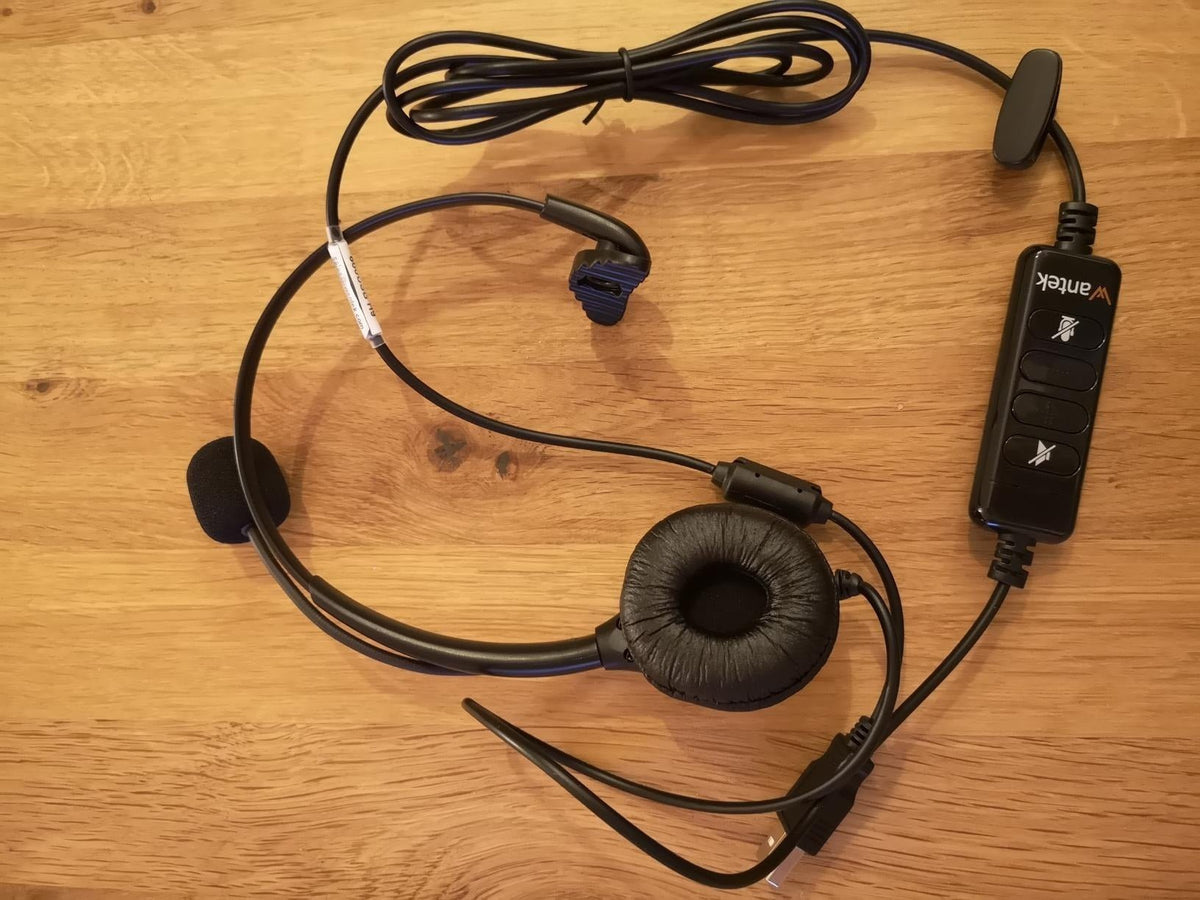
A work headset with a microphone should make the call path simpler, not add another compatibility problem. Start with the computer, mobile phone, or desk phone that carries calls, then choose microphone position, wired or wireless connection, wearing style, and controls.
Quick answer: For frequent calls, prioritize a predictable microphone, comfortable fit, correct device connection, easy mute, and a charging or cable workflow that fits the workday.

Start With the Call Device
| Call device | Common headset path | What to verify |
|---|---|---|
| Laptop or desktop | USB, 3.5 mm, Bluetooth, or USB receiver. | Input/output selection, app controls, ports. |
| Mobile phone | Bluetooth or supported wired adapter. | Call controls, mic behavior, charging. |
| Desk phone | RJ-style headset port, USB, Bluetooth, or wireless base. | Exact phone model, cable/base, remote call control. |
Choose the Microphone for Speech
A boom microphone gives you a repeatable position near the mouth. Check how the boom adjusts, how mute works, and how the microphone handles the real room. Listener-side ANC and microphone noise reduction are separate features.
Single-Ear or Dual-Ear?
Single-ear headsets leave one ear open to the room and can suit reception or collaborative desks. Dual-ear headsets provide call audio to both ears and more physical coverage. Choose by the environment and user preference.
Wired or Wireless?
Wired headsets avoid charging and pairing. Wireless headsets add mobility but require battery management and a supported Bluetooth, receiver, or base path. Neither is universally better.
Controls Should Match the App
Physical mute and volume controls can reduce daily friction. If answer/end or mute synchronization in Teams, Zoom, or another calling app matters, verify the exact headset and connection rather than assuming basic audio compatibility provides those controls.
Comfort Needs a Real Workday Test
Check clamp, pad pressure, headband adjustment, heat, glasses, and microphone stability. A headset that feels fine for ten minutes can become distracting during consecutive meetings.
If your calls move between a desk phone and a computer, see how dual-connectivity office headsets handle desk-phone and PC workflows.
Work Headset Checklist
- Primary call device
- Microphone and mute method
- Single- or dual-ear fit
- Wired or wireless connection
- Required app or phone controls
- Battery or cable workflow
- Replacement cushions and accessories
Work Headset FAQ
Do work headsets need ANC?
No. ANC can help the wearer hear less background sound, but microphone noise handling and fit are separate requirements.
Is Bluetooth better than USB for work?
Bluetooth adds mobility; USB can provide a simple fixed-computer path. Choose based on the devices and movement required.
Can the same headset work with a laptop and phone?
Some wireless models support multi-device connections. Verify the exact switching behavior rather than assuming it from Bluetooth version alone.
Compare Office Headsets
Use your call device and wearing style to narrow the current work-headset range.

