
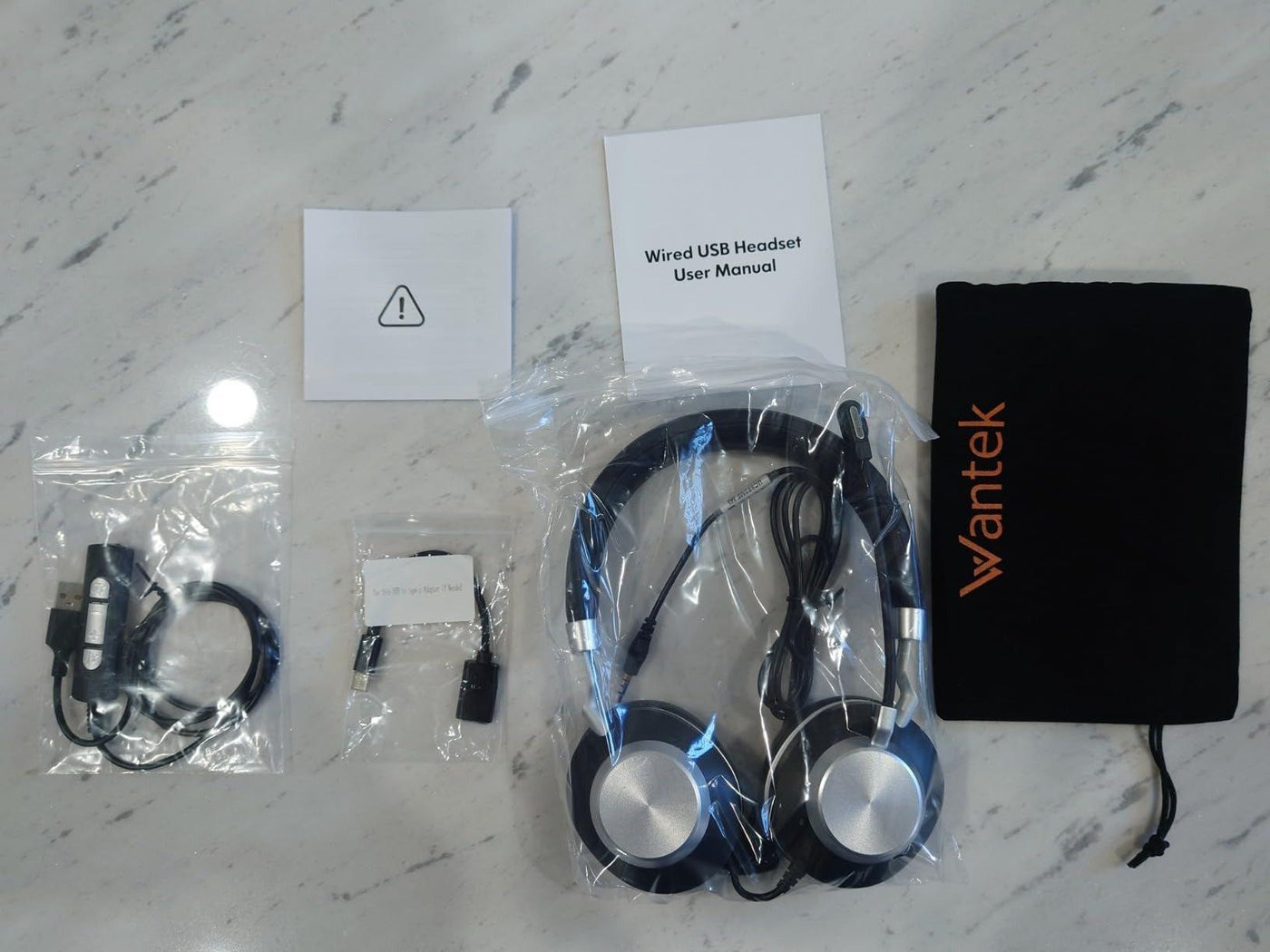
A 3.5 mm plug can carry stereo audio, microphone audio, or both, depending on the plug, jack, wiring standard, and device. The safest way to buy a cable is to identify the signal you need before looking at length, braid, or connector finish.
Quick answer: Use TRS for a simple stereo-audio path and TRRS when the device and headset need stereo audio plus a microphone. Then verify the device's jack standard and whether an adapter preserves the microphone and controls.

TRS and TRRS Are Not the Same Job
A typical stereo TRS plug has three conductive sections: tip, ring, and sleeve. A headset TRRS plug has four. Android's published 3.5 mm headset specification uses a four-conductor CTIA arrangement for stereo output plus microphone input. See the Android 3.5 mm headset accessory specification for the electrical and control requirements.
| Decision area | What to check | Why it matters |
|---|---|---|
| TRS stereo | Three-conductor audio path | Suitable for stereo output when no microphone return path is required. |
| TRRS headset | Four-conductor headset path and matching jack standard | Carries stereo audio plus a microphone path when both sides use compatible wiring. |
| Adapter | Input and output connector plus the functions it passes through | A physical adapter can preserve audio while losing the microphone or button functions. |
Microphone Support Depends on the Whole Path
A four-pole plug does not guarantee that the destination device accepts a headset microphone. Desktop PCs may separate headphone and microphone jacks, while phones, laptops, controllers, and adapters can use a combined headset jack. Check the device documentation rather than assuming that a 3.5 mm opening is wired for the same job.
If a headset works for listening but not for speaking, the fault may be the adapter, jack type, plug wiring, or software input selection rather than the microphone itself.
Inline Buttons Are an Extra Compatibility Layer
Headset buttons rely on the electrical behavior expected by the source device. Android's specification defines resistance ranges for compatible control functions, which is why audio can work even when one or more buttons do not. Treat microphone audio and remote controls as separate checks.
Choose Cable Length and Construction After Compatibility
Buy enough length for the actual route without creating unnecessary slack around a desk, controller, or mobile device. A thicker jacket or braided sleeve may improve handling or abrasion resistance, but it does not fix a wiring mismatch. Likewise, a premium-looking connector cannot add microphone support to a headphone-only output.
Troubleshoot With One Change at a Time
- Test the headset directly in a known compatible source if possible.
- Test the cable or adapter with a known-good headset.
- Confirm the operating system is using the intended microphone input.
- Only then replace the cable, adapter, or headset.
For a device-oriented version of the same decision, see the plug-in headphones with microphone guide.
Frequently Asked Questions
Can a 3.5 mm cable carry a microphone signal?
Yes, when the plug and jack are wired for a headset microphone path, such as a compatible TRRS connection. A stereo TRS cable alone does not add a microphone conductor.
Why do headphones work but the microphone does not?
Common causes include a headphone-only jack, incompatible TRRS wiring, a splitter or adapter that does not pass the mic path, or the wrong software input device.
Does a more expensive 3.5 mm cable sound better?
Price alone does not establish better audible performance. First verify the required wiring, connector fit, cable condition, and device compatibility.

