
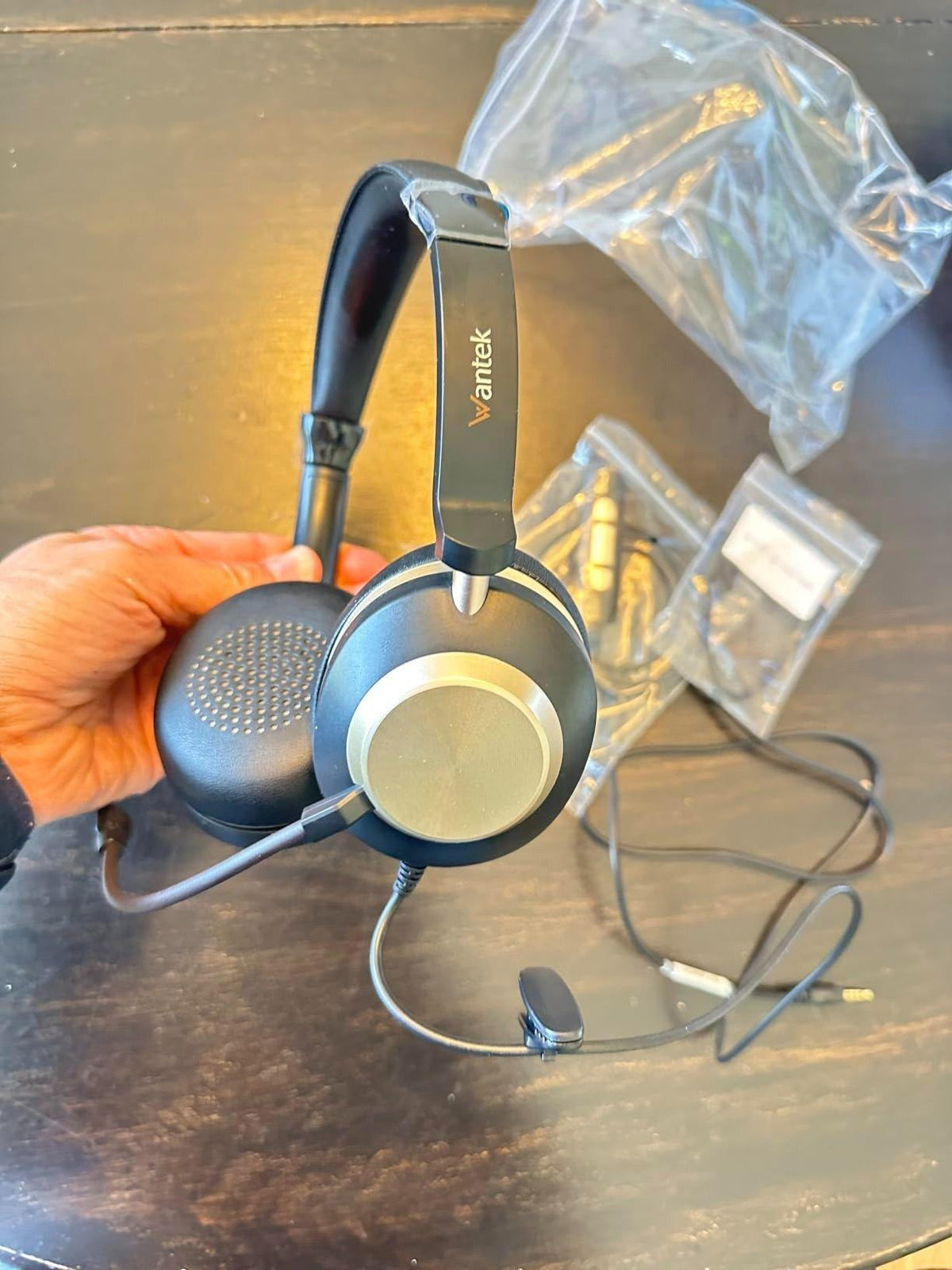
“Plug-in headphones with microphone” can mean a 3.5 mm TRRS headset, a USB headset, or a USB-C audio device. No single plug format works with every phone, tablet, computer, controller, and desk phone, so compatibility starts with the source device.
Quick answer: Match the headset connector to the device, then verify that the path carries both headphone audio and microphone input. Treat inline controls, adapters, and call buttons as separate compatibility checks.

3.5 mm Headsets Need the Right Jack
A four-conductor TRRS headset can carry stereo audio plus a microphone when the source device supports the same headset wiring. Android publishes a CTIA-style 3.5 mm headset specification for compatible devices. See the Android headset plug specification.
| Decision area | What to check | Why it matters |
|---|---|---|
| 3.5 mm TRRS | Combined headset jack and compatible wiring | Can carry stereo output and microphone input through one plug when the jack supports a headset. |
| USB / USB-C headset | Device supports USB audio and the headset's connector | The headset appears as a digital audio device rather than using the analog 3.5 mm path. |
| Adapter or splitter | Adapter passes the required audio and mic channels | An adapter that fits physically may still omit the microphone or control path. |
Desktop PCs May Split Headphone and Microphone Jacks
A headset with one TRRS plug may need a headset splitter on a computer that has separate headphone and microphone sockets. The reverse is also true: two separate plugs do not become a single combined headset plug without the appropriate adapter.
USB-C Is a Connector, Not a Universal Audio Promise
USB-C devices can expose audio in different ways. Verify that the phone, tablet, or computer supports the headset or adapter you plan to use. Do not assume a USB-C charging port automatically provides the exact microphone and button behavior you need.
Inline Controls Can Work Differently From the Microphone
It is possible for audio and microphone functions to work while one or more inline buttons do not. Button behavior depends on the device and headset implementation, so test mute, volume, and call controls separately when they matter to your workflow.
Use a Known-Good Path for Troubleshooting
When one side of the path fails, change one component at a time: headset, adapter, cable, jack, or software input. For the analog wiring details, see the 3.5 mm cable and TRRS guide.
Frequently Asked Questions
What plug do I need for headphones with a microphone?
A combined 3.5 mm headset commonly uses a compatible TRRS plug. USB and USB-C headsets use a digital audio path. Match the connector and microphone support to the source device.
Why does the sound work but not the microphone?
The jack may be headphone-only, the adapter may not pass the mic channel, the TRRS wiring may be incompatible, or the operating system may be using another input.
Can one plug-in headset work with every device?
No. Phones, computers, controllers, tablets, and desk phones can use different connectors and control paths. Verify each target device before buying.
Compare Headsets for Calls
If your goal is work calls rather than a specific plug format, compare current wired and wireless office headsets by device and wearing style.

