
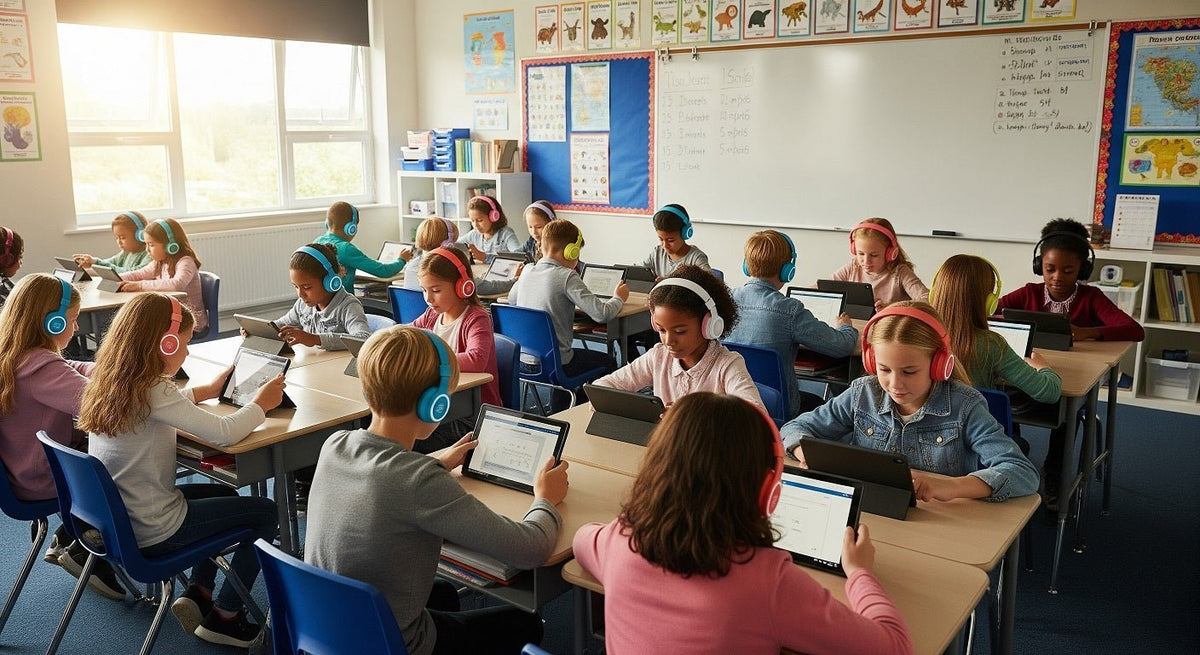
For a classroom set, start with the devices students use and the tasks they need to complete. A listening station may only need headphones; a speaking exercise needs a compatible microphone. Then check fit, cleaning, volume controls, storage, and the cost of replacing worn parts. Buy a small sample of the exact model and connector before ordering a class set.
Start with the device and the lesson
List the laptops, tablets, or desktops in use. Check their actual audio ports and any school restrictions on Bluetooth. A 3.5 mm plug, USB-A, and USB-C are different connection paths; a matching shape alone does not confirm that the microphone or controls will work. If students record speech, test the mic in the actual learning app. For a closer look at the connection paths, see our USB versus 3.5 mm headset guide.
For younger students and fixed devices, a wired pair avoids charging and pairing. Wireless can make sense where movement matters and the school can manage pairing, charging, and storage. Test both options with the same device fleet before choosing.
| Decision | Wired | Wireless |
|---|---|---|
| Setup | Check the plug, port, and microphone support on each device. | Check Bluetooth support, pairing controls, and school policy. |
| Daily upkeep | Manage cables and inspect connectors; no battery charging. | Plan charging, labeling, and re-pairing when devices change. |
| Best starting point | Shared stations or fixed desks when the connection is verified. | Activities where students need to move without a cable. |
Check fit, durability, and cleaning before ordering
Fit and sound
Ask students in the intended age group to wear the sample for a typical lesson. Check whether the headband adjusts far enough, the earcups sit comfortably, and spoken instructions remain clear at a moderate volume. If the room is noisy, a better fit may reduce the urge to turn the sound up. Do not assume a feature label predicts comfort or speech clarity.
Cables and replaceable parts
Inspect the cable entry, plug, headband, and earcup joints during a pilot. Ask whether replacement earpads or cables are available for the exact model, and compare the warranty terms in writing. A braided cable or metal hinge by itself is not proof of longer life.
Shared-use cleaning
Choose surfaces that the manufacturer says can be cleaned with products approved by your school. Check whether earpads can be wiped or replaced, then follow the device maker’s instructions and the school’s cleaning policy. CDC guidance identifies frequently touched shared objects as part of routine school cleaning; it does not declare one earpad material universally safe or require disinfection after every handoff. Review the CDC’s school cleaning guidance.
Choose hearing-safety features carefully
Look for a usable volume control or limiting feature and ask the supplier how its claim was measured on the complete headphone-and-device setup. A printed “85 dB” maximum does not mean every listening duration is safe, and a hardware-only limiter is not the sole valid approach. The WHO–ITU safe-listening standard describes a children’s reference mode of 75 dB for 40 hours per week and includes software-based exposure monitoring and volume-limiting options. Volume and time both matter.
Set a reasonable device volume, check it with students during use, and give ears breaks during long listening sessions. If the lesson does not require private audio, speakers may be an option. The same WHO guidance recommends safe-listening controls and breaks for children attending online classes; it does not certify a specific classroom headset.

Plan storage and daily use
Assign each pair a labeled place, such as a numbered hook, cubby, or individual pouch. Keep cords loosely secured so students are not pulling headsets from a tangled pile. Wireless sets need a charging routine and a way to match each pair to its assigned device. Check that the storage arrangement follows the school’s cleaning process.
Show students how to lift headphones by the headband, adjust the fit, and return the cable without tugging on the plug. Keep a small bin for faulty units; inspect the connection and both earcups before returning a pair to circulation. Track recurring failures during the pilot so a low unit price does not conceal repeated replacements.
Budget for a class set
Compare the total number of working pairs you need, spares, replacement parts, storage, and any charging equipment. Divide the expected ownership cost by the number of students and the planned service period using your own purchase prices and observed replacement rate. Do not treat an advertised lifespan as a tested result for your classroom.
Teachers at eligible U.S. public schools can explore DonorsChoose classroom project requests, alongside district funds and local school foundations. Confirm eligibility, approved purchasing routes, and the exact items before relying on a funding source. Donated or no-cost headphones still need the same compatibility, fit, cleaning, and volume checks.
Compare options for your school
Have your device models, connection types, student age group, and quantity ready. Ask about a small pilot and request written confirmation of any volume or cleaning claims for the exact model.
Frequently asked questions
Do classroom headphones need a microphone?
Only if students record answers, speak in lessons, or use apps that require voice input. Verify the microphone connector and test it with the school’s actual device and software.
Is an 85 dB volume limit enough for children?
Do not use that number as a blanket safety guarantee. Hearing exposure depends on level and duration; ask how the product’s limit is measured, set reasonable device volume, and allow breaks.
How should shared headphones be cleaned?
Follow the manufacturer’s instructions and your school’s cleaning policy. Choose a model with cleanable or replaceable contact surfaces, and check which products the materials can tolerate before purchasing.

