
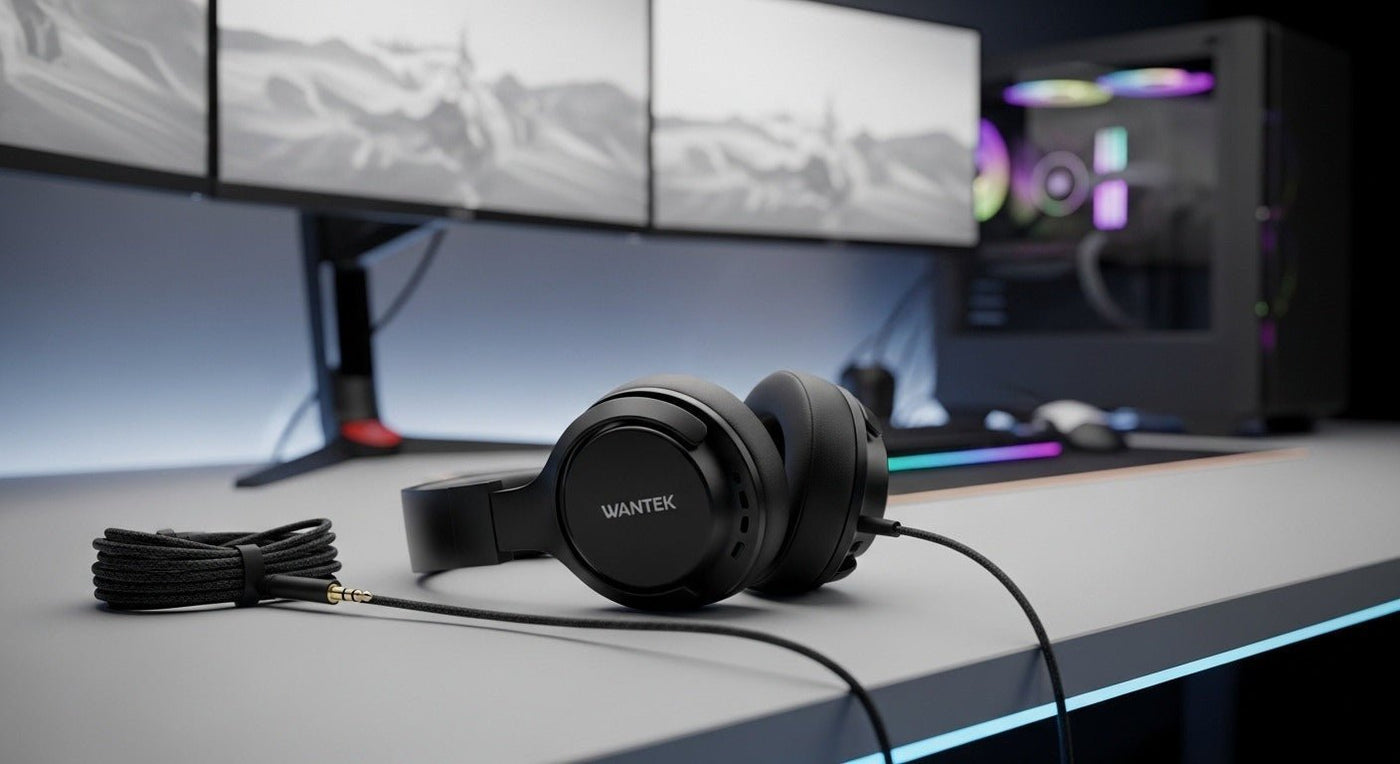
Wired PC headphones avoid battery and wireless pairing, but the connector still determines what works. A 3.5 mm headset, split headphone/mic plugs, USB-A, and USB-C can require different PC ports and settings.
Gaming: prioritize latency, mic, comfort. Work: prioritize call controls and mic placement. Music: prioritize fit and the headphone’s acoustic design.

3.5 mm vs USB
| Connection | Strength | Check |
|---|---|---|
| 3.5 mm TRRS | Single analog headset plug. | PC needs compatible combo jack or splitter. |
| Dual 3.5 mm | Separate headphone and mic plugs. | Desktop jack layout. |
| USB-A/C | Digital audio path and possible controls. | OS support and available port. |

Microphone wiring matters
A headset can play stereo audio but still fail to send microphone audio when the PC jack or adapter does not match the headset wiring.
If you are choosing between USB-C and analog 3.5 mm, see Wantek’s USB-C vs. 3.5 mm headset guide.
Compare PC headsets
Wantek’s PC headset collection includes USB and 3.5 mm options for computer-based work and calls. Verify the exact connection and microphone requirements on each product page.
Start With the PC Connection
Wired PC audio can use 3.5 mm analog, USB-A, or USB-C. A headset that works for playback is not automatically configured for microphone input, so identify both the physical connector and the audio path your computer expects.
3.5 mm analog
Laptops commonly use a four-pole combo jack for headphones and microphone. Some desktop PCs separate headphone and microphone sockets, which can require a headset splitter. Check the plug and the PC jack before assuming a compatibility problem is caused by software.
USB
USB headsets present themselves as a separate audio device and can be convenient for work calls or gaming. After connecting, choose the same headset as the output and input device in Windows and then confirm the selection inside the game, meeting app, or recording software.
Gaming, Work, and Music Need Different Priorities
For gaming, look at platform support, microphone placement, latency, and positional clarity. For work, prioritize speech pickup, comfort, mute access, and predictable call controls. For music, tuning, driver behavior, fit, and source quality may matter more than microphone features.
If one headset must handle all three, focus on the compromises you can tolerate rather than searching for a universal “best” model.

