
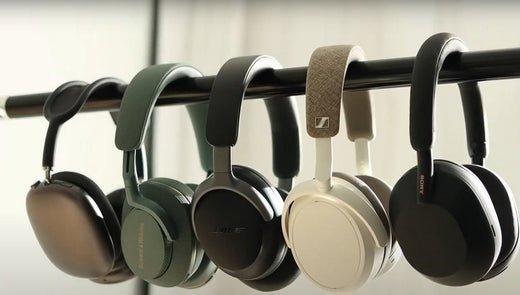
For a PC, “wireless” can mean Bluetooth or a dedicated USB radio. The connection choice often matters more than the headphone brand because it determines latency, microphone behavior and how Windows sees the device.
| Connection | Strength | Trade-off |
|---|---|---|
| Bluetooth | Built into many laptops; good for music/work | Voice mode and latency vary |
| 2.4 GHz USB dongle | Usually designed for game audio + mic | Uses a USB port and model-specific adapter |
| Dual wireless | Can combine PC dongle with phone Bluetooth | Switching/mixing behavior is model-specific |
For Calls
Prioritize microphone quality and reliable input routing. Windows may expose separate playback and hands-free paths for Bluetooth devices.
For Gaming
A dedicated gaming USB link is usually more predictable for latency and two-way chat than generic Bluetooth, though exact performance depends on the headset.
For office-first options, see Wantek's office headset collection.
FAQ
Is Bluetooth enough for PC work?
Often yes for meetings and music. For latency-sensitive gaming, compare a dedicated USB wireless model.
Why does audio quality change when the mic turns on?
Some Bluetooth configurations switch to a two-way voice profile with different bandwidth than stereo playback.
Original Article Media


