
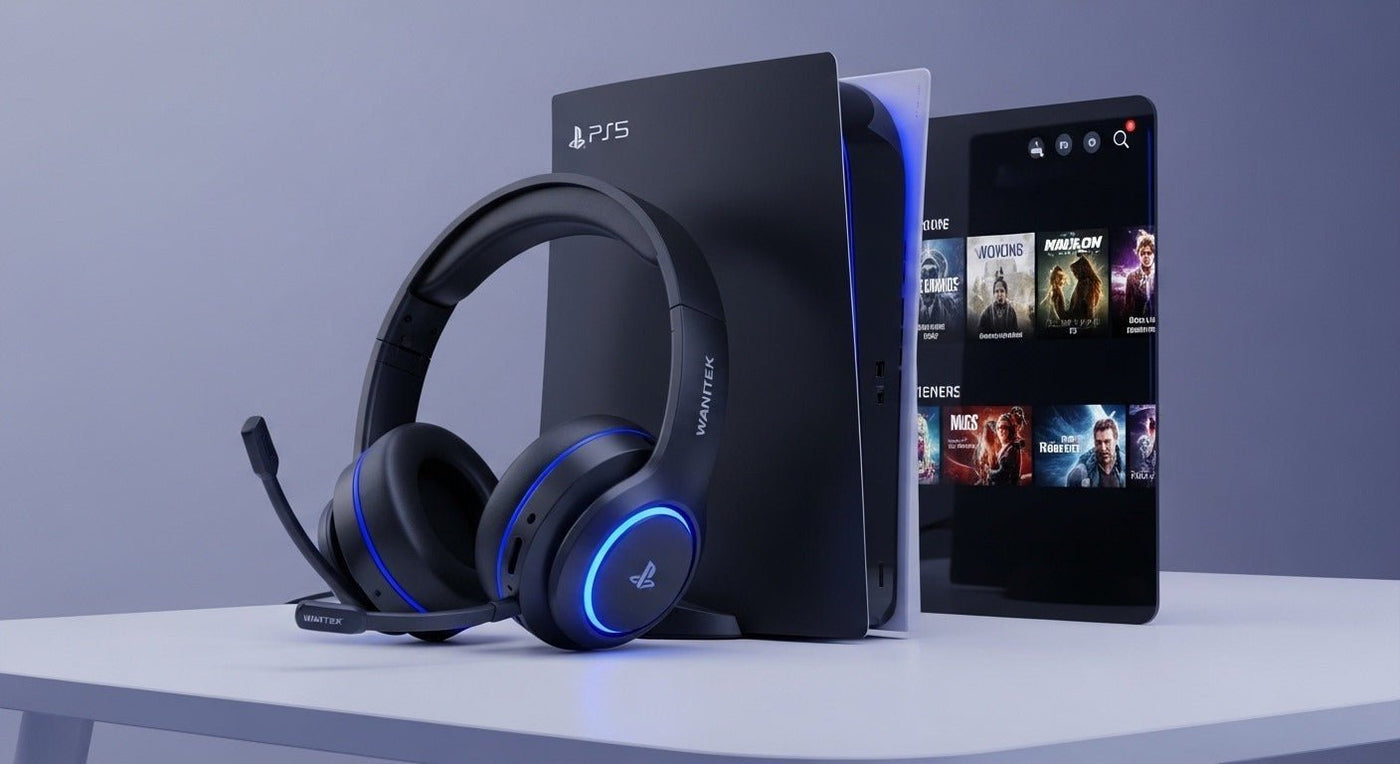
Standard Bluetooth headphones do not connect to a PS5 for game audio the same way they connect to a phone or laptop. PlayStation's supported wireless-headset path uses dedicated USB adapters or PlayStation Link, while ordinary Bluetooth headphones need an intermediary such as a compatible USB audio transmitter, a TV Bluetooth connection, or Remote Play.
Quick answer: if you already own Bluetooth headphones, a PS5-compatible Bluetooth audio transmitter is usually the most direct path. If you are buying a headset specifically for PS5, a dedicated PlayStation-compatible wireless headset or PlayStation Link model is simpler and more predictable. A wired 3.5 mm connection to the DualSense controller is the easiest no-adapter fallback.
Can You Connect Bluetooth Headphones Directly to PS5?
Not through the normal phone-style Bluetooth audio pairing flow. Sony's current PlayStation headset support instructions pair supported wireless headsets by plugging their USB adapter into the console and then turning the headset on. PULSE Elite and PULSE Explore use PlayStation Link through a USB adapter rather than ordinary Bluetooth for console audio.
That is why putting AirPods, Bose QuietComfort headphones, Sony WH-1000X-series headphones, or similar consumer Bluetooth models into pairing mode does not create a normal PS5 audio connection by itself.

Four Practical Ways to Use Headphones with PS5
| Method | How it connects | Best fit |
|---|---|---|
| Bluetooth audio transmitter | Compatible USB transmitter on PS5, then Bluetooth from transmitter to headphones | Using Bluetooth headphones you already own |
| Dedicated PS5 wireless headset | Manufacturer's USB wireless adapter | Simple game audio and chat with predictable compatibility |
| PlayStation Link headset | PlayStation Link USB adapter | PULSE Elite, PULSE Explore, and other supported PlayStation Link products |
| DualSense wired audio | 3.5 mm cable into the controller | Lowest-friction fallback without wireless setup |
Option 1: Use a PS5-Compatible Bluetooth Audio Transmitter
A Bluetooth audio transmitter converts PS5 USB audio into a Bluetooth signal that compatible headphones can receive. This is different from a generic USB Bluetooth dongle intended for keyboards, mice, or PC data connections.
Connect the transmitter
Plug a PS5-compatible Bluetooth audio transmitter into an available USB port. PlayStation states that wireless-headset adapters can use any PS5 USB port.
Put both devices in pairing mode
Follow the transmitter's pairing sequence, then place your headphones in Bluetooth pairing mode.
Select the USB audio output if needed
On PS5, check Settings > Sound > Audio Output and confirm that the USB audio device is being used.
Test both game audio and chat
Microphone support varies by transmitter. Some transmitters handle only stereo audio, while others provide separate microphone solutions or limited Bluetooth profile support.
For detailed transmitter setup and troubleshooting, use Wantek's full Bluetooth-headphones-to-PS5 connection guide.
Option 2: Use a Dedicated PS5 Wireless Headset
For a headset designed around PlayStation, the normal process is simpler: charge the headset, connect its USB wireless adapter to the PS5, and power on the headset. Sony's current support page lists PULSE Elite, PULSE 3D, Gold, and Platinum wireless headsets among its supported PlayStation headset families.
Third-party gaming headsets can also work when their manufacturer explicitly supports PS5. Verify the exact model rather than assuming that “2.4 GHz wireless” or “USB headset” automatically means full PlayStation compatibility.
Option 3: Use PlayStation Link
PULSE Elite and PULSE Explore use PlayStation Link for console audio. The included Link USB adapter connects to PS5 and is designed for low-latency wireless audio.
Some PlayStation Link headsets can also maintain a separate Bluetooth connection to a phone. That does not mean the PS5 itself is sending game audio over ordinary Bluetooth; PlayStation Link remains the console connection.
Option 4: Use the DualSense 3.5 mm Jack
If your headphones support a detachable or fixed 3.5 mm cable, connect them to the DualSense controller. This avoids Bluetooth pairing, transmitter compatibility, and wireless codec questions entirely.
Microphone behavior depends on the cable and headset wiring. A headphone-only 3.5 mm cable carries listening audio but does not create a microphone that the headset does not already provide.
What About AirPods, Sony WH-1000X, Bose, or Other Bluetooth Headphones?
These can be useful with PS5 through an intermediary, but not through native phone-style Bluetooth audio pairing. A compatible USB audio transmitter is the most direct console-side workaround. Another option is to connect the headphones to a TV that supports Bluetooth audio, although that path can add latency and may not carry PS5 voice chat.
Remote Play on a phone, tablet, PC, or Mac is another route because the Bluetooth headphones connect to the Remote Play device rather than directly to the PS5.
Will the Headphone Microphone Work?
Do not assume it will. Bluetooth transmitters vary widely in microphone support, and Bluetooth audio modes that carry microphone input can reduce audio quality or introduce other limitations.
If game chat matters, a PS5-compatible gaming headset with its own USB wireless adapter is generally the cleaner solution. Wantek's PS5 headset compatibility guide covers connection type, microphone support, and buying checks in more detail.
What About Bluetooth Latency?
Bluetooth latency depends on the transmitter, headphones, codec path, and processing. Avoid product claims such as “zero lag” unless the exact end-to-end system has been measured under controlled conditions.
For competitive gaming, dedicated USB wireless or wired audio is usually easier to evaluate because the console, headset, and microphone path are designed as one system.
Which PS5 Headphone Connection Should You Choose?
- You already own Bluetooth headphones: use a PS5-compatible Bluetooth audio transmitter and verify microphone support separately.
- You are buying mainly for PS5: choose a model that explicitly supports PS5 through its own USB wireless adapter or PlayStation Link.
- You want the simplest fallback: use a 3.5 mm cable from the DualSense controller.
- You want one headset for PS5 plus phone audio: look for a headset that supports simultaneous or separate PlayStation Link/2.4 GHz and Bluetooth connections, and verify how each stream is handled.
Frequently Asked Questions
Can AirPods connect directly to PS5?
No normal native Bluetooth-audio pairing path is provided for AirPods. Use a compatible Bluetooth audio transmitter, TV Bluetooth, or Remote Play instead.
Can Sony Bluetooth headphones connect directly to PS5?
Consumer Sony Bluetooth headphones such as WH-1000X models do not use the PlayStation USB-adapter pairing path. A compatible transmitter or another intermediary is needed for game audio.
Do I need a Bluetooth adapter for PS5?
If you want to use ordinary Bluetooth headphones directly with the console's audio output, you need a compatible Bluetooth audio transmitter or another intermediary. Dedicated PS5 wireless headsets use their own adapters instead.
Can 3D Audio work with headphones on PS5?
PS5's headphone 3D Audio is not limited to Bluetooth. Compatible USB headsets and headphones connected through the controller can use PS5 audio features according to the system's supported output path.

