
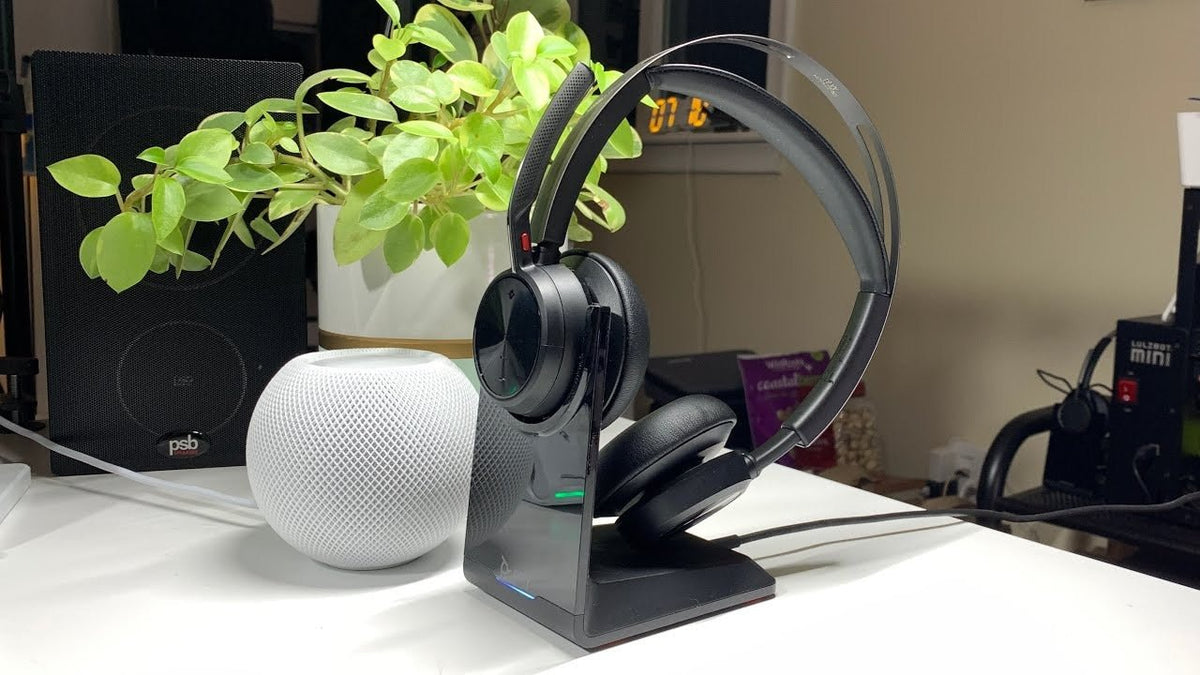
Poly Voyager Focus 2 is a business headset family rather than one universal box configuration. Before buying, check the exact UC or Office variant, included adapter, charging stand, and the devices you need to connect.
Quick answer: The core workflow is PC plus mobile calling. Verify the exact bundle, BT700 USB connector, certification, and whether you need a desk-phone base before ordering.

Connection Depends on the Variant
HP’s current Voyager Focus 2 specifications list Bluetooth, BT700 adapter options, and PC/mobile compatibility. Office variants can add desk-phone connectivity through additional base hardware.
ANC and Microphone Noise Control Are Different Systems
Voyager Focus 2 uses hybrid ANC for the wearer and Poly’s Acoustic Fence microphone processing for outgoing speech. Do not treat one feature as proof of the other.
Battery Figures Have Conditions
HP lists different talk and music times depending on ANC and online-indicator settings. Compare the condition that matches your workday rather than quoting the largest number without context.
Setup Should Be Tested in the Calling App
After connecting the headset or BT700 adapter, confirm input/output selection, mute synchronization, answer/end behavior, and firmware management in the apps your team actually uses.
For a related Wantek workflow, see the work headset with mic guide.
FAQ
Can Voyager Focus 2 connect to a phone and computer?
The current series supports PC and mobile workflows, but the exact connection path and included adapter depend on the SKU.
Does Voyager Focus 2 have ANC?
Yes. HP lists hybrid active noise cancellation with multiple settings on the current series.
Can it connect to a desk phone?
Office configurations can support desk-phone connectivity with the appropriate base and telephone interface. Verify the exact bundle.

