
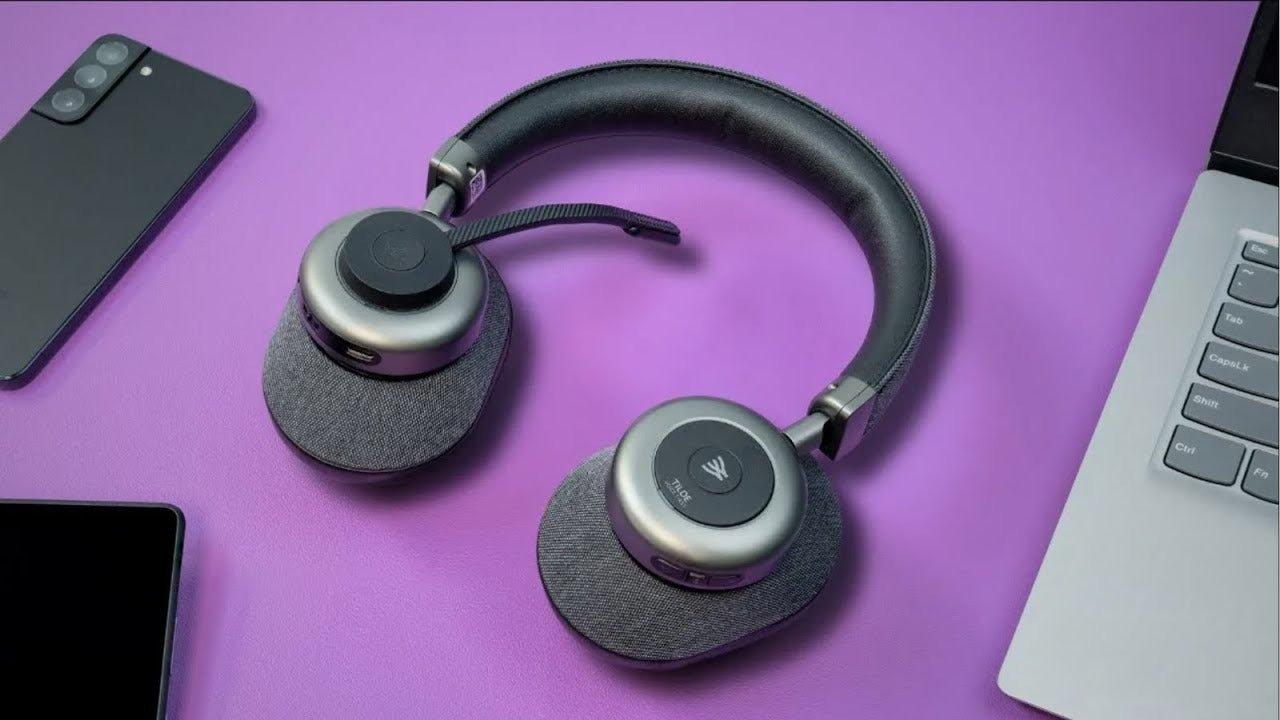
The best computer headset is the one that works predictably with your ports, operating system, calling apps, and work environment. Connection type should be the first filter, not a long feature list.
Quick answer: For frequent calls, prioritize a stable microphone position, reliable mute control, the correct USB/3.5 mm/Bluetooth path, and comfort. For gaming or editing, also check latency.

Choose the Connection Before the Headset Style
USB headsets appear as digital audio devices. A 3.5 mm headset depends on the computer’s jack wiring. Bluetooth depends on the computer radio and audio profiles. A dedicated USB wireless receiver adds another path with its own compatibility requirements.
Microphone Routing Can Be the Real Problem
A headset can play music while the meeting app still uses the laptop microphone. After connecting, select the intended input and output devices in the operating system and the calling application.
Bluetooth Call Audio Depends on the PC
Windows Bluetooth behavior varies with hardware and drivers. Microsoft’s LE Audio guidance explains that newer two-way audio behavior requires compatible Windows hardware, drivers, and accessories.
Comfort Is Part of Call Performance
Pressure, heat, ear-pad contact, boom position, and cable pull affect how consistently a headset is worn during long calls.
For a related Wantek workflow, see the computer earbud connection guide.
FAQ
Is USB better than 3.5 mm for computer calls?
Not automatically. USB gives a defined digital audio path, while 3.5 mm can be simple and low-latency. Choose the connection your computer and workflow support.
Do I need ANC for meetings?
Not necessarily. ANC mainly changes what you hear. Outgoing speech quality depends on the microphone system and environment.
Can Bluetooth headphones use their mic on a PC?
Often yes, but audio quality and feature behavior depend on the PC hardware, drivers, operating system, headset, and app.
Compare USB Headsets
If you want a dedicated computer-call setup with a boom microphone and physical controls, compare Wantek USB headsets.

