
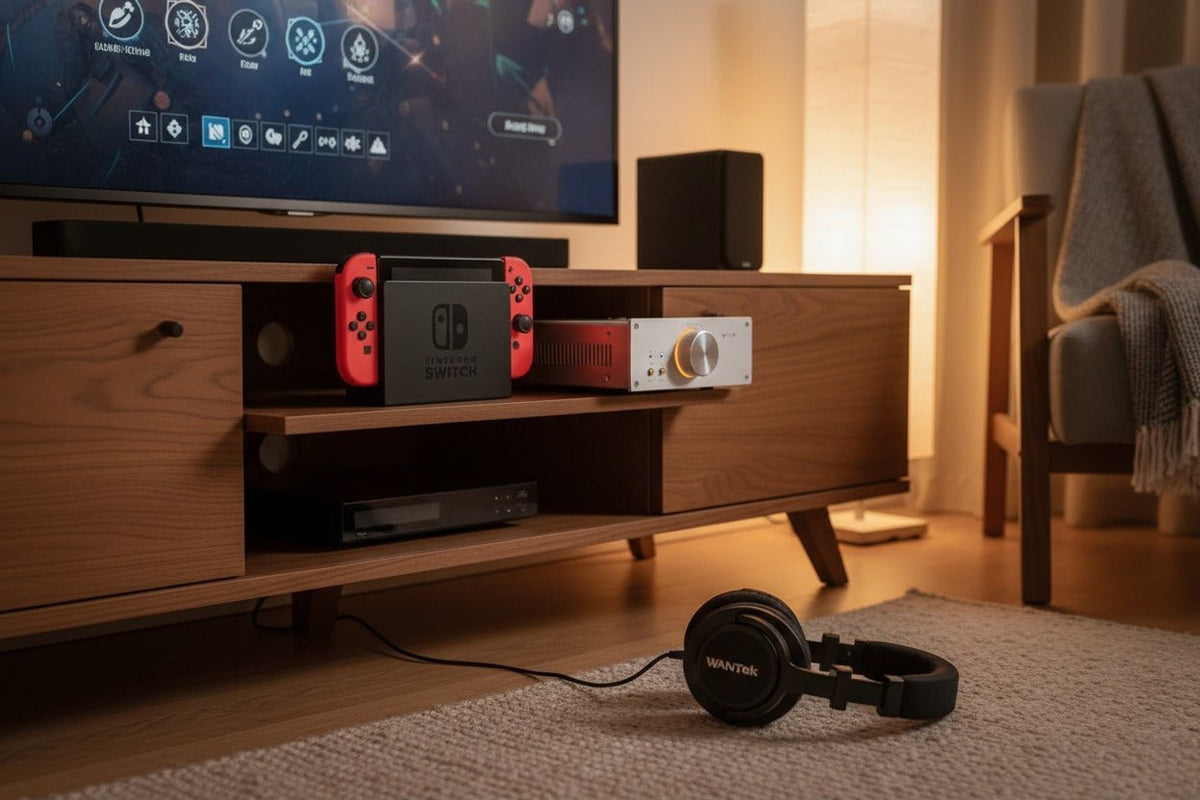
For Nintendo Switch, Switch Lite, and Switch – OLED Model, choose the connection before the headphone. A 3.5mm wired headset is the simplest starting point when you want a direct connection and need to avoid Bluetooth-specific limits. Native Bluetooth is convenient for cable-free listening, but Nintendo does not support Bluetooth microphone input, limits wireless controllers while Bluetooth audio is active, and warns that some devices may have audio delay.
Quick decision: use 3.5mm wired audio for the most straightforward low-delay path; use native Bluetooth for casual wireless listening; consider a separately verified USB or transmitter setup only when it solves a specific compatibility, latency, or docked-play requirement.
This guide covers the original Nintendo Switch family—not Nintendo Switch 2, which has separate support documentation and features.

Start With the Switch Connection You Actually Use
Nintendo documents a 3.5mm four-pole CTIA headphone/microphone jack on Nintendo Switch, Switch Lite, and Switch – OLED Model. Nintendo also supports Bluetooth audio on current system software. In TV mode, the console sends audio through HDMI; the standard dock itself does not add a 3.5mm headphone jack. Nintendo's Switch technical specifications are the best reference for the ports on each model.
| Connection | Best fit | Main limitation to check |
|---|---|---|
| 3.5mm wired | Handheld play, timing-sensitive games, and setups where a direct analog connection is preferred. | Microphone and inline-control behavior can still depend on the headset wiring and the game. |
| Native Bluetooth | Portable or docked listening when cable-free audio matters more than microphone input. | No Bluetooth microphone input; possible audio delay; controller and local-wireless limits apply. |
| USB / dongle / transmitter | Specialized wireless, docked, or accessory-based setups. | Compatibility is device-specific. Connector fit alone does not prove audio, microphone, or control support. |
Basic Pick: 3.5mm Wired Headphones or a Wired Gaming Headset
For most players who want the least complicated setup, start with a compatible 3.5mm headset. The Switch family uses a four-pole CTIA jack, so a properly wired headset can carry stereo audio and a microphone signal through one plug. Whether a particular game uses that microphone path is a separate software question.

Wired audio avoids the Switch's Bluetooth-audio controller limit and does not depend on Bluetooth pairing. It is also the safer starting point for rhythm games, competitive play, or any situation where you notice distracting wireless delay.
Do not treat “3.5mm” as a complete compatibility guarantee. If microphone chat matters, verify the headset plug standard and the exact game's supported chat path before buying.
Wireless Pick: Native Bluetooth Headphones
Nintendo added Bluetooth audio to the Switch family in system version 13.0.0. On a current system, pairing is handled through System Settings > Bluetooth Audio. You do not need a separate adapter for basic wireless listening.
Nintendo's current support guidance says that only one Bluetooth audio device can be connected at a time, up to ten can be saved, Bluetooth microphones cannot be used, and no more than two wireless controllers can be connected while Bluetooth audio is active. Local wireless communication also disconnects Bluetooth audio, and Nintendo notes that some devices may experience latency. See Nintendo's Bluetooth Audio support guide for the current rules.
If wireless listening is your priority, start with headphones you already own rather than assuming a gaming-branded model is necessary. For the detailed pairing process, supported codec path, troubleshooting, and Bluetooth-specific buying criteria, use Wantek's Bluetooth headphones for Nintendo Switch setup guide.
When Native Bluetooth Is a Good Fit
- Single-player, turn-based, exploration, or casual games where small audio delays are less disruptive.
- Portable play when you want no cable attached to the console.
- Docked play when you want to keep listening through the Switch itself instead of the TV.
When Native Bluetooth Is the Wrong Fit
- You need the headset's Bluetooth microphone to work on the console.
- You need more than two wireless controllers at the same time.
- You use local wireless multiplayer or another feature that starts local communication.
- You are sensitive to audio delay in timing-critical games.
Specialized Pick: Wireless Dongles and Bluetooth Transmitters
An external transmitter or dedicated wireless dongle can be useful, but it should solve a specific problem—not be an automatic purchase. Some accessories can provide a different wireless path than the Switch's native Bluetooth connection, but their latency, microphone return path, charging behavior, and console compatibility depend on the exact hardware.
If you are considering a transmitter, verify the source connection, transmitter mode, codec support on both sides, and whether the accessory actually supports microphone return audio. Wantek's Bluetooth transmitter setup guide explains those checks without assuming that every USB-C or Bluetooth accessory works the same way.
High-End Pick: Build Around a Verified Docked Audio Path
“High-end” should not mean stacking expensive components without checking compatibility. Nintendo documents HDMI audio output in TV mode and USB ports on the dock, but that does not establish universal compatibility with every USB headset, wireless dongle, DAC, or amplifier.
For a premium docked setup, decide where the audio will leave the system first: through the Switch's supported connection, through a verified USB accessory, or through the TV/monitor receiving HDMI audio. Then choose headphones and amplification that match that path. If you are comparing digital USB audio with an analog headset connection, remember that connector type alone does not determine sound quality or microphone quality; the complete signal path and exact hardware matter.

Microphone and Voice Chat: Check the Game, Not Just the Headset
The biggest buying mistake is assuming that a headset microphone will work simply because the headphones can play Switch audio. Nintendo explicitly says Bluetooth microphone input is not supported through the native Bluetooth Audio feature.
The console's 3.5mm port is a headphone/mic jack, but voice-chat behavior still depends on the software. Some compatible games use the Nintendo Switch App on a smart device for voice chat. Other games may implement their own supported chat path. If multiplayer communication matters, verify the game and connection path before you choose a headset.
Choose by Playing Mode
Handheld
Prioritize low weight, a secure fit, and a connection that does not interfere with how you hold or charge the system. Native Bluetooth is the cleanest cable-free option; 3.5mm remains the simplest wired choice.
Tabletop
Both 3.5mm and Bluetooth can work well. Remember that Bluetooth audio limits the number of wireless controllers, so local multiplayer can change which connection is practical.
Docked
Decide whether you want the Switch, a verified accessory, or the TV/monitor to be the audio source. The dock does not provide its own 3.5mm headphone jack, so do not buy a wired headset assuming it plugs into the dock directly.
A Five-Step Nintendo Switch Headphone Check
Identify the exact Switch model and playing mode.
Original Switch, Switch Lite, and Switch – OLED Model share important audio features, but docked and handheld setups use different physical paths.
Choose wired, native Bluetooth, or a verified accessory path.
Do this before comparing driver size, ANC, battery life, styling, or other headphone features.
Decide whether microphone chat is required.
If yes, rule out native Bluetooth microphone input and verify the exact game's supported voice-chat method.
Check multiplayer and latency requirements.
Bluetooth audio changes controller limits, disconnects during local wireless communication, and may introduce noticeable delay on some devices.
Verify the exact product before ordering.
Do not infer complete compatibility from “gaming,” “Bluetooth,” “USB-C,” or a connector shape alone.
Compare Gaming Headsets by Connection
Wantek's gaming collection includes wired and wireless options. Start with the connection type, then verify the exact Switch audio and microphone path you need before ordering.
Frequently Asked Questions
Can all Bluetooth headphones connect to Nintendo Switch?
No. Nintendo documents A2DP with SBC for native Bluetooth audio and does not guarantee every device. Use the latest system software and verify pairing with the exact headphones.
Can I use a Bluetooth headset microphone on Nintendo Switch?
No. Nintendo explicitly states that Bluetooth microphone input is not supported through the Switch's native Bluetooth Audio feature. Voice chat needs another supported input path.
Does the Nintendo Switch dock have a headphone jack?
No. Nintendo's dock specifications list USB, the system connector, power, HDMI, and LAN on the LAN-port model, but no 3.5mm headphone jack.
Do I need a Bluetooth adapter for Nintendo Switch headphones?
Not for basic wireless listening. Current Switch, Switch Lite, and Switch – OLED Model systems support native Bluetooth audio; an adapter is optional for a specific alternate setup.
Are wired headphones better for Nintendo Switch?
They are often simpler when latency, local multiplayer, or microphone routing matters. Bluetooth is more convenient when cable-free listening is the priority and its limitations are acceptable.

