
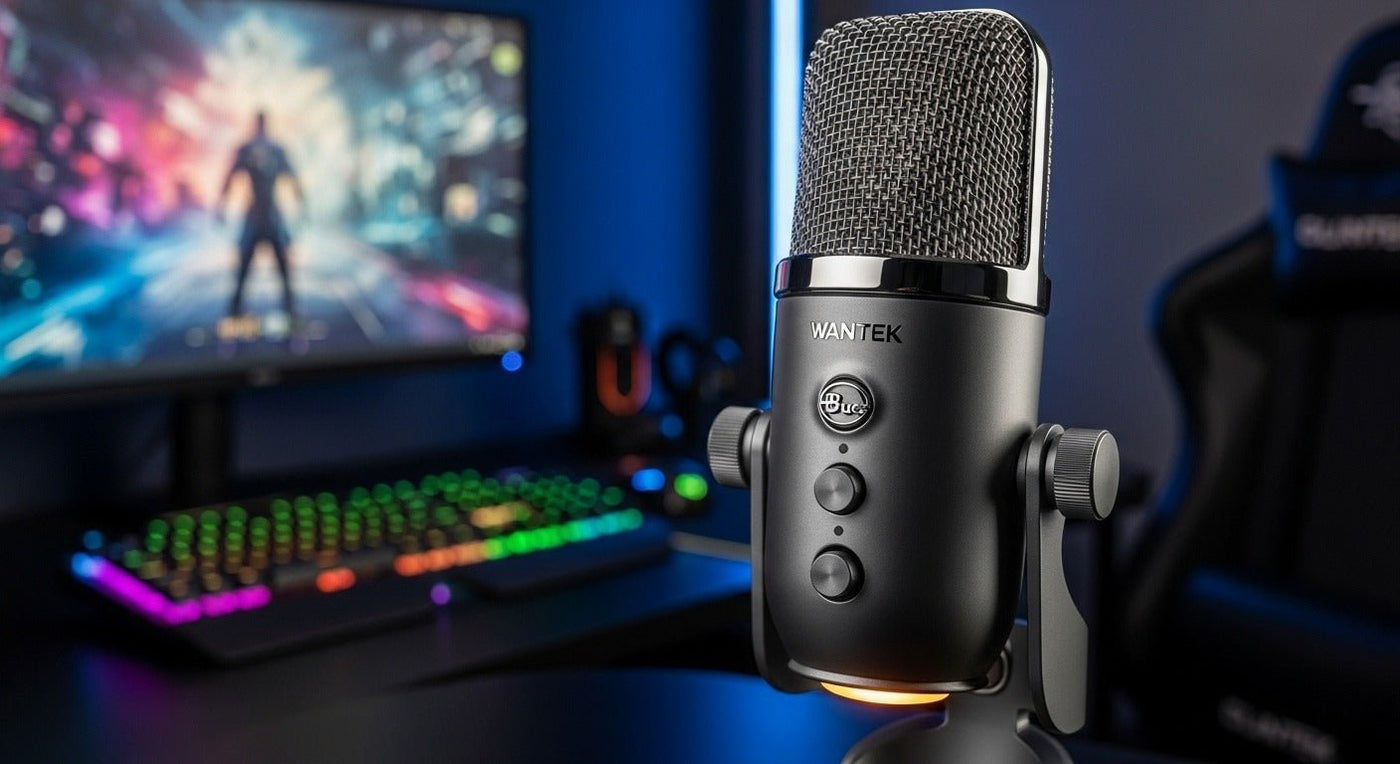
“Blue Microphones” is still a familiar search term, but the current retail lineup is now presented through Logitech G. The useful buying question in 2026 is not whether every Blue-branded mic is “best,” but which current Yeti-family microphone matches your room, pickup pattern, connection path, and streaming workflow.
Current lineup highlights: Yeti 2 and classic Yeti target multi-pattern USB use, Yeti Nano is a compact dual-pattern USB option, Yeti Orb is a simple condenser gaming mic, Yeti GX uses a dynamic supercardioid capsule, and Yeti Studio is an active dynamic XLR microphone. These models solve different jobs and should not be ranked as one universal winner.

What Happened to Blue Microphones?
Logitech acquired Blue Microphones in 2018, and current consumer streaming products are now sold through Logitech G. Logitech G still uses Blue VO!CE as the name for its voice-processing software features, while current microphone product names center on the Yeti family.
The live Logitech G microphone catalog currently includes models such as Yeti 2, Yeti Nano, Yeti Orb, Yeti GX, Yeti, and Yeti Studio. Older Blue-branded models can still appear in retailer listings or legacy pages, so verify current availability before treating an older recommendation as active.
| Model | Connection / capsule | Best fit |
|---|---|---|
| Yeti 2 / Yeti | USB, multi-pattern condenser family | Creators who want pattern flexibility for solo voice, interviews, or room capture. |
| Yeti Nano | USB, two-capsule dual-pattern condenser | Compact desks and simple streaming, voiceover, Discord, or podcast setups. |
| Yeti Orb | USB condenser with cardioid-focused gaming use | Simple gaming/streaming setups where easy USB setup matters more than pattern choice. |
| Yeti GX | USB dynamic, supercardioid | Desk setups that benefit from a tighter dynamic pickup pattern around keyboard and room noise. |
| Yeti Studio | Active dynamic XLR | Creators moving to an audio-interface workflow instead of direct USB. |
Yeti GX: Better Suited to Noisy Gaming Desks
Logitech G lists Yeti GX as a dynamic USB microphone with a supercardioid polar pattern, 24-bit / 96 kHz sampling, USB-C-to-USB-A connection, and Blue VO!CE support through G HUB. A dynamic capsule and tighter pickup pattern can be useful when the microphone is placed close to the speaker and the room contains keyboard or fan noise.
That does not mean a dynamic microphone automatically removes all background sound. Placement, gain, distance, room reflections, and software processing still matter. See the current Yeti GX specifications.
Yeti Nano: Compact USB for Simple Creator Setups
Yeti Nano is a compact USB condenser microphone with two capsules and two pickup patterns: cardioid and omnidirectional. Logitech positions cardioid for solo streaming, voiceover, and calls, while omnidirectional capture is intended for sound from around the microphone.
The current Yeti Nano page also lists Blue VO!CE features through G HUB and direct USB operation without a separate audio interface.
Yeti Orb: The Simpler Gaming USB Option
Yeti Orb is a condenser USB gaming microphone with a simpler single-mic workflow, LIGHTSYNC RGB, and Blue VO!CE presets. It is better understood as an easy-entry desktop streaming mic than as a substitute for a multi-pattern Yeti or an XLR studio chain.
Logitech's current Yeti Orb page emphasizes gaming and streaming through a straightforward USB connection.
Yeti Studio: When You Want XLR Instead of USB
Yeti Studio is an active dynamic XLR microphone with Logitech's ClearAmp active preamp design. Because it is XLR rather than direct USB, it belongs in a different workflow: you still need a compatible audio interface or mixer to get the microphone signal into a computer.
See Logitech G's Yeti Studio specifications before assuming it works like a plug-and-play USB Yeti.
Which Pickup Pattern Do Streamers Actually Need?
Most solo streamers should start with a directional pattern and place the microphone close to the mouth. Multi-pattern microphones are useful when you genuinely need different capture geometries, such as a two-person interview or room ambience. More patterns are not automatically better for a one-person gaming desk.
- Cardioid: useful for one speaker positioned in front of the microphone.
- Supercardioid: tighter directional behavior that can help focus the setup when placement is controlled.
- Omnidirectional: useful when you deliberately want sound from all around the microphone.
- Bidirectional / stereo: specialized patterns that matter only when the recording task actually needs them.
USB vs. XLR for Gaming and Streaming
USB microphones package the microphone, preamp, and digital conversion into one device, which keeps setup simple. XLR microphones separate those parts and require an audio interface or mixer, but they can provide more flexibility when a creator wants multiple microphones, hardware routing, or a broader recording chain.
Neither connection type is automatically “professional” or “consumer.” The better path is the one that matches the rest of the setup and the level of control you need.
For a step-by-step look at the full signal path—microphone type, placement, gain, and software settings—see Wantek’s gaming mic setup guide.
Blue VO!CE Is Software, Not a Microphone Type
Blue VO!CE is Logitech's software-processing feature set inside supported G HUB workflows. Depending on the product, it can provide EQ, noise reduction, de-essing, effects, and presets. It can help shape voice sound, but it does not replace basic microphone technique.
Start with placement before processing. Move the microphone closer, lower unnecessary gain, aim the pickup pattern correctly, and reduce obvious room noise before relying on software filters.
Frequently Asked Questions
Does Blue Microphones still exist as a current streaming-mic brand?
Current consumer microphone shopping is presented through Logitech G, while Blue VO!CE remains part of Logitech's audio software naming and Yeti remains the main microphone family.
Is Yeti GX better than Yeti Nano?
They solve different problems. Yeti GX is a dynamic supercardioid USB mic aimed at gaming desks; Yeti Nano is a compact dual-pattern condenser for broader USB recording use.
Do I need an audio interface for Yeti GX or Yeti Nano?
No separate interface is required for their normal USB operation. Yeti Studio is different because it uses XLR and belongs in an interface-based signal chain.
Can a USB microphone work with OBS, Discord, or streaming software?
In general, supported operating systems expose USB microphones as audio input devices, but exact software behavior and platform support should be checked against the microphone and app requirements.
Will a pop filter fix keyboard noise?
No. A pop filter mainly reduces plosive air bursts. Keyboard noise is better addressed through microphone placement, directional pickup, gain control, desk isolation, and software processing where appropriate.

