
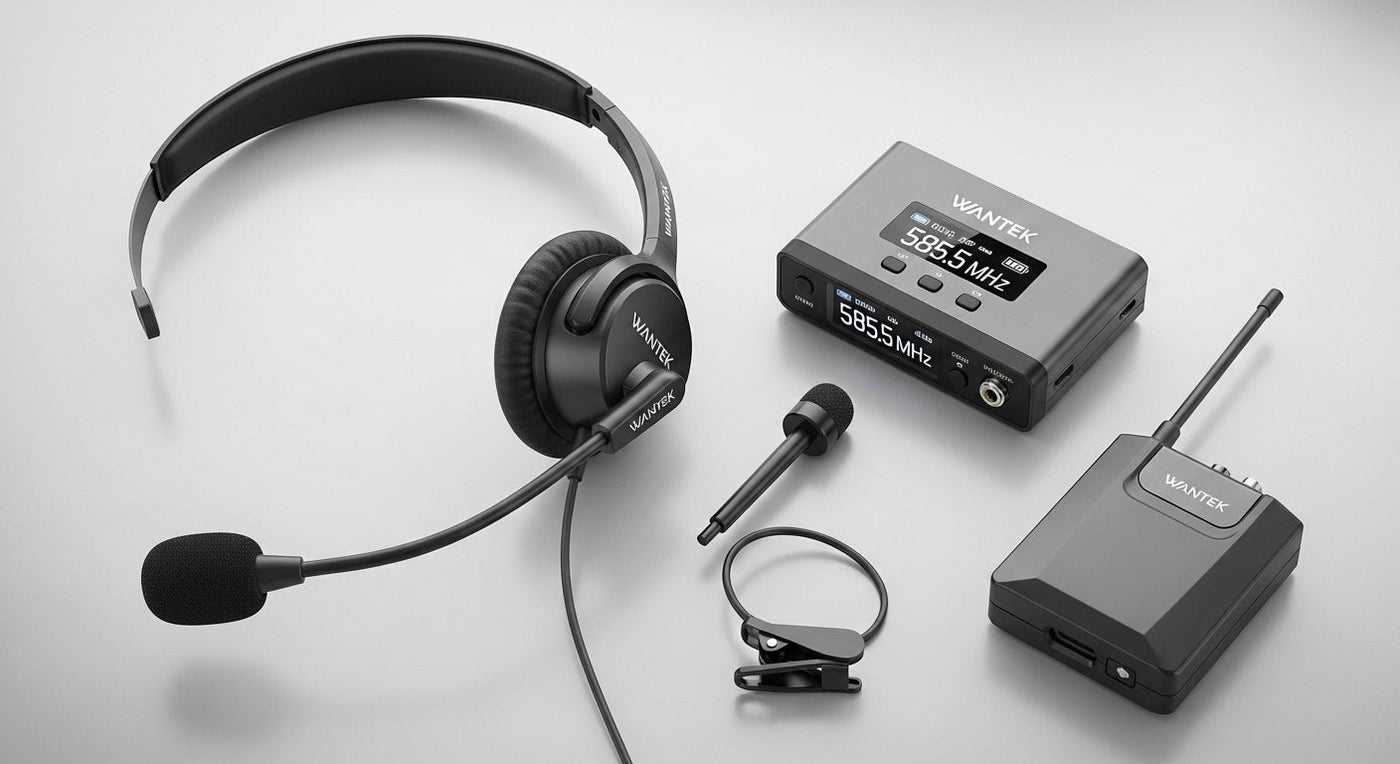
A wireless headset with a microphone is only useful when its connection path matches the job. Bluetooth work headsets, USB-dongle gaming headsets, and DECT desk-phone systems may all look similar, but they behave differently for calls, latency, range, battery life, and device switching.
Start with the device: phone and laptop users can often use Bluetooth; gamers may prefer a dedicated USB wireless link; desk-phone users may need a supported DECT base or phone-specific adapter. Then compare microphone design, wearing style, controls, battery, and whether you need one or two active devices.

Wireless Headset Types Are Not Interchangeable
| Connection | Typical use | Check before buying |
|---|---|---|
| Bluetooth | Phones, tablets, laptops and supported PCs | Bluetooth support on the device, microphone profile, multipoint behavior and app controls |
| 2.4 GHz / USB dongle | Gaming and computer use where a dedicated wireless path is preferred | Platform compatibility, microphone support and whether the dongle occupies USB-A or USB-C |
| DECT + base | Office desk phones and professional call workflows | Exact phone compatibility, base connections and any EHS or lifter requirement |
Bluetooth Headsets: Best for Phones and Multi-Device Work
Bluetooth's Hands-Free Profile is designed for voice connections and call control between supported phones and hands-free devices. In practice, that makes Bluetooth a natural fit for mobile calls and many laptop workflows, but it does not guarantee that every headset feature works on every app or desk phone.
The current Bluetooth Hands-Free Profile specification defines the voice-and-control role, while each headset manufacturer defines device support and controls.
Multipoint Is Useful Only If Your Workflow Needs It
If you move between a laptop and phone, multipoint can reduce manual re-pairing. Wantek currently positions the 186BTC as a Bluetooth multipoint work headset with a boom microphone. Multipoint still does not mean two simultaneous conversations; behavior depends on the headset and connected devices.
Single-Ear vs. Dual-Ear for Speaking
A single-ear headset keeps one ear uncovered, which can help when you need to hear coworkers or room activity. A dual-ear headset places call audio in both ears and can reduce distractions without claiming active noise cancellation.
For a fuller comparison of room awareness, physical coverage, and fit, see Wantek's single-ear vs. dual-ear headset guide.
Within Wantek's current work range, WK881BT is the single-ear option, while WK882BT is dual-ear. Both current product pages list Bluetooth 5.2, boom microphones, passive noise cancellation, one-key mute and up to 45 hours of battery life.
Microphone Design Matters More Than Driver Size for Calls
For speaking, focus on microphone placement and the conditions where the headset is tested. A boom microphone puts the pickup element closer to the mouth than an earcup-integrated mic, but the final result still depends on microphone processing, room noise, wind, and software.
- Boom mic: useful for work calls, support desks and gaming voice chat.
- Mute control: confirm whether mute is on-headset, in-line, software-only, or synchronized with the calling app.
- Noise control: distinguish microphone noise reduction from ANC that reduces what the wearer hears.
- Monitoring: sidetone can help users hear their own voice, but it is not available on every model.
Do Not Buy by Battery Number Alone
Battery figures can refer to talk time, music playback, standby, or a specific ANC state. Compare the mode that matches your workday. Charging docks can improve convenience, but they do not change headset compatibility.
Gaming Needs a Different Wireless Decision
Bluetooth can be convenient, but console support and voice-chat behavior vary. A gaming headset with a dedicated USB wireless transmitter can provide a more predictable console or PC path. Verify the exact platform before buying; “wireless” by itself does not prove PlayStation, Xbox, Switch, or PC compatibility.
Desk Phones Need Compatibility Checks
A Bluetooth headset does not automatically connect to a traditional office desk phone. Some setups require a compatible base, USB path, Bluetooth-enabled phone, Electronic Hook Switch cable, or handset lifter. If the primary device is a desk phone, identify the exact phone model before choosing the headset.
Connection first, feature list second. A headset with excellent battery life and microphone specifications is still the wrong choice if its wireless path does not match the device that actually handles your calls.
Frequently Asked Questions
What is the best wireless headset microphone for speaking?
There is no universal model. Choose by device compatibility, boom-mic performance, wearing style, controls, battery needs and whether you need Bluetooth multipoint, USB wireless, or DECT.
Is Bluetooth good enough for work calls?
Yes for many supported phone and computer workflows. Verify the headset's microphone profile, app controls and multipoint behavior on the devices you use.
Does ANC improve microphone quality?
Not necessarily. ANC primarily reduces noise heard by the wearer. Microphone noise reduction is a separate function and should be evaluated independently.
Can one wireless headset connect to a laptop and phone?
Yes, if the headset supports multipoint or another multi-device workflow. Check whether it can stay connected to both devices and how it handles incoming calls.
Will a Bluetooth work headset connect to my office phone?
Only if the phone or an approved base or adapter supports that connection. Confirm the exact desk-phone model before ordering.
Compare Current Wantek Wireless Headsets
Start with work-call models, then compare wearing style, microphone design, Bluetooth features and battery information on the current product pages.

