
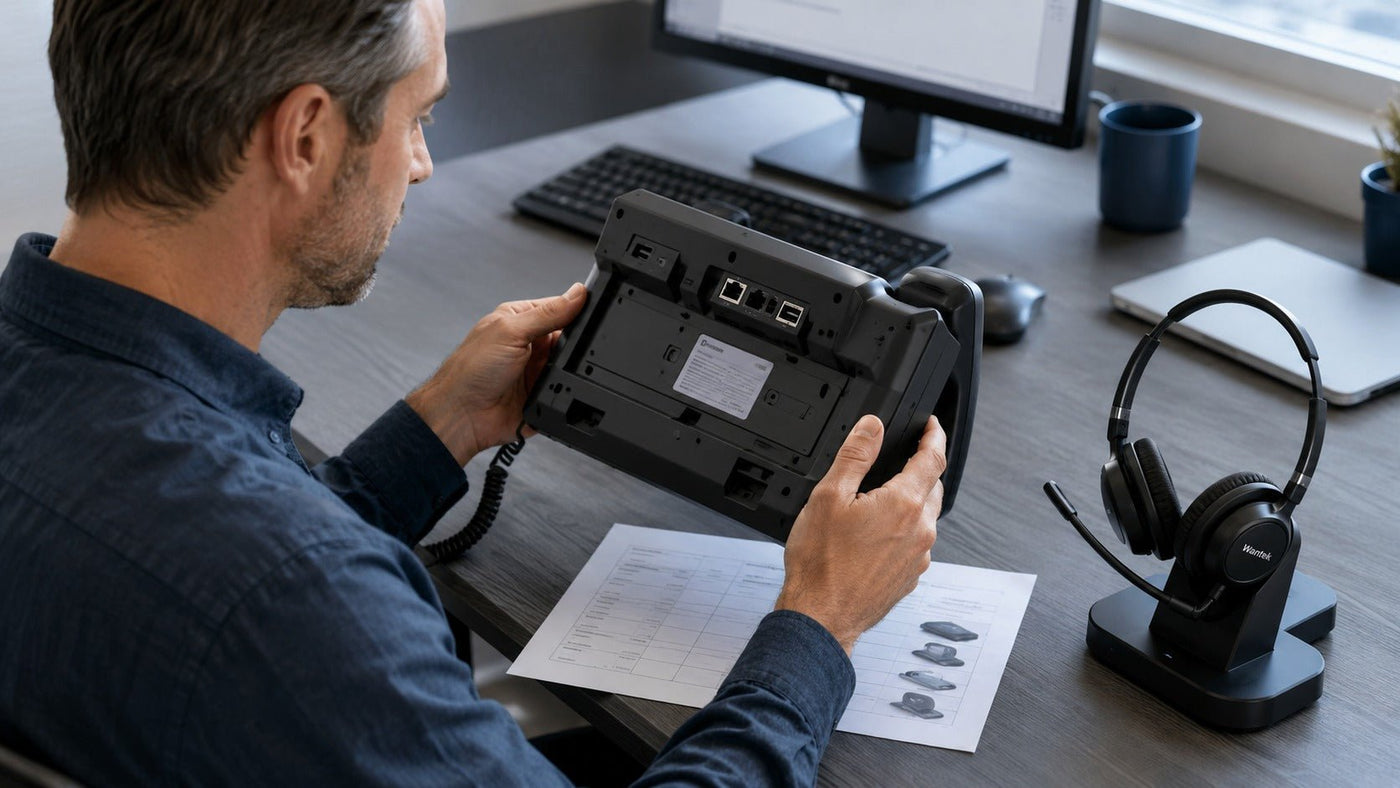
A wireless headset for a desk phone should be chosen from the phone outward. The exact phone model determines whether you can use built-in Bluetooth, a compatible wireless base, USB, an electronic hookswitch (EHS), a handset lifter, or another supported connection path.

Quick answer: record the complete desk-phone model first, then verify its supported headset connection and remote call-control method. Only after that should you compare microphone performance, wireless range, battery life, wearing style, and price.
Start with the desk phone, not the headset
The phrase wireless headset for desk phone covers several different architectures. Some business phones pair directly with Bluetooth headsets. Others work with a dedicated DECT or Bluetooth base. Some support USB audio accessories, while others require a modular phone connection plus an EHS cable or handset lifter.
A connector that fits is not enough. Similar-looking modular ports can use different wiring, and a USB port may be intended for power or another accessory rather than headset audio. If the phone model or connection path is unclear, use Wantek's desk-phone compatibility checker before choosing a headset.
Wireless desk-phone connection paths compared
| Path | How it works | What to verify |
|---|---|---|
| Built-in Bluetooth | The phone pairs directly with a supported Bluetooth headset. | Exact phone model, Bluetooth headset support, supported profiles, call-control behavior. |
| Dedicated wireless base | A base connects to the desk phone and communicates wirelessly with the headset. | Phone-to-base connection, base compatibility, remote answer/end support. |
| USB wireless adapter | A supported adapter connects through a phone USB port. | Whether the phone supports that exact USB audio accessory and its call controls. |
| EHS or handset lifter | Adds remote answer/end capability to a compatible wireless system. | Phone model, base, EHS cable or lifter compatibility, firmware and setup. |
Bluetooth and dedicated base systems solve different problems
Direct Bluetooth is simplest when the phone supports it
Direct Bluetooth can reduce the number of desk accessories because the headset pairs with the phone itself. The limitation is compatibility: Bluetooth support is phone-specific, and not every phone that includes Bluetooth supports every headset function. Basic audio, answer/end, mute synchronization, and volume control should be verified separately.
Direct pairing is most attractive when the phone documentation clearly supports Bluetooth headsets and the user does not need a multi-device base or long-distance office roaming.
A dedicated base can be better for fixed office deployments
A wireless base separates the radio link from the desk-phone connection. The headset communicates with the base, and the base connects to the phone through the supported cable, USB, modular, or manufacturer-specific path. Professional DECT systems commonly use this architecture.
This design can be useful when users need reliable desk-phone integration, mobility around the workplace, charging at a fixed station, or remote call control. It also makes the base part of the compatibility chain, so the phone, base, cable, EHS accessory, and headset must be evaluated as one system.
EHS and handset lifters are about remote call control
A wireless headset can have working speaker and microphone audio while still failing to answer or end calls remotely. That happens because audio compatibility and call-control compatibility are related but separate.
An electronic hookswitch can provide remote answer/end functions on supported phone and headset-base combinations. Where electronic control is unavailable, some systems use a mechanical handset lifter. Neither accessory is universal. The exact phone and wireless base determine what is required.
If you need more detail on ports, cables, EHS, and setup order, see the office telephone headset setup guide.
If you use both a desk phone and computer, verify two separate paths
A headset that works with your laptop does not automatically work with your physical phone. Likewise, a desk-phone base does not automatically provide the USB or Bluetooth behavior needed for a computer softphone.
For a hybrid workstation, write down both endpoints and the required controls on each. A multi-device base or dual-connectivity headset may support switching between them, but implementation varies by model. Some systems maintain more than one connection but still require manual source selection; others support different answer/end behavior depending on the device.
Use the dual-connectivity office headset guide when desk-phone and computer calls are both part of the same workstation.
Choose the wearing style after compatibility

Mono for awareness
A mono headset leaves one ear uncovered. It can suit reception desks, front-office roles, supervisors, and shared workspaces where the wearer needs to hear nearby people or alerts while staying on a call.
Dual-ear for more isolation
A dual-ear headset covers both ears and can provide more passive isolation from surrounding conversation. It may be a better fit for users who spend long blocks on calls in a busy environment, provided the headband and cushions remain comfortable.
Neither design automatically improves microphone quality. Test pressure, heat, stability, glasses compatibility, and boom position over a realistic call block rather than judging comfort after a few minutes.
Battery and range should match the actual workday
For call-focused use, compare manufacturer-rated talk time rather than music playback or standby figures. Leave a practical margin above the longest expected calling period, and check how long the headset takes to recharge.
- Check whether the headset charges by dock, cable, or both.
- Confirm whether it can be used while charging if that matters to the workflow.
- Compare published indoor range, not only open line-of-sight maximums.
- Expect walls, doors, metal structures, and radio conditions to reduce usable range.
A larger range figure is useful only when the phone and base remain compatible with the rest of the setup.
Microphone and call controls matter more than entertainment features
For frequent business calls, prioritize the microphone, mute access, answer/end behavior, sidetone, and stable connection before music-oriented features. A boom microphone places the microphone closer to the mouth, but transmitted voice quality still depends on the microphone design, processing, phone, codec, network, and surrounding noise.
Speaker-side active noise cancellation and microphone noise reduction are also different functions. ANC changes what the wearer hears; microphone processing affects what the other caller hears. Do not treat one as proof of the other.
Use this setup sequence
Identify the phone
Record the complete manufacturer and model rather than a broad family name.
Confirm the supported wireless path
Check direct Bluetooth, USB, a dedicated base, modular connection, EHS, or lifter requirements.
Connect the required hardware
Install the supported base, cable, adapter, or accessory before pairing or registering the headset.
Test a real incoming and outgoing call
Verify speaker, microphone, mute, volume, answer/end, and any remote-call functions separately.
Common problems and what they usually mean
| Problem | Check first | Next step |
|---|---|---|
| No audio | Phone headset mode and connection path. | Recheck the supported port, base, adapter, and headset pairing. |
| Audio works, answer/end does not | Remote call-control support. | Verify EHS, USB integration, lifter, firmware, or phone settings. |
| Caller cannot hear you | Mute state and microphone position. | Check microphone path, pairing, base connection, and supported headset profile. |
| Short wireless range | Base placement and obstacles. | Compare the model's indoor-range guidance and test in the actual building. |
Before standardizing a headset across a team
Test the exact configuration at representative desks before ordering at scale. Phone models, firmware, port availability, and EHS requirements can vary even within one office. A short pilot should confirm the connection, all required controls, comfortable fit, range in the real building, and battery coverage for the expected shift.
For fixed desks where mobility adds little value, a wired headset may remain the simpler deployment. Wireless is most useful when users genuinely need to move away from the phone while staying on calls.
Check your phone model first
Use the exact desk-phone model to identify the supported headset path before buying.
Frequently asked questions
Can I use any Bluetooth headset with a desk phone?
No. Direct Bluetooth works only when the exact phone supports the required headset connection and functions. Other phones may need a compatible base or manufacturer-supported accessory.
What is EHS?
Electronic hookswitch accessories can provide remote answer and end controls on compatible desk-phone and wireless-headset combinations. They are model-specific rather than universal.
Do I need DECT for a desk-phone headset?
No. Some phones support direct Bluetooth or another wireless path. DECT is common in professional base-station systems, but the correct choice depends on the phone, range, controls, and workflow.
Why can I hear audio but not answer calls remotely?
Audio and call-control integration are separate. The phone, base, accessory, firmware, and headset all affect answer/end behavior.
Can one wireless headset work with both a desk phone and computer?
Yes, when the exact headset or base supports both connection paths. Verify the desk phone and computer separately, including switching and call-control behavior.

