
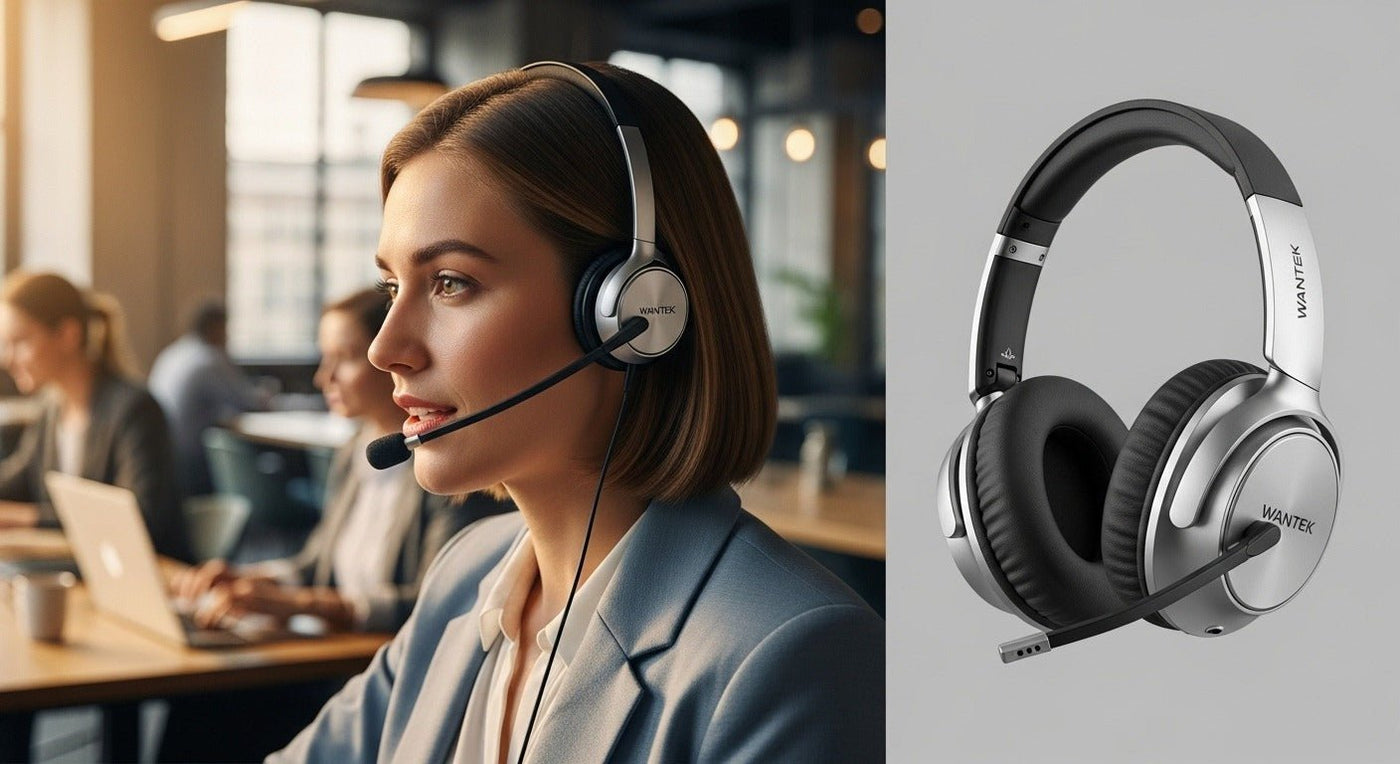
For work, “wireless headphones” can mean music-first ANC headphones or call-first business headsets. If meetings and phone calls dominate your day, start with microphone placement, connection reliability, and controls before music features.
Call-heavy work: favor a boom mic, easy mute, stable laptop/phone connection, and all-day comfort. Focus-heavy work: dual-ear isolation or ANC may matter more.

Work-headset priorities
| Need | Prioritize | Verify |
|---|---|---|
| Calls | Boom mic, mute, sidetone/monitoring if needed. | App and OS call-control support. |
| Laptop + phone | Multipoint or a controlled switching path. | Connected vs paired behavior. |
| Focus | Dual-ear fit, passive isolation or ANC. | ANC is not microphone noise reduction. |
| Long days | Weight, clamp, cushion heat, battery. | Battery conditions and charge time. |

Bluetooth vs. USB wireless adapter
Direct Bluetooth is convenient across phones and laptops. A USB adapter can give the headset vendor tighter control over the PC connection and app integration. Check the exact workflow rather than assuming one is always better.

For the details that matter most at a home desk, see Wantek’s home-office headset features guide.
Compare current wireless work headsets
Wantek currently offers WK882BT, WK881BT, 186BTC, and other office-focused wireless models with different mono/dual-ear and connection options.
Build the Choice Around the Workday
Start with the devices that carry calls, then decide whether direct Bluetooth, a USB receiver, or a base-station system makes the most sense. A headset used only with one laptop has different requirements from one that must move between a laptop and mobile phone all day.
Check communication features separately
Microphone noise reduction, listening-side ANC, multipoint, mute controls, sidetone, and call buttons solve different problems. Confirm each feature independently instead of treating “business headset” as a single bundle of capabilities.
Workday Test
- Join a real call.
- Walk the normal workspace.
- Switch between required devices.
- Wear it long enough to judge pressure and heat.
- Check whether charging fits the shift schedule.

