
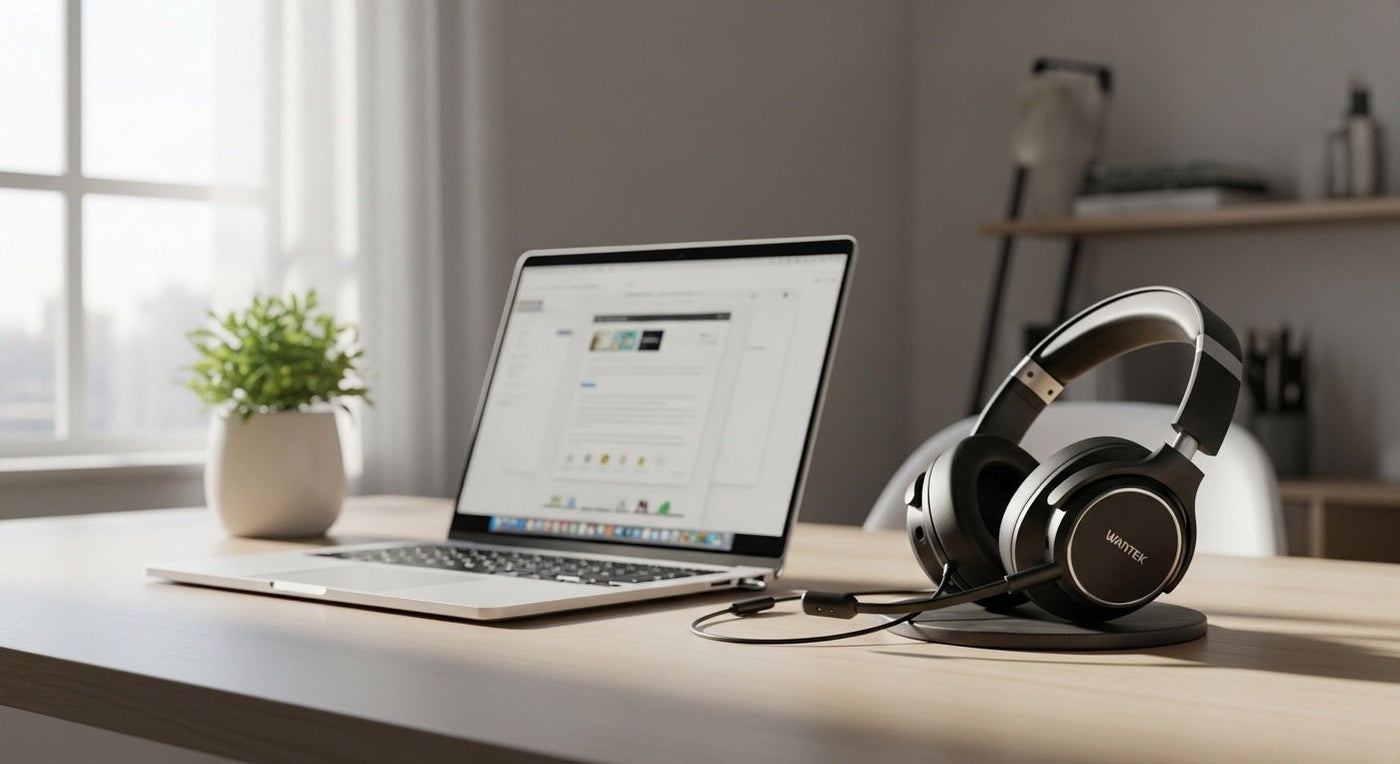
For a laptop, wireless headphones can connect directly over Bluetooth or through a USB wireless adapter. The better path depends on whether you prioritize music, meetings, gaming, or switching between the laptop and a phone.
Meetings: boom mic and reliable call controls. Music/travel: comfort, ANC, battery. Gaming: low-latency USB wireless or wired fallback.

Bluetooth or USB adapter?
| Connection | Useful for | Check |
|---|---|---|
| Bluetooth | General laptop + phone use. | OS support, multipoint, call profile. |
| USB adapter | Work/gaming models with controlled radio path. | USB-A/C, app, platform support. |

Microphone mode can change the audio path
Bluetooth call mode can behave differently from high-quality media playback. Test the headset inside the actual meeting or calling app you use.
For laptop + phone workflows, see Wantek’s dual-connectivity office headset guide.
Compare laptop-focused PC headsets
Wantek’s PC headset collection includes models for computer-based work and calls. Verify the connection and microphone requirements on each product page.
Match the Wireless Method to the Laptop
Most modern laptops can use Bluetooth headphones, while some work headsets use a dedicated USB receiver. The receiver can simplify device recognition and call controls in some managed environments, while direct Bluetooth reduces the number of accessories to carry.
Check the microphone path
Pairing success only proves the wireless link exists. Select the headset microphone in the operating system and in the meeting or calling application, then make a test call. If the laptop switches audio modes when the microphone activates, evaluate that behavior in the apps you actually use.
Travel and Desk Use
For mobile laptop use, consider folding size, charging connector, case protection, and whether a wired fallback is useful. For a fixed desk, comfort, microphone placement, and predictable controls usually matter more than maximum portability.

