
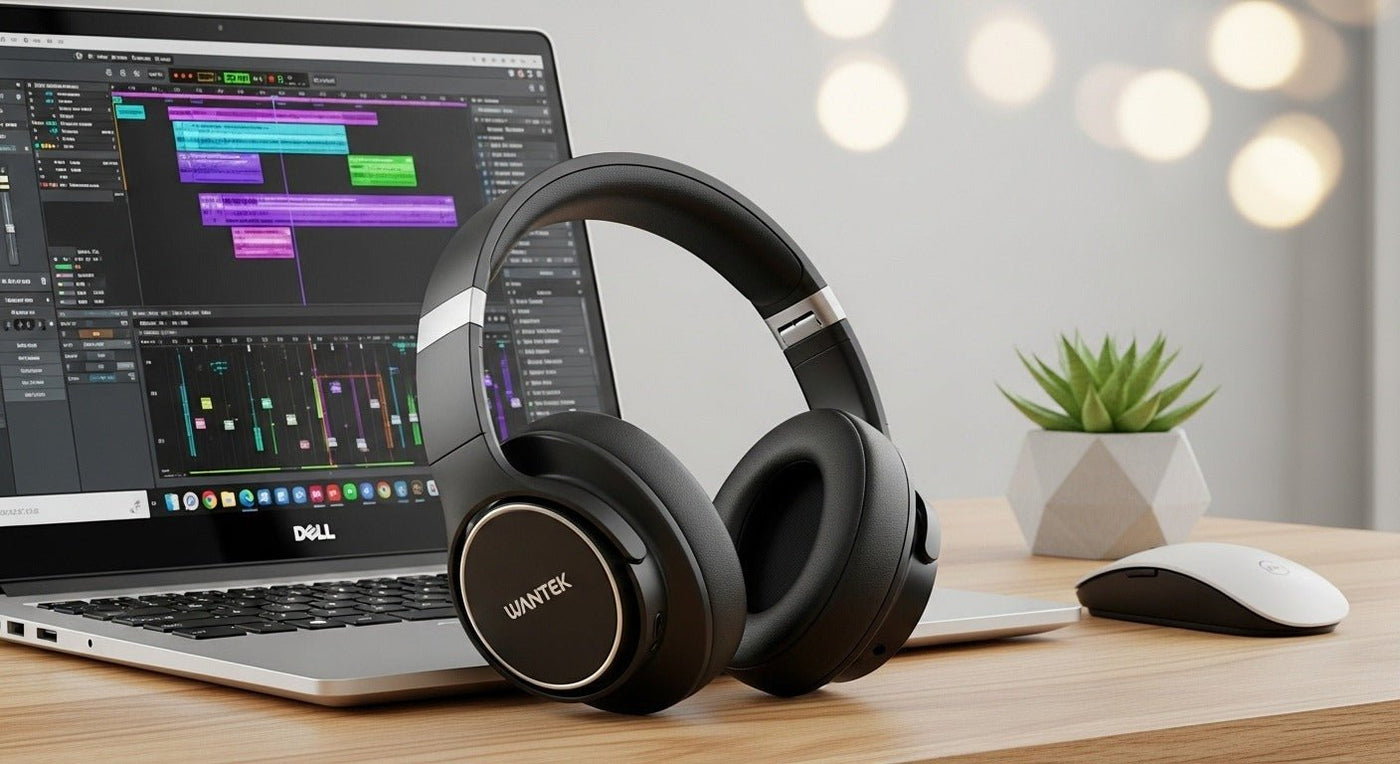
Dell computers do not require a special headphone brand. The right headset depends on the exact Dell model’s ports and Bluetooth support plus whether you need calls, gaming, music, or training.
Check the computer first: combo 3.5 mm jack, separate mic/headphone jacks, USB-A, USB-C audio support, and Bluetooth.


Wired choices
A TRRS headset can carry stereo audio plus mic through a compatible combo jack. USB headsets provide their own digital audio path and may add call controls.
Wireless choices
Bluetooth is convenient for general use. Gaming or professional work headsets may use a USB wireless adapter instead.
For PC-specific wired connections, see Wantek’s wired PC headset guide.
Compare computer headsets
Wantek offers wired and wireless options across USB, USB-C, 3.5 mm, and Bluetooth workflows.
Match the Headphones to the Dell Computer's Actual Ports
Dell laptops and desktops vary by generation and configuration, so choose by the ports and wireless features on the specific computer rather than by the Dell brand name alone. Check whether your system has a 3.5 mm combo audio jack, separate microphone and headphone jacks, USB-A, USB-C, and Bluetooth.
3.5 mm headsets
A four-pole TRRS headset can carry stereo audio and microphone signals through a compatible combo jack. A three-pole TRS headphone plug normally carries audio only. Desktop towers with separate headphone and microphone sockets may require a splitter when the headset uses one TRRS plug.
USB headsets
USB headsets can simplify microphone routing because the computer sees them as a separate audio device. Match USB-A or USB-C to an available port, then select the headset for both output and input in Windows and in the calling application.
Bluetooth headphones and headsets
Bluetooth removes the cable, but microphone behavior depends on the headset, Windows audio routing, and the application. If calls are the priority, test both playback and microphone input rather than confirming music playback alone.
Before You Buy
- Identify the exact Dell model and available ports.
- Decide whether you need a microphone or listening only.
- Check whether your work app needs dedicated call controls.
- For shared or managed PCs, confirm whether Bluetooth use is permitted.
- For long sessions, prioritize fit, clamp, cushion size, and weight.

