
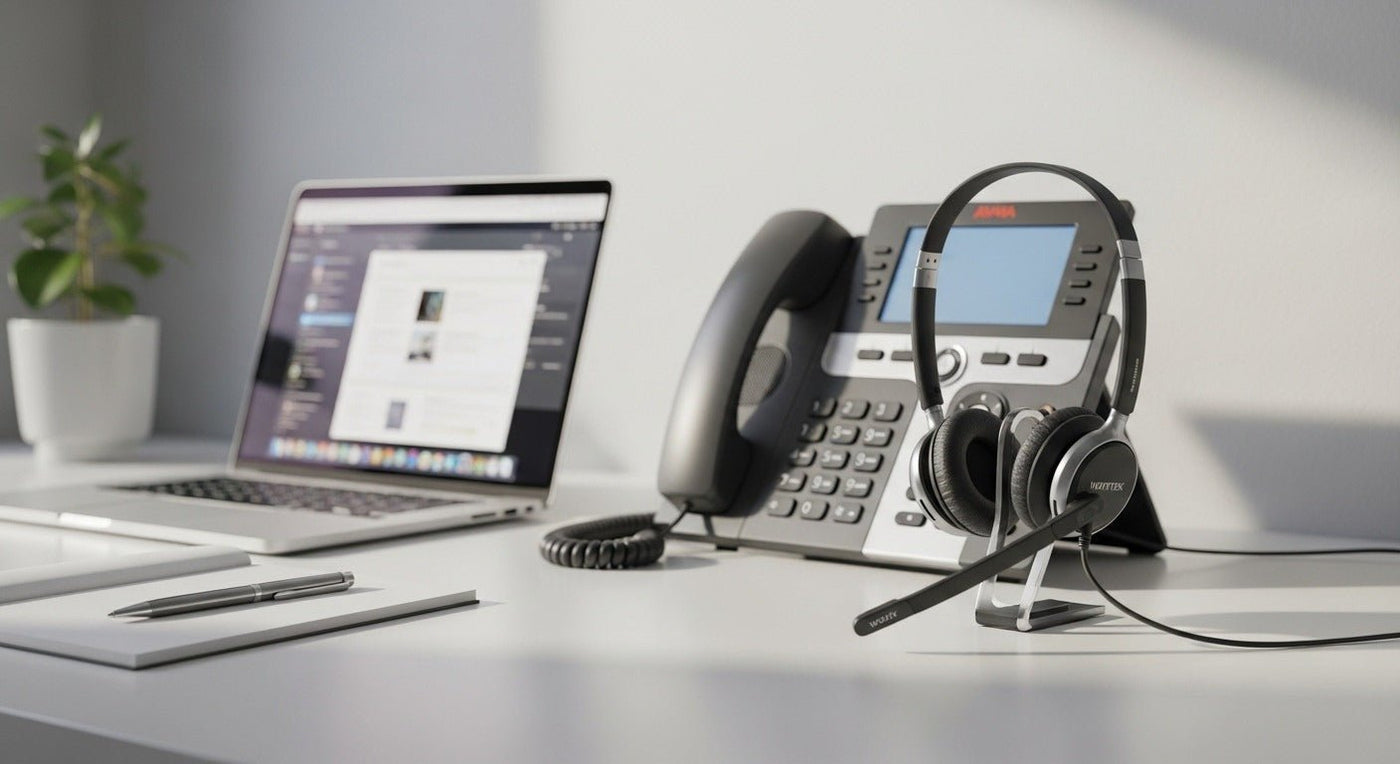
There is no single “Avaya headset” connector. Avaya phone families support different combinations of RJ9, 3.5 mm, USB, Bluetooth, and external controller/EHS paths. The exact phone model must be identified before the headset.
Compatibility chain: phone model → supported headset port → required cable/adapter → call-control requirements → headset variant.

Avaya examples show why model-level checking matters
Avaya Vantage documentation lists support for USB, 3.5 mm, RJ9, and wideband Bluetooth headsets. By contrast, specific J100 Series phone models and firmware can have their own USB or Bluetooth support rules.
See Avaya’s current Vantage device specifications for one example of model-specific ports.

Wired RJ9 does not mean universal RJ9
Modular headset plugs can use different wiring, and some desk phones need specific cable variants or settings. Confirm the model in a compatibility table rather than matching by plug shape.
USB and Bluetooth can add call-control variables
Audio may work while answer/end or mute integration differs. Check whether the headset, phone firmware, and any required adapter support the controls you need.
Use Wantek’s desk-phone compatibility finder to check the exact Avaya model and headset variant.
Check your Avaya model before ordering
Wantek lists tested/claimed compatibility by phone model and connector rather than treating all Avaya phones as the same.
Avaya Compatibility Is Model-Specific
Do not choose a headset from the Avaya brand name alone. Record the exact desk-phone model, the headset port or USB options it provides, and whether remote call control requires a compatible EHS cable, lifter, or base.
Separate audio compatibility from call control
A headset can pass audio while answer/end, mute indication, or remote hook control still behaves differently. Test the complete workflow on the exact phone configuration before standardizing a larger purchase.
Pre-Purchase Check
- Phone model and firmware
- Physical headset interface
- Required adapter or base
- Answer/end and mute behavior
- Mono or dual-ear preference

