
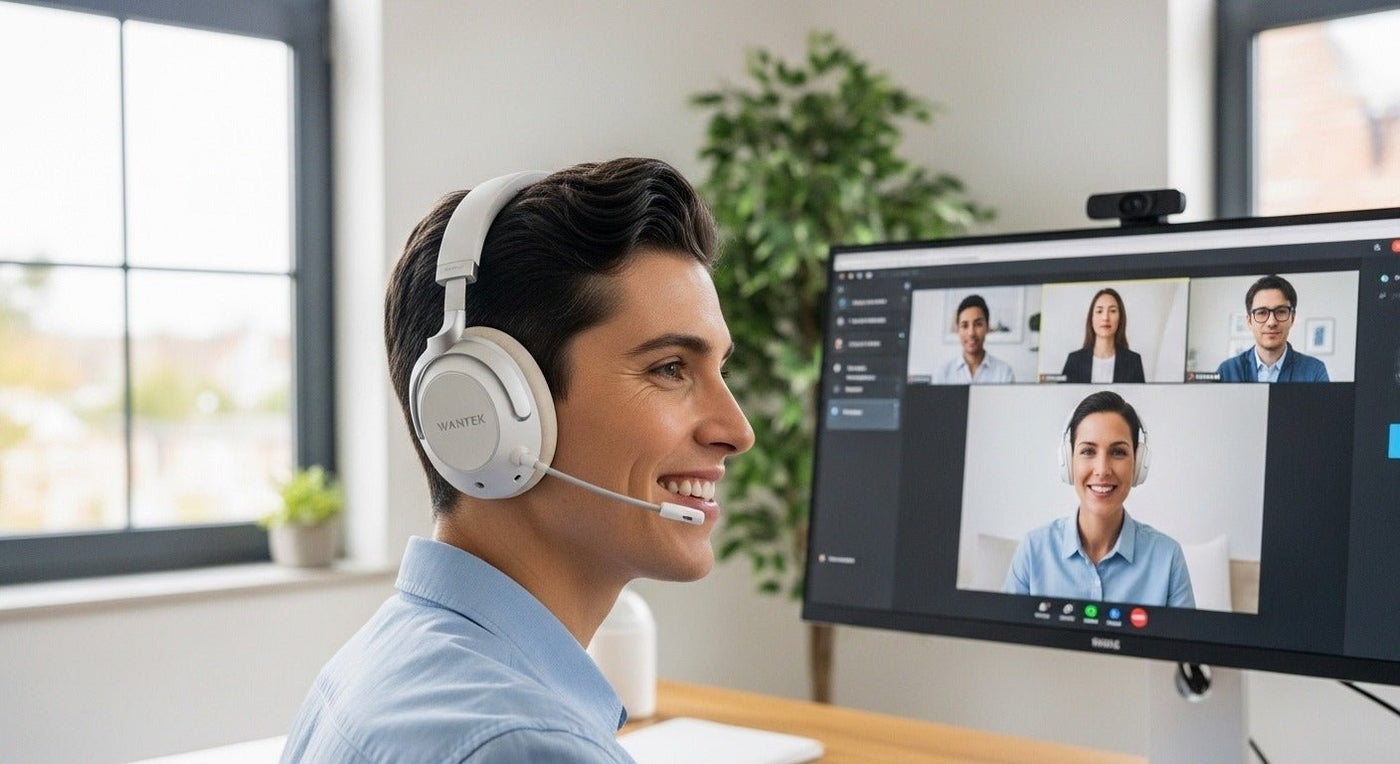
A headset that works for both gaming and work has to satisfy two different connection problems: low-latency game audio and reliable communication-app calls. The most flexible models usually combine a dedicated USB wireless link with Bluetooth or wired fallback.
Gaming first: prioritize latency and platform compatibility. Work first: prioritize microphone, mute, multipoint/switching, and all-day comfort.

Three connection paths to understand
| Connection | Strength | Check |
|---|---|---|
| 2.4 GHz USB wireless | Often optimized for game latency. | Console and USB compatibility. |
| Bluetooth | Easy phone/laptop use. | Call mode and gaming latency. |
| 3.5 mm | Simple low-latency fallback. | Mic wiring and controller/device port. |

Microphone priorities change by room
A boom mic helps maintain consistent mouth distance. In a noisy office or shared gaming room, microphone noise reduction can matter more than ANC, which mainly changes what you hear.

Comfort and battery are shared requirements
Long gaming sessions and workdays both expose clamp, heat, weight, and battery weaknesses. Compare realistic use with features enabled, not only the largest advertised runtime.
For call-heavy use, see Wantek’s wireless headphones with mic guide.
Gaming and Work Share Hardware but Not Priorities
A headset used for both jobs needs a microphone that is clear enough for meetings, a connection method supported by the gaming platform, and comfort that holds up through long sessions. Low latency may matter more for gaming, while device switching and mute behavior can matter more for work.
Check platform support before features
PCs, consoles, phones, and managed work laptops do not all handle Bluetooth or USB audio in the same way. Confirm the exact connection path for every device you intend to use.
One-Headset Checklist
- Test microphone quality in a meeting app.
- Verify gaming-platform compatibility.
- Check latency with the intended connection.
- Confirm battery life with microphone use.
- Evaluate clamp and heat over several hours.

