
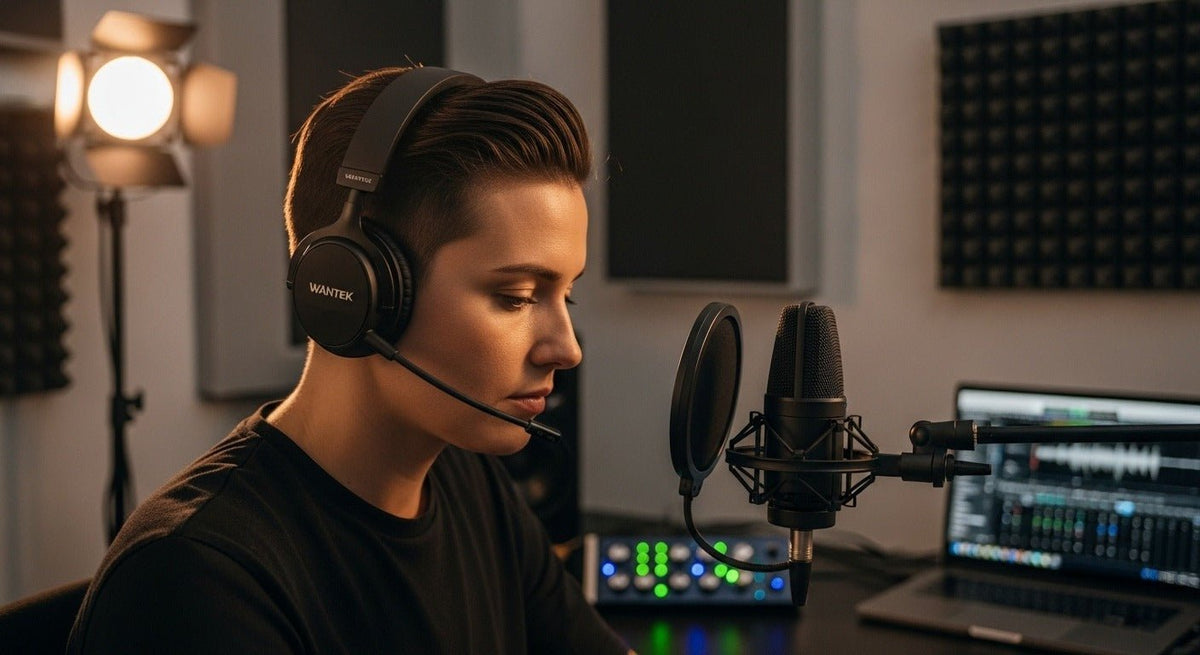
A wireless headset microphone can mean a two-way headset for work calls or a headworn microphone connected to a wireless microphone system for live sound. Start with the destination: a phone or computer for meetings, or a receiver and mixer for a stage or PA setup.
Quick answer: For work calls, choose a headset that supports both microphone input and headphone output on your device. For presentations or live performance, confirm a compatible headworn microphone, transmitter, receiver, and connection to the mixer or powered speaker. They are different signal chains, even when both are called wireless headsets.

Office wireless headset
For meetings and customer calls, the headset needs to send your voice to a computer or phone and play the other person’s audio back to you. Check the actual Bluetooth or USB wireless connection, microphone placement, mute control, battery, comfort, and support for your calling app. A Bluetooth headset should not be assumed to connect directly to a stage mixer or PA receiver.

Stage or presenter headset microphone
A typical live-sound chain runs from the headworn microphone to a compatible bodypack transmitter, then by radio to a receiver connected to a mixer or PA. Some products are sold as complete matched systems; others are separate components. Check microphone connector and powering, pickup pattern, secure fit, operating frequencies, receiver outputs, and battery arrangements before buying.
Compare the Complete Connection Paths
| Category | Primary job | Connection path |
|---|---|---|
| Work headset | Calls and meetings, two-way audio. | Bluetooth and/or USB receiver. |
| Stage headset mic | Voice capture for PA/recording. | Head-worn mic → bodypack → RF receiver → mixer. |
If office communication is the goal, Wantek’s office headset collection is the relevant category.
Which Wireless Microphone System Fits Your Setup?
If you need to hear colleagues and speak during calls, start with a two-way communication headset. If an audience needs to hear your voice through speakers, start with the venue’s audio inputs and a matched microphone, transmitter, and receiver. Neither a bare headset capsule nor a Bluetooth call headset can be assumed to replace that live-sound system.
For work calls
Confirm the device and calling app first. Then compare mic position, mute access, sidetone where available, battery life, and whether you need to switch between a computer and a phone. Pairing with multiple devices does not guarantee simultaneous audio mixing.
For presentation or stage use
Identify the mixer or powered-speaker input, then check receiver outputs, matched headset and bodypack connectors, the microphone pickup pattern, simultaneous channel needs, and frequencies permitted in the region where the system will operate. For a closer look at complete systems for teaching and public speaking, use the radio mic headset system guide.

