
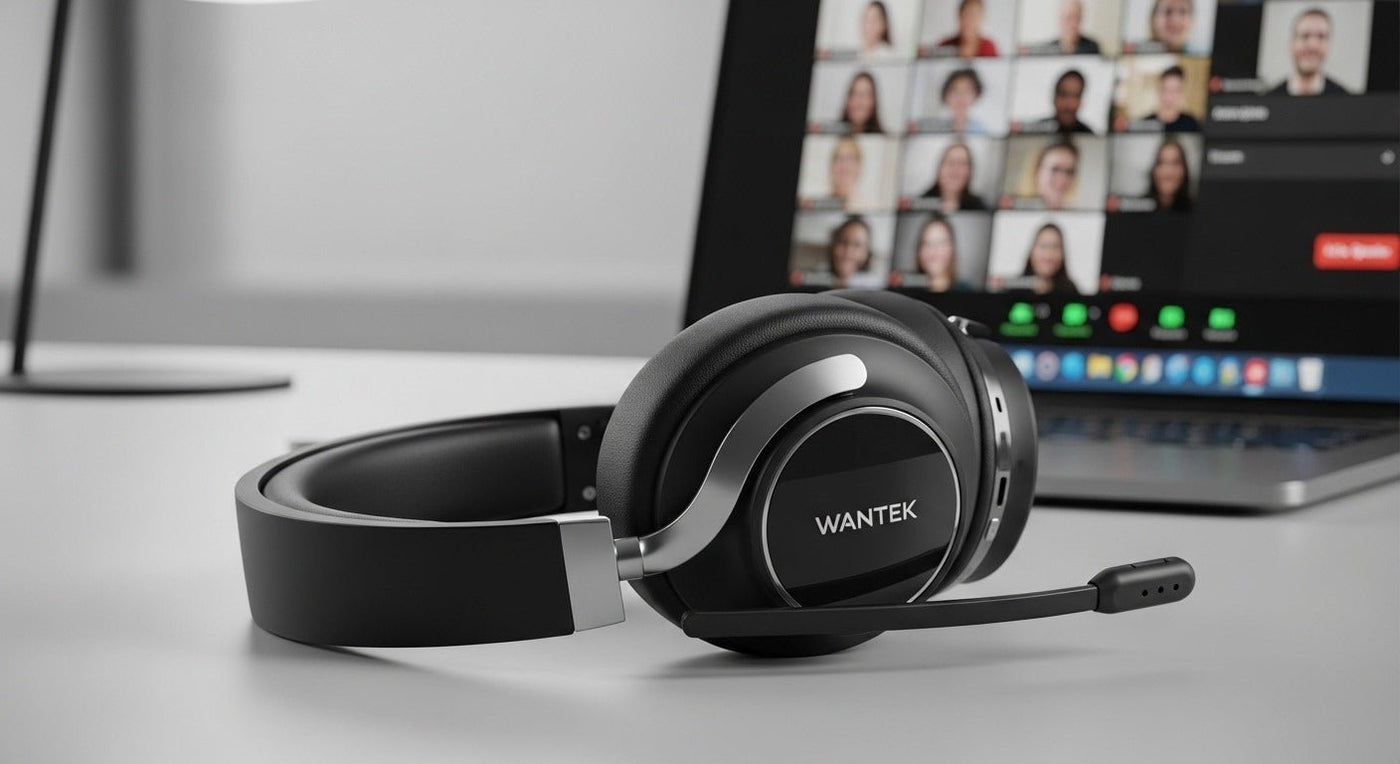
A good wireless headset for virtual meetings needs a microphone that works in your room, a comfortable fit, and a connection that supports the controls you use. Check those three things before comparing battery claims or listening-side ANC.
Test the whole meeting setup
| Check | Try this | Listen or look for |
|---|---|---|
| Outgoing speech | Record normal speech with usual background sound | Clear words without clipped endings |
| Mute | Use the headset and app controls in a test meeting | A consistent visible state and no transmitted speech |
| Connection | Reconnect after sleep and docking | The intended mic and speaker remain selected |
| Movement | Walk the route you use during calls | Dropouts at doors or distant rooms |
| Comfort | Wear with your glasses through a normal session | Pressure, slipping and heat |

USB adapter or direct Bluetooth?
The answer depends on the exact headset, operating system, and calling app. A supplied USB adapter can be part of the supported call-control configuration. It is not automatically interchangeable with any Bluetooth dongle.
Zoom now documents native Bluetooth support with specific Windows requirements. It also distinguishes Mac audio connectivity from full call-control support through an adapter. Check the current requirements rather than assuming direct Bluetooth always provides every button function.
Use our Zoom-certified headset verification guide when certification is a purchasing requirement. “Works with Zoom” and “listed in the relevant certification category” are different claims.
ANC does not describe the outgoing microphone
Active noise cancellation mainly concerns sound reaching the wearer. Microphone noise processing affects what other participants hear. Evaluate them separately: listen to the room through the headset, then have someone listen to your transmitted voice.
Place a boom according to its instructions. Try normal speech and short pauses while typing or with the usual ventilation running. Aggressive processing can sound different when several applications are applying it, so compare settings one at a time.
Plan charging and a fallback
Compare the manufacturer's talk-time conditions with your longest call block. Keep a convenient charging routine and test whether your model can operate while charging if you expect to rely on that feature. A charge connector alone does not prove USB audio operation.
For important calls, keep a known working fallback and know how to select it. If you spend the whole day at a desk, a wired headset may meet your needs with fewer charging tasks. Our five-feature wireless headset checklist helps separate essential functions from extras.
Frequently asked questions
Will an expensive headset fix every meeting problem?
No. Network quality, app settings, permissions, room sound, and the remote participant’s setup also matter.
Can music headphones work for calls?
Yes, when their microphone, connection, fit, and controls meet your needs. Test the actual meeting path before relying on them.
Compare Headsets for Meetings
After testing microphone, comfort, and connection requirements, compare current office headset options.

