
The five most useful features in a professional wireless headset are a supported connection, clear outgoing speech, dependable controls, a comfortable fit, and a manageable power routine. Evaluate each against your actual work rather than choosing the longest specification list.
1. A connection that supports your workflow
List the devices you need: laptop, mobile phone, or physical desk phone. Check whether the exact model supports each one and how you switch between them. A charging dock may have no telephone audio interface.
A dedicated adapter is useful when it is part of the supported system, but it is not a universal rule. Microsoft’s Teams peripheral guidance now distinguishes USB and native Bluetooth categories. Read the requirements for the exact connection you intend to deploy.
2. A microphone you can evaluate
Ask a colleague to listen to a short test with the usual keyboard, ventilation, and nearby conversations. Assess word clarity and missing syllables, not only how quiet the pauses sound. Listening-side ANC and outgoing microphone processing are separate features.
| Feature | A useful test |
|---|---|
| Connection | Reconnect after sleep and switch the intended sources |
| Microphone | Compare normal speech in the real room |
| Controls | Verify mute, answer and end in the calling app |
| Fit | Wear for a typical call block with glasses if needed |
| Power | Confirm charging, usable session length and fallback |
3. Controls that agree with the application
Test the button and onscreen state together. Local audio mute, app mute, and call-end behavior can differ by connection and software. If you need a specific certification, verify the exact variant in the platform's list.
Our Zoom certification guide shows how to check listed headset and adapter combinations. Do not infer certification from a retailer's compatibility icon.
4. Fit that survives a work session
Look for pressure, heat, slipping, and whether the microphone stays where intended. An advertised weight cannot predict the pressure distribution on your head. Check replacement pads and other wear parts if the device will be used daily.
5. A power routine you can maintain
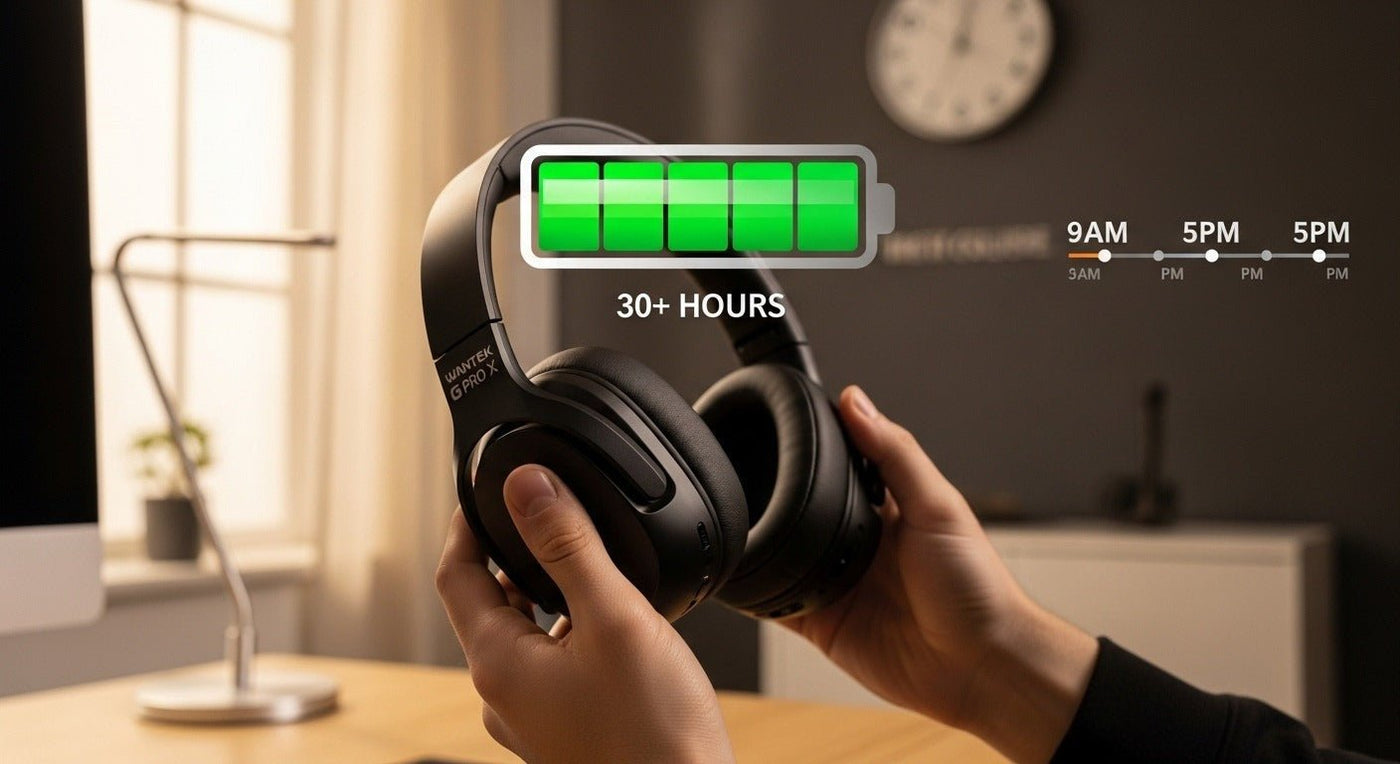
Use talk-time information for call-heavy work rather than substituting music playback time. Check the stated test conditions and leave room for aging and your actual usage. Confirm what happens if the battery runs low during a call.
For a team, write down where devices charge, who owns shared equipment, and what fallback is available. Our wireless meeting headset checklist provides a practical trial sequence.
Frequently asked questions
Does a newer Bluetooth version guarantee multipoint?
No. Confirm the model’s supported simultaneous connections and switching behavior.
Is a 2.4 GHz dongle always better?
No. The supported system, application, radio environment, and required controls matter more than a blanket protocol rule.
What should I prioritize on a limited budget?
Compatibility and a usable microphone come first. Then choose a fit and power routine you can tolerate every day.
Compare Wireless Work Headsets
Use the five checks above to narrow the requirements, then compare current wireless headset options.

