
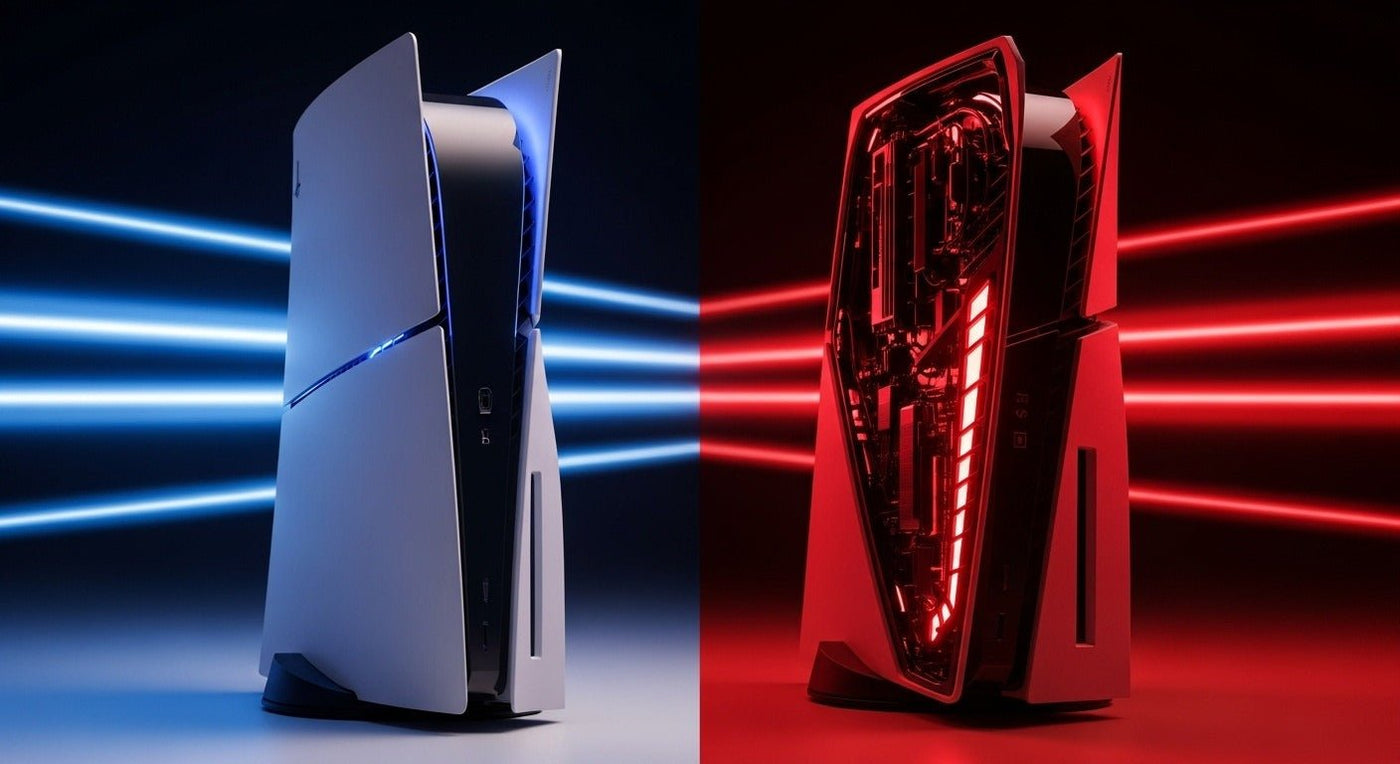
PS5 Pro adds graphics capability that developers can use for sharper images, more demanding ray tracing, or higher frame rates. The result depends on the game, patch, selected mode, and display. It does not make every PS5 game run at a fixed higher resolution or frame rate.
What changes in the graphics hardware?
Sony's PS5 Pro launch announcement describes a larger GPU, faster memory, advanced ray tracing, and PlayStation Spectral Super Resolution (PSSR), an AI-based upscaling technology. Sony's “up to” rendering improvement is a capability claim, not a benchmark result for every title.
| Area | What to inspect | Why results differ |
|---|---|---|
| Image detail | Fine edges and distant textures | Resolution and reconstruction choices |
| Ray tracing | Reflections, lighting and shadows | The game’s implementation and mode |
| Motion | Frame pacing during demanding scenes | CPU limits and graphics workload |
| Display support | Resolution, refresh rate and VRR settings | Your screen and output configuration |

Look at the current game patch
Old comparison videos may not represent the current software. Sony reported an upgraded PSSR rollout in March 2026. Check the game's current patch notes and supported modes before using launch-era screenshots to decide.
Compare the same scene, settings, and capture method where possible. A compressed online video can hide fine detail or exaggerate artifacts. Watch motion as well as still frames, especially around hair, foliage, reflections, and thin edges.

Build the decision around your games
List the three games you play most. For each, record whether it has a relevant Pro update, what visual mode you would use, and whether your display can show the available output. If the difference you want is not available in those games, the hardware specification alone is a weak reason to upgrade.
Check current regional pricing and any required accessories separately. This guide does not provide a current console price or promise a particular performance result.
Keep headset decisions separate
A graphics upgrade is not evidence that you need a different headset. Check the audio connection you already use, microphone input, and the console's available settings. Sony's PS5 audio output guidance explains the device and setting choices.
If your aim is comfort or microphone setup, our gaming headset personalization guide addresses those adjustments directly. Neither a headset nor an EQ preset improves the console's graphics.
Frequently asked questions
Does PS5 Pro guarantee 4K at 120 fps?
No. Output, rendered resolution, frame rate, and mode support depend on the title and display.
Does every game receive the same upgrade?
No. Look for the current developer support and compare the actual modes you intend to play.
Should I compare only screenshots?
No. Still images can reveal detail, but motion and frame pacing are also part of the experience.

