
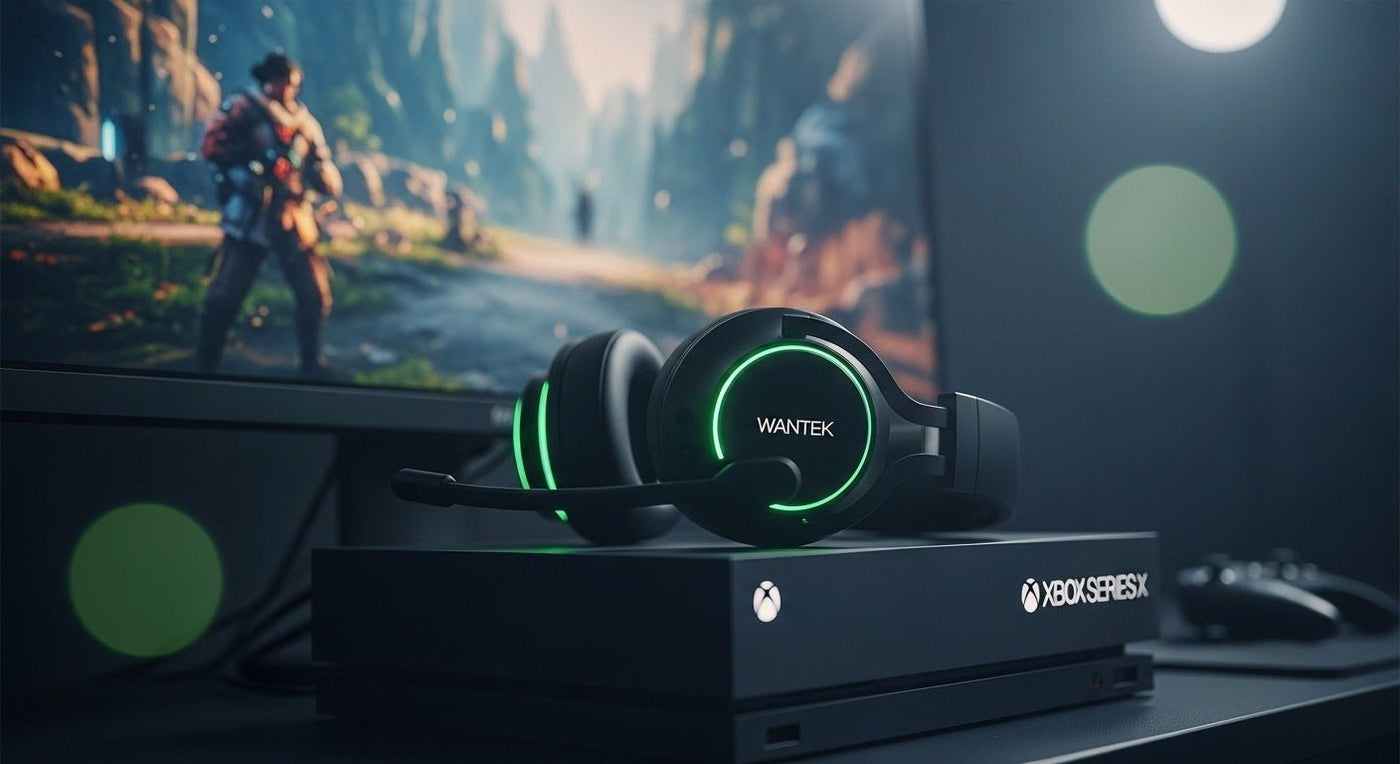
Choose an Xbox headset by its supported Xbox connection first. A Bluetooth label, a USB plug, or the word “gaming” does not by itself establish console compatibility. Then compare fit, microphone controls, and the balance between game audio and chat.
Check the exact version before buying
| Connection claim | What to verify |
|---|---|
| Xbox Wireless | The exact model explicitly supports your Xbox console |
| Controller audio | The headset plug, mic wiring and controller port match |
| USB wireless adapter | The adapter and headset version explicitly support Xbox |
| Bluetooth | Do not infer Xbox console pairing from phone support |
| Multi-platform | Read the platform-specific connection instructions |

A documented wireless starting point
The Xbox Wireless Headset is an official option with Xbox Wireless console connectivity and Bluetooth for supported other devices. Review Microsoft's compatibility list and controls for the current model. This is a documented candidate, not a winner from a hands-on comparison.
For other brands, use the full product name and platform suffix. Two headsets with similar packaging can include different receivers or support different consoles. Ask the seller for the exact part number if the listing is ambiguous.
Test chat, not only game sound
Join a private test session and ask someone to assess your voice at a normal speaking level. Check for breathing noise, room pickup, and clipping. Try mute and confirm whether the indicator is visible or audible enough to use during play.
Adjust game/chat balance if your supported setup offers it. Louder bass may sound exciting but can make dialogue or other details harder for you to follow. Keep separate settings for different games if that helps.
Fit matters over a full session
Check headband travel, ear space, pad pressure, and how the headset feels with glasses. A product photo cannot establish your fit. Use our small-head fit checklist if cups sit too low at the shortest setting.
If you already own a compatible headset, try the adjustments in our personalized gaming headset guide before replacing it. Replacement pads and cables still need model-specific compatibility checks.
Write a shortlist you can verify
For each candidate, record the console model, connection, included accessories, microphone controls, and return terms. For wireless models, add the charging method and expected talk or play session length. Do not assume a charging cable also carries console audio.
This guide does not assign competitive performance gains to a headset. Directional audio depends on the game, settings, hearing, and playback chain; no product guarantees that you will locate opponents or win more often.
Frequently asked questions
Can I pair ordinary Bluetooth headphones directly to Xbox for game audio?
Do not assume that phone Bluetooth support provides an Xbox console audio connection. Choose a connection explicitly supported for the console and headset.
Will a PlayStation version also work on Xbox?
Only if the manufacturer explicitly supports that connection. Check the exact version and receiver.
Do I need a new headset for better bass?
Try supported EQ adjustments at a sensible volume first, then assess whether the fit or sound still falls short.

