
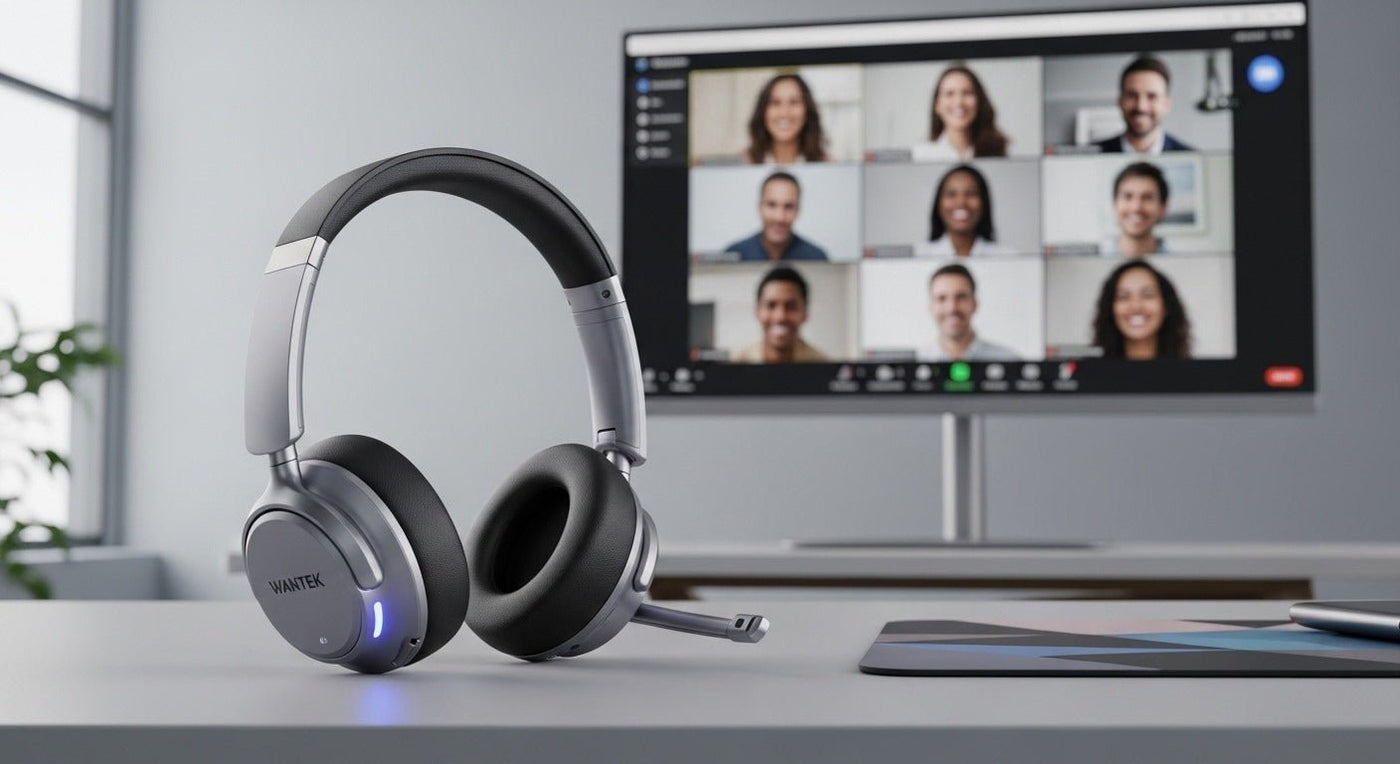
To verify a Zoom-certified headset, find its exact model in Zoom's relevant hardware list and match the connection, adapter or base, and any listed requirements. “Works with Zoom” is not the same claim as certification.
Official listings checked September 24, 2026. The examples below are documented combinations, not a hands-on ranking.
Examples in Zoom's workspace hardware list
The Zoom Workspace Certified Hardware list identifies models alongside connection hardware and firmware information. Three examples from its wireless headset table are:
| Headset | Listed adapter | Use this information to… |
|---|---|---|
| Jabra Evolve2 65 Flex | Jabra Link 380/390 | Check the offered bundle and current listed firmware |
| Shokz OpenComm2 UC 2025 Upgrade | Loop120 USB-C/A BT Dongle | Distinguish it from other OpenComm versions |
| Logitech Zone 305 | Zone Receiver Dongle | Confirm the receiver is included |

Read the correct certification category
Workspace headsets, room equipment, telephone hardware, and native Bluetooth configurations answer different questions. Do not transfer a listing for a room device or desk phone to a headset merely because both use Zoom.
Save the relevant row and its date when preparing a purchase brief. Recheck it before ordering if the offered model or bundle changes. The list is evidence of a tested configuration, not a guarantee against every future app or environment problem.
Direct Bluetooth has separate requirements
Zoom's native Bluetooth guidance specifies supported Windows software and hardware conditions. It also says that Mac users need a USB adapter for full call-control functionality even when Bluetooth audio works. Follow the current requirements rather than extrapolating from another computer.
Run your own acceptance check
- Select the headset as both microphone and speaker.
- Join a test meeting and check speech in both directions.
- Test the physical mute button and the app's mute display.
- Try supported answer and end controls.
- Reconnect after sleep and confirm the audio selection.
Our wireless headset guide for virtual meetings adds microphone and comfort tests. Certification can narrow a shortlist, but only a trial tells you whether the fit and room performance suit your users.
Keep compatibility claims precise
Do not describe an unlisted model as certified because it successfully joins a meeting. Do not invent a newer edition of an existing model or assume every platform variant has the same controls. If a supplier claims certification, ask for the exact official listing and the included adapter or base.
Frequently asked questions
Do I need a certified headset to use Zoom?
A compatible audio device can work without certification. Certification is useful when your purchase requires evidence of the listed integration.
Does certification guarantee silence around my microphone?
No. It does not eliminate room noise, positioning problems, or every application issue.
Are the models above ranked from best to worst?
No. They are examples of exact listed combinations to verify, not comparative review results.
Compare Office Headsets
Use the certification and compatibility checks above, then compare current office headset options for meetings and work calls.

