
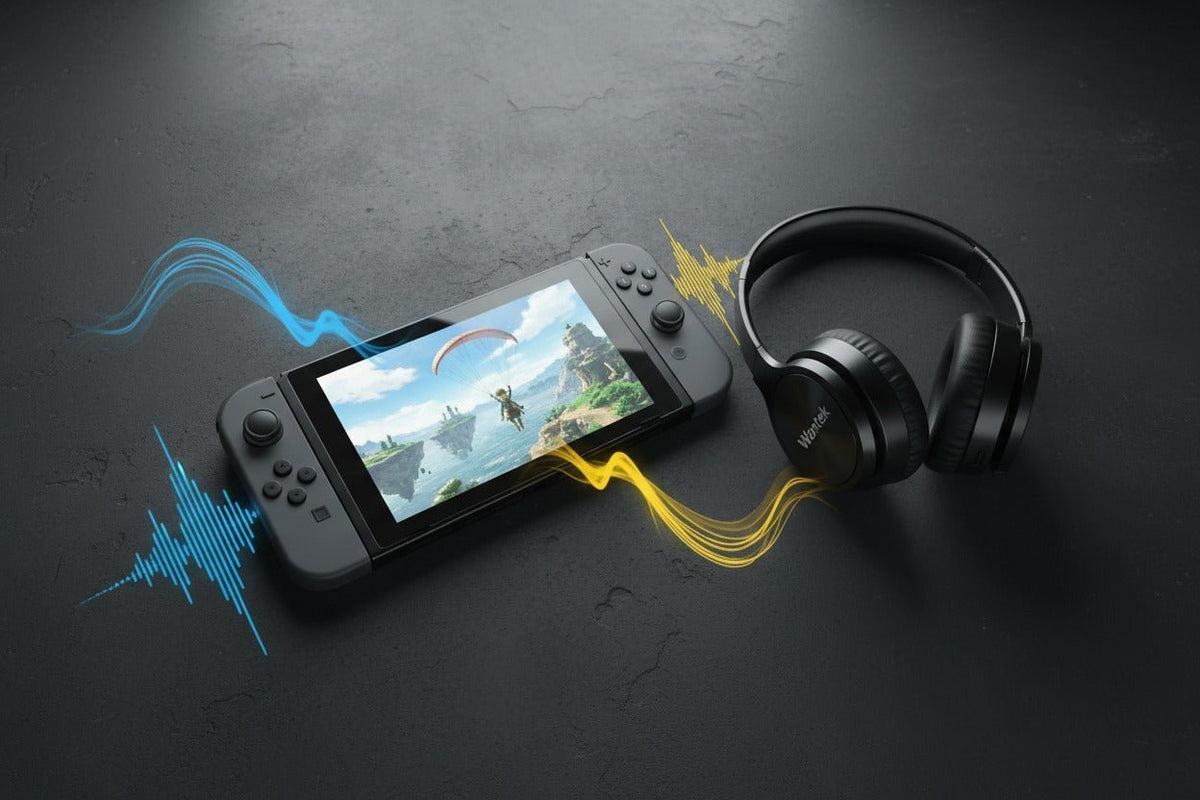
Oui, la Nintendo Switch, la Nintendo Switch Lite et la Nintendo Switch – modèle OLED peuvent se connecter directement à des casques Bluetooth pour l'audio. Vous n'avez pas besoin d'adaptateur Bluetooth pour une écoute sans fil de base, mais la connexion native présente des limites importantes : l'entrée microphone Bluetooth n'est pas prise en charge, un seul appareil audio Bluetooth peut être connecté à la fois, pas plus de deux manettes sans fil ne peuvent être connectées lorsque l'audio Bluetooth est actif, la communication sans fil locale déconnecte l'audio Bluetooth et certains appareils peuvent présenter un délai perceptible.
Réponse rapide : Le Bluetooth natif est l'option la plus simple pour le jeu occasionnel et nomade. Si le chat vocal ou une latence minimale sont prioritaires, un casque filaire 3,5 mm ou une solution sans fil basée sur un dongle USB vérifié est généralement la meilleure option de connexion.
Peut-on utiliser des casques Bluetooth avec la Nintendo Switch ?
Nintendo a ajouté la prise en charge de l'audio Bluetooth à la famille Switch originale avec la version système 13.0.0. Les instructions de configuration actuelles sont simples : maintenez la console à jour avec la dernière version du système, puis effectuez le jumelage depuis Paramètres de la console > Audio Bluetooth. La documentation de support actuelle de Nintendo s'applique à la Nintendo Switch standard, à la Switch Lite et à la Switch – modèle OLED.
Nintendo documente également le profil et le codec audio Bluetooth natifs comme étant le A2DP avec SBC. Ce détail est important lors de l'achat : un casque vantant le support du aptX, aptX Adaptive, LDAC ou tout autre codec ne forcera pas la connexion Bluetooth native de la Switch à utiliser ce codec.
Pour connaître les limites de jumelage officielles et les instructions actuelles, consultez le guide de support Audio Bluetooth de Nintendo et ses détails sur la compatibilité audio Bluetooth.

| Élément | Comportement natif de la Switch | Pourquoi c'est important |
|---|---|---|
| Audio Bluetooth | Un seul appareil audio Bluetooth peut être connecté à la fois ; jusqu'à 10 peuvent être enregistrés. | L'écoute sans fil directe fonctionne sans émetteur externe. |
| Microphone du casque | L'entrée microphone Bluetooth n'est pas prise en charge. | Un casque gamer Bluetooth peut diffuser l'audio du jeu, mais son microphone reste indisponible pour la console. |
| Manettes sans fil | Jusqu'à deux manettes sans fil peuvent être connectées pendant que l'audio Bluetooth est actif. | Les configurations locales à quatre joueurs peuvent nécessiter une connexion audio différente. |
| Sans fil local | L'audio Bluetooth se déconnecte lorsque la communication sans fil locale démarre. | Le multijoueur en mode local peut interrompre la connexion audio Bluetooth. |
| Profil et codec | Le A2DP avec SBC est le chemin audio Bluetooth natif documenté. | Ne choisissez pas un casque spécifiquement pour le aptX ou LDAC, sauf si vous utilisez un matériel séparé compatible avec ces codecs. |
| Latence | Nintendo note que certains appareils Bluetooth peuvent présenter un délai audio. | Les jeux de rythme, compétitifs ou sensibles au timing peuvent être plus agréables via un matériel filaire ou une solution sans fil basse latence vérifiée. |
Comment jumeler un casque Bluetooth avec la Nintendo Switch
Mettre à jour la console
Ouvrez Paramètres de la console > Console > Mise à jour et installez la dernière version disponible.
Vérifier le nombre de manettes
Assurez-vous que pas plus de deux manettes sans fil sont connectées. Une paire de Joy-Con compte comme deux manettes sans fil.
Mettre le casque en mode jumelage
Suivez la procédure de jumelage spécifique à votre casque ou vos écouteurs. La méthode varie selon le modèle.
Ouvrir le menu Audio Bluetooth
Depuis le menu HOME, ouvrez Paramètres de la console > Audio Bluetooth, puis choisissez l'option pour ajouter ou jumeler un appareil.
Sélectionner votre casque
Sélectionnez l'appareil lorsqu'il apparaît. Une fois connecté, testez l'audio du jeu avant de commencer une longue session.
Si 10 appareils audio Bluetooth sont déjà enregistrés, Nintendo exige que vous en supprimiez au moins un avant d'en ajouter un nouveau.
Quels sont les meilleurs casques Bluetooth pour Nintendo Switch ?
Il n'existe pas de modèle unique qui soit automatiquement le meilleur pour chaque joueur. La question la plus utile est de savoir quelle méthode de connexion correspond à vos jeux, vos besoins de chat et votre mode de jeu. Le Bluetooth natif est pratique, mais il ne convient pas à toutes les situations.
| Votre priorité | Méthode de connexion à envisager | Compromis principal |
|---|---|---|
| Écoute portable simple | Casque ou écouteurs Bluetooth natifs | Pas d'entrée microphone et délai audio possible. |
| Jeux sensibles au timing | Casque filaire 3,5 mm ou solution sans fil USB/dongle vérifiée | Moins de confort sans fil ou ajout de matériel. |
| Chat vocal | Casque filaire CTIA 3,5 mm ou solution USB compatible | La prise en charge du chat peut varier selon le jeu et la connexion. |
| Utiliser votre matériel actuel | Testez d'abord le Bluetooth natif | Si la latence vous gêne, vous aurez peut-être besoin d'une autre connexion plutôt que d'un autre casque. |
Pour les jeux occasionnels et solo
Si vous jouez principalement à des jeux au tour par tour, d'exploration ou portables, commencez avec le casque Bluetooth que vous possédez déjà. Le jumelage natif évite l'achat de matériel supplémentaire et Nintendo n'impose pas de marque spécifique. Les points importants sont le confort, l'autonomie, la stabilité de la connexion et si la latence perçue vous dérange.
Pour les jeux de rythme, compétitifs ou rapides
Ne présumez pas que le logo "basse latence" d'un casque améliore le chemin Bluetooth natif de la Switch. Le chemin natif documenté est le A2DP/SBC. Si un délai est perceptible, les conseils de dépannage de Nintendo indiquent que certains appareils audio Bluetooth peuvent laguer même lorsque le système fonctionne normalement, et recommandent l'utilisation d'un casque filaire si le problème persiste.
Consultez le dépannage du délai audio Bluetooth de Nintendo pour les étapes officielles.
Pour le chat vocal
Si le chat via microphone est important, le Bluetooth natif n'est pas la bonne solution car la Switch n'accepte pas l'entrée microphone Bluetooth. La famille Switch originale dispose d'une prise jack 3,5 mm à quatre pôles CTIA, ce qui fait d'un casque filaire compatible le choix par défaut le plus direct. Nintendo détaille les spécifications de cette prise dans ses spécifications techniques de la Switch.
Si vous comparez des modèles gaming filaires et sans fil, comparez les casques gaming Wantek par type de connexion, puis vérifiez la compatibilité précise de l'audio et du microphone avec la Switch avant de passer commande. Le fait qu'un produit soit qualifié de "casque gaming" ne garantit pas à lui seul une compatibilité totale avec la Switch.
Avez-vous besoin d'un émetteur Bluetooth ?
Pas pour de l'audio Bluetooth de base. Une Switch, Switch Lite ou Switch – modèle OLED actuelle peut se jumeler directement avec des casques Bluetooth. Un émetteur externe ne devient pertinent que si vous tentez de résoudre une limitation spécifique, comme réduire le délai avec un codec compatible différent ou utiliser une autre stratégie de connexion sans fil.
Si vous choisissez cette option, vérifiez les deux côtés de la connexion. Un émetteur vantant le aptX Low Latency ou le aptX Adaptive n'est utile que si le casque jumelé prend en charge le même mode et que l'adaptateur négocie effectivement cette connexion. Le support natif des codecs Bluetooth de la Switch ne change pas simplement parce que le casque prend en charge d'autres codecs.
Le guide des adaptateurs et émetteurs pour casques Bluetooth de Wantek explique la différence entre les rôles de récepteur et d'émetteur avant que vous n'ajoutiez du matériel.

Mode portable vs. Mode TV : qu'est-ce qui change ?
Mode portable et sur table
Le Bluetooth natif est la configuration la plus propre car rien n'est attaché au port USB-C. Un casque filaire 3,5 mm reste utile si la latence ou le support micro priment sur l'absence de fil. Si vous ajoutez un émetteur USB-C, vérifiez s'il bloque le chargement ou s'il inclut un design de passage de charge vérifié.
Mode TV (Dock)
Vous pouvez toujours utiliser l'audio Bluetooth natif de la Switch lorsque la console est sur son dock. Si vous utilisez plutôt un dongle sans fil USB, un émetteur dédié ou la sortie Bluetooth du téléviseur, la compatibilité et la latence dépendent de ce matériel externe. Considérez-les comme des configurations différentes plutôt que de supposer que les règles du Bluetooth natif de la Switch s'appliquent.
Comment résoudre les problèmes de casque Bluetooth sur Switch
- Mettez à jour la console. La procédure de support de Nintendo commence toujours par la dernière version système.
- Réduisez le nombre de manettes sans fil. L'audio Bluetooth ne prend pas en charge plus de deux manettes simultanément.
- Arrêtez la communication sans fil locale. L'audio Bluetooth se déconnecte quand le sans fil local est actif.
- Vérifiez la capacité des appareils enregistrés. Supprimez un ancien appareil si vous en avez déjà 10 enregistrés.
- Redémarrez les deux appareils. Redémarrez la Switch et éteignez/rallumez le casque en cas d'échec de jumelage.
- Rapprochez-vous et réduisez les interférences. Nintendo recommande de garder l'appareil Bluetooth proche de la console et loin des équipements métalliques ou électroniques en cas de délai.
- Utilisez l'audio filaire si le délai persiste. Certains appareils Bluetooth peuvent présenter un décalage même lorsque le système fonctionne normalement.
Qu'en est-il de la Nintendo Switch 2 ?
La Nintendo Switch 2 prend également en charge l'audio Bluetooth, et la page de support de Nintendo indique toujours que l'entrée microphone Bluetooth ne peut pas être utilisée. Elle peut enregistrer plusieurs appareils mais ne s'y connecter qu'un par un, et la limite de deux manettes sans fil s'applique toujours lorsque l'audio Bluetooth est actif.
Si vous achetez spécifiquement pour la Switch 2, confirmez ses fonctionnalités audio et de chat spécifiques plutôt que de supposer que chaque détail de la famille Switch originale est identique. Consultez le guide Audio Bluetooth de la Switch 2 de Nintendo pour les règles de jumelage actuelles.
Comparer les casques gaming par type de connexion
Commencez avec la connexion que votre configuration Switch prend réellement en charge. Comparez les options de casques gaming filaires et sans fil actuelles, puis vérifiez la compatibilité du microphone et de la console pour le modèle exact avant de commander.
Questions fréquentes
Les AirPods peuvent-ils se connecter à la Nintendo Switch ?
Les AirPods peuvent être utilisés comme appareil audio Bluetooth lorsque la Switch peut les découvrir et les jumeler. Le microphone des AirPods ne fonctionnera pas comme entrée micro sur la console, et certains utilisateurs peuvent remarquer un délai audio.
Ai-je besoin d'un adaptateur Bluetooth pour un casque sur Nintendo Switch ?
Non. La Switch, la Switch Lite et la Switch – modèle OLED prennent en charge l'audio Bluetooth natif avec le logiciel système actuel. Un adaptateur est facultatif et devrait servir à répondre à un besoin spécifique de connexion ou de latence.
Puis-je utiliser le microphone d'un casque gaming Bluetooth ?
Pas via la connexion audio Bluetooth native de la Switch. Nintendo stipule explicitement que les microphones Bluetooth ne peuvent pas être utilisés, le chat vocal nécessite donc un autre type de connexion d'entrée.
Pourquoi y a-t-il un délai audio Bluetooth sur Switch ?
Nintendo note que certains appareils Bluetooth peuvent subir de la latence même lorsque le système fonctionne normalement. Redémarrer, se rapprocher, réduire les interférences ou passer à l'audio filaire peut aider.
Combien de manettes puis-je utiliser avec un casque Bluetooth ?
Jusqu'à deux manettes sans fil peuvent être connectées pendant que l'audio Bluetooth est actif. Une paire de Joy-Con compte comme deux manettes sans fil.

