
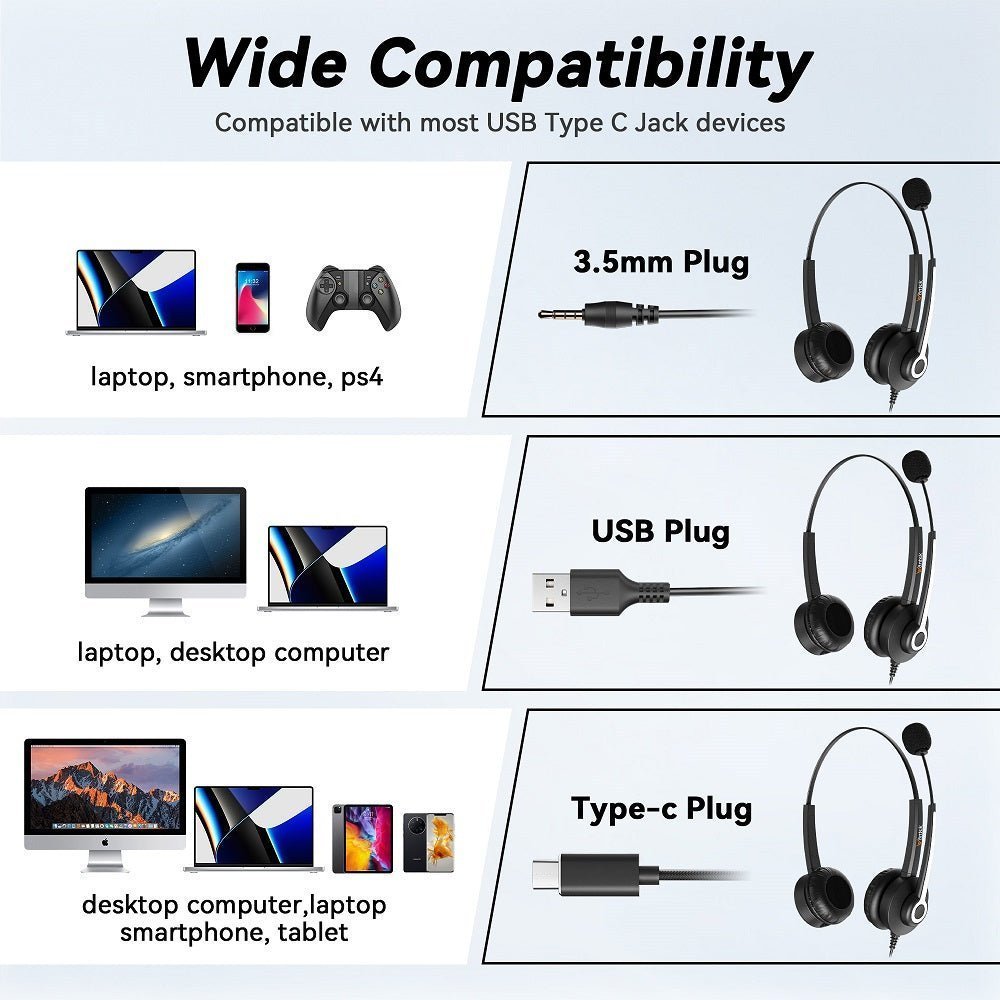
A 3.5 mm headphone jack can carry stereo audio, microphone input, or both depending on the plug and device. The most important distinction is not “male vs. female”—it is whether the connection is TRS, TRRS, headset-compatible, line-level, or being converted to USB-C/Lightning through active electronics.
Name the signal before buying an adapter. A three-conductor TRS plug normally carries stereo headphones. A four-conductor TRRS headset plug can add a microphone and remote controls. USB-C and Lightning adapters may contain DAC/ADC electronics, so they are not just passive shape converters.

3.5 mm TRS vs. TRRS
| Connector | Typical signal | Common use |
|---|---|---|
| TRS: tip-ring-sleeve | Left audio, right audio, ground | Stereo headphones, line-level stereo connections |
| TRRS: tip-ring-ring-sleeve | Stereo audio + microphone + ground | Phone/laptop headsets with mic and controls |
| TRRS CTIA | Left, right, ground, microphone | Modern Android-compatible headset wiring and many other current devices |
| TRRS OMTP | Left, right, microphone, ground | Older or region-specific headset wiring; may need conversion |
Android's current 3.5 mm headset accessory specification requires the CTIA pinout order for compatible four-conductor headset plugs, with OMTP support optional in the device specification. See the Android headset plug specification.
A Headphone Jack Is Not Always a Headset Jack
A stereo headphone output may support only playback. A combo headset jack can support stereo playback plus microphone input and remote-button detection. The connector can look identical from the outside.
If a microphone works on a phone but not a desktop PC, check whether the computer has one combo TRRS jack or separate headphone and microphone jacks. A headset splitter can separate one TRRS plug into two TRS connections when the wiring matches.
3.5 mm to 6.35 mm Adapters
A 3.5-to-6.35 mm adapter changes the physical analog connector size for headphones, amplifiers, mixers or interfaces. It does not add amplification, change impedance, or automatically convert microphone wiring.
A loose stack of adapters can place mechanical leverage on a jack. For frequently moved setups, a short cable adapter can reduce stress compared with a rigid oversized plug.
USB-C and Lightning Adapters Are Different
USB-C and Lightning are digital interfaces. A dongle that outputs 3.5 mm analog audio may contain a DAC, and headset microphone support requires an ADC and compatible wiring.
That is why two adapters that look similar can behave differently with a TRRS headset. The broader headphone adapter guide compares USB-C, Lightning, 6.35 mm and headset splitters in more detail.
Female-to-Male Extension Cables
A 3.5 mm extension cable does not inherently repair a loose device jack. It simply extends the analog connection. Match TRS or TRRS conductors to the signal you need; using a stereo-only extension with a headset can remove microphone/control functionality.
Gold Plating Does Not Upgrade Audio by Itself
Gold plating can resist corrosion on connector contacts, but it does not create a higher-quality audio signal on its own. Reliable mechanical fit, correct wiring and low contact resistance matter more than marketing language around connector color.
Troubleshooting 3.5 mm Audio
- Identify TRS or TRRS. Count the insulating rings and check the device's expected wiring.
- Test another known-good headset. Separate a device-jack problem from a cable problem.
- Inspect for debris. Power down where appropriate and follow the device maker's cleaning guidance; do not scrape a port with metal objects.
- Check input selection. Computers may require the correct microphone device or headset mode.
- Check adapters one at a time. Remove splitters/extensions to find the failing link.
- Replace damaged cables. If bending a cable changes audio, the cable or strain relief is likely failing.
When to Use a 3.5 mm Connection
Analog 3.5 mm remains practical for headphones, headsets, audio interfaces, game controllers, mixers and legacy equipment. It avoids wireless pairing and can make one headset usable across many devices when the microphone wiring and source output match.
Need a 3.5 mm Work Headset?
For calls, verify TRRS microphone compatibility, wearing style, boom-mic placement and the phone or computer jack before ordering.
Frequently Asked Questions
What is the difference between TRS and TRRS?
TRS commonly carries stereo left/right audio plus ground. TRRS adds a fourth conductor, commonly used for a headset microphone and remote controls.
Why does my headset play audio but the mic does not work?
The device may have a headphone-only jack, the TRRS wiring may differ, an extension/splitter may omit the mic conductor, or the wrong input may be selected in software.
Does a 3.5 mm to USB-C adapter improve sound?
Not automatically. It contains or relies on conversion electronics, and performance depends on the adapter, source, headphone and required microphone path.
Can I use a 3.5 mm headset with separate PC mic and headphone jacks?
Yes, with a compatible TRRS-to-dual-TRS headset splitter. Make sure it is designed for headset mic/audio separation, not simple stereo duplication.


1 comment
Images would have been a BIG help to understand what the cable variations look like.