
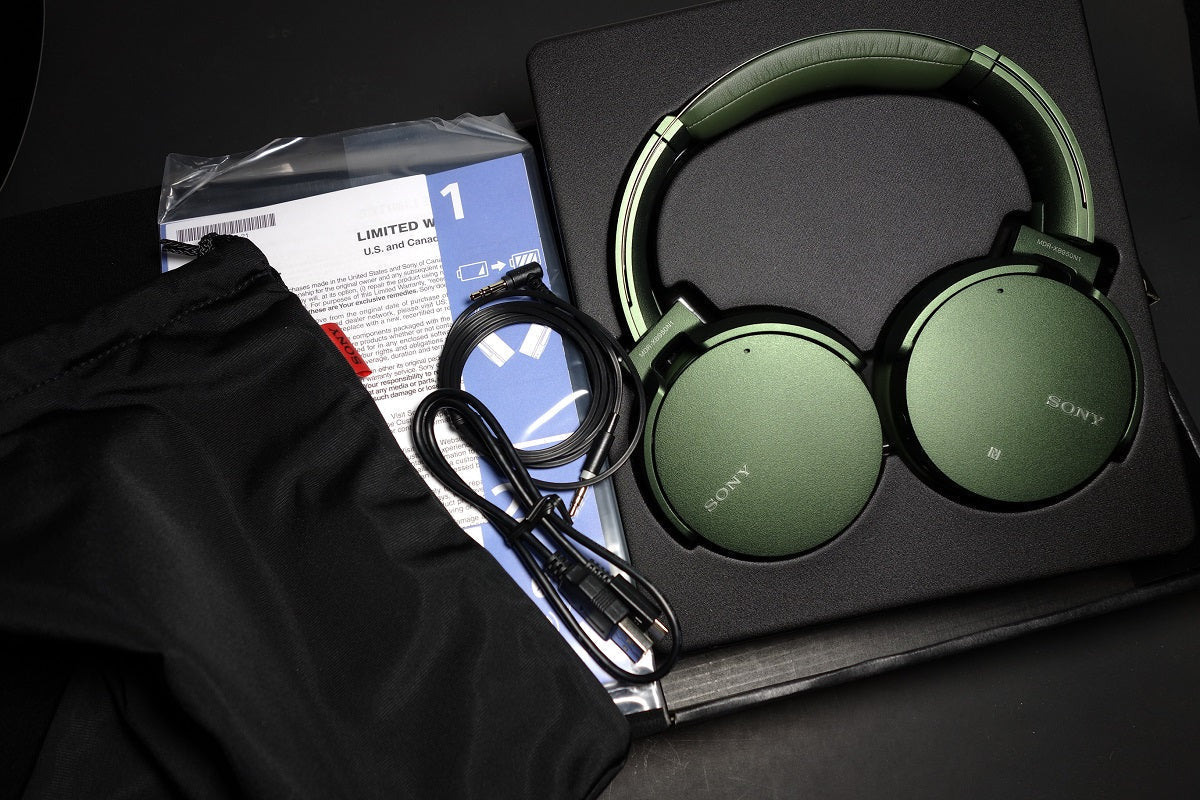
A green finish can be the reason you notice a headphone, but it should not be the reason the hardware ends up wrong for your phone, computer, console, or daily wear.
Quick answer: Use green as the last filter. First decide connection, fit, microphone needs, noise control, battery workflow, and platform compatibility.

Define the Device and Connection
Bluetooth headphones, USB headsets, 3.5 mm models, and dedicated gaming-wireless products can all appear in green. They are not interchangeable.
Fit Comes Before Finish
Pad shape, clamp, weight distribution, ear-tip seal, and glasses interaction affect comfort. A preferred color does not compensate for a poor fit.
Check Model-Specific Features
ANC, transparency, multipoint, wired backup, spatial features, and microphone controls vary by exact model. Confirm the green version is the same SKU family you researched.
Verify Availability at Purchase Time
Colors rotate faster than core product families. Use the manufacturer or retailer’s current SKU listing rather than an old color roundup.
FAQ
Does green color change headphone performance?
No performance conclusion follows from the color alone. Compare the exact hardware model.
Why do green versions sometimes cost more?
Retailer inventory and promotions can differ by color. Compare the exact SKU and current offer rather than assuming a permanent premium.
What should I check before ordering?
Confirm the model number, connection, platform compatibility, return terms, and that the listing photo and color name match the SKU.

