
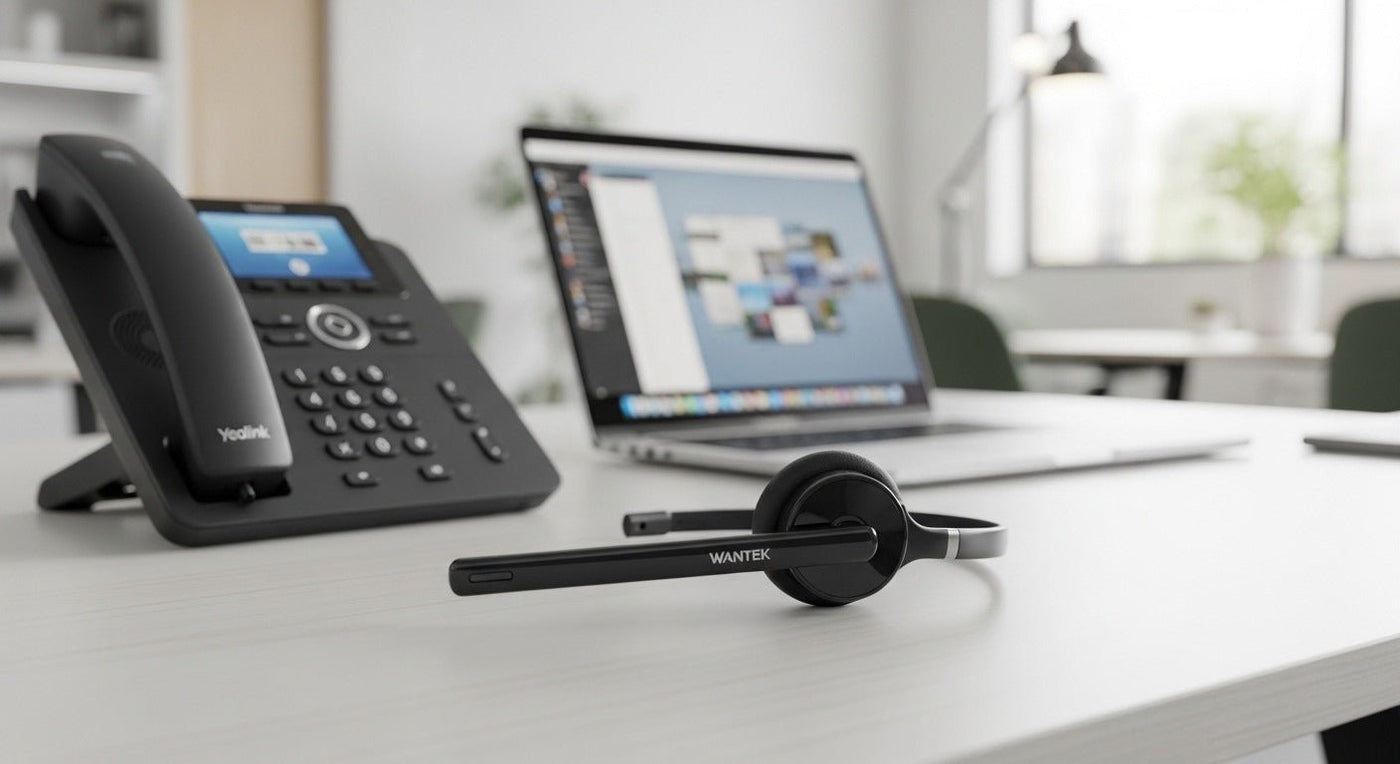
Yealink headset compatibility depends on the phone and headset model. Yealink’s current headset families include USB wired UH models, Bluetooth BH models, DECT WH models, and RJ9 options such as YHS36 E2.
Start with the phone model: identify its supported ports and headset features before choosing wired, Bluetooth, or DECT.

Three common Yealink headset paths
| Type | Use | Check |
|---|---|---|
| RJ9 wired | Direct desk-phone connection on supported models. | Phone compatibility and wiring. |
| USB wired | PC/softphone and supported Yealink devices. | USB-A/C and call controls. |
| Bluetooth / DECT | Wireless mobility. | Phone/base/adapter requirements and range. |

Yealink’s own lineup shows the difference
Yealink’s current headset materials group BH as Bluetooth, WH as DECT wireless, and UH as USB wired headset families. The YHS36 E2 is a QD-to-RJ9 analog wired headset designed for Yealink enterprise IP phones.
For Wantek-specific options, read the Yealink compatible wireless headset guide or use the desk-phone compatibility finder.
Check your Yealink phone model
Confirm the exact Yealink model before choosing the cable or headset variant.
Start With the Exact Yealink Phone Model
Yealink phones do not all expose the same headset interfaces or accessory support. Record the exact desk-phone model and hardware generation, then verify the supported headset port, USB behavior, Bluetooth capability, and any required EHS or adapter before choosing a headset.
Wired, Bluetooth, and DECT solve different problems
Wired headsets simplify charging and radio management. Direct Bluetooth can reduce desk hardware when the phone supports the needed profile and controls. DECT-style systems can be useful when range and a dedicated desk-phone base are priorities. The correct path depends on the phone and workflow rather than one connection type being universally better.
Deployment Check
- Verify the exact phone model.
- Confirm connector or wireless support.
- Test answer/end and mute behavior.
- Check whether remote call control needs an accessory.
- Standardize the same approved configuration before a larger rollout.

