
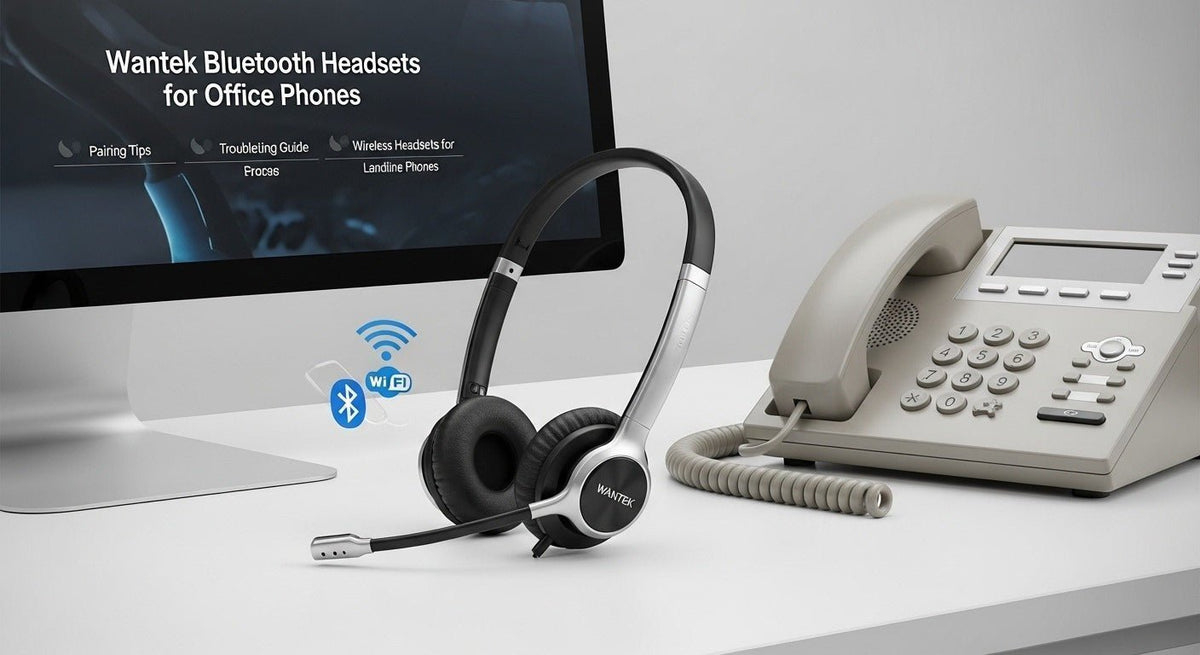
A Bluetooth headset can pair directly with an office phone only when that exact phone supports Bluetooth headsets. Many desk phones instead require a wired connection, a dedicated wireless base, a manufacturer-supported adapter, or an EHS accessory.

Quick answer: identify the full phone model before putting the headset into pairing mode. If the phone documentation lists Bluetooth headset support, pair through the phone’s Bluetooth menu. If it does not, use a supported wired or wireless-base path rather than adding an unverified adapter.
First identify the office-phone connection path
| Phone path | What it means | Next step |
|---|---|---|
| Built-in Bluetooth | The phone can pair with supported Bluetooth headsets directly. | Use the phone’s documented Bluetooth menu and pairing steps. |
| USB headset support | The phone accepts supported USB headsets or adapters. | Check the manufacturer compatibility list and exact USB accessory. |
| Dedicated wireless base | The headset communicates with a base connected to the phone. | Verify base, phone port, and remote call-control requirements. |
| RJ-style wired headset | The phone uses a modular wired headset connection. | Confirm the exact phone model and required wiring. |
How to pair when Bluetooth is supported
Confirm support
Check the exact office-phone model and its documentation for Bluetooth headset support.
Put the headset in pairing mode
Use the headset manufacturer’s documented pairing procedure for the exact model.
Open the phone’s Bluetooth menu
Enable Bluetooth if required, search for available devices, and select the headset.
Test a real call
Verify speaker audio, microphone, mute, answer/end behavior, and volume controls separately.
If the office phone has no Bluetooth headset support
Do not assume that a generic Bluetooth USB adapter will turn a desk phone into a compatible Bluetooth headset host. Desk-phone USB ports, accessory support, call controls, and firmware are model-specific.
Use the manufacturer-supported connection path instead. That may be a wired headset, a wireless base, a supported USB accessory, or an electronic hookswitch solution.
Bluetooth audio and call control are separate checks
A headset may pass audio in both directions while answer/end, mute synchronization, or remote call control still does not work as expected. For office deployments, test the controls your users actually need rather than stopping after you hear a dial tone.
What to compare when buying an office-phone headset
- Exact phone model and firmware environment.
- Supported Bluetooth, USB, RJ, or base-station connection.
- Mono vs. dual-ear wearing style.
- Microphone position and mute access.
- Need for remote answer/end control.
- Battery and charging routine for wireless models.
Check office-phone compatibility
Start with the complete desk-phone model before choosing the headset or adapter path.
Pairing Is Only One Layer of Compatibility
A headset can appear in the phone's Bluetooth menu and still fail to provide the call controls you expect. After pairing, test speaker audio, microphone input, mute, answer/end, and how the phone behaves after the headset reconnects.
Direct Bluetooth vs. a Wireless Base
Direct Bluetooth reduces desk hardware when the phone supports it. A dedicated wireless base can provide a different connection path and may support model-specific remote call control. Neither approach is universally better; the correct choice depends on the phone and workflow.
Office Deployment Checklist
- Record the exact phone model and firmware when relevant.
- Confirm that the phone supports third-party Bluetooth headsets.
- Test microphone and call buttons after pairing.
- Check whether an EHS cable, lifter, or base is required for remote answer/end.
- Document the working pairing and charging process for users.
For the broader set of wireless phone-system paths, see wireless headsets for phone systems.
Frequently asked questions
Can any Bluetooth headset pair with an office phone?
No. The phone must support the required Bluetooth headset profile or a documented compatible accessory. Check the exact phone and headset combination.
Can I add Bluetooth with a random USB adapter?
Not reliably. A desk-phone USB port does not guarantee generic Bluetooth-adapter support. Use accessories documented for the exact phone system.
Why does audio work but the call button does not?
Audio transport and call-control integration can be separate. The phone, headset, adapter, base, firmware, and supported control protocol all affect remote functions.

