
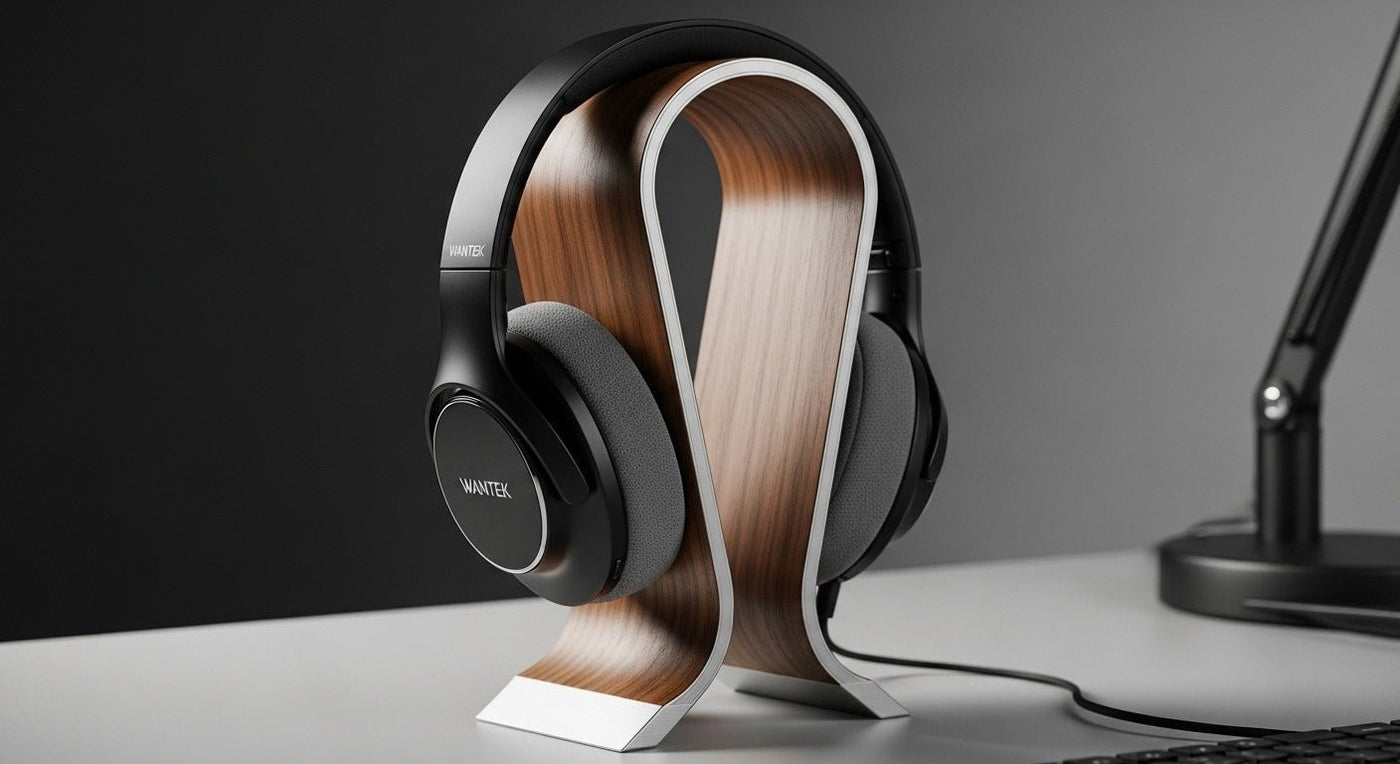
The best headphone accessory is usually the one that solves a real ownership problem: worn cushions, missing tips, cable strain, storage, hygiene, charging, or connection compatibility.
Model-specific beats universal: replacement pads, cables, docks, USB adapters, and microphones often fit only certain products or connector standards.

1. Replacement ear pads and ear tips
These are wear parts and can restore comfort, seal, and hygiene. Dimensions and attachment method matter; changing pad shape or material can also change the acoustic seal.
2. Protective case or storage stand
A case protects portable headphones in bags. A desk stand or hook keeps a work headset accessible without crushing cushions or tangling cables.

3. Replacement cables and adapters
Match plug size, TRS/TRRS wiring, proprietary ear-cup connectors, USB audio support, and microphone requirements before buying.
4. Cleaning tools
Use manufacturer-safe cloths, brushes, and cleaning methods. Avoid soaking cushions, speakers, microphones, or charging contacts.
5. Charging and wireless accessories
Docks and USB wireless adapters are not automatically cross-compatible. Use the accessory listed for the exact headset when charging behavior or call controls depend on it.
For stand-specific fit, see Wantek’s headphone stand guide.
Buy Accessories to Solve a Specific Problem
Accessories are useful when they improve compatibility, hygiene, durability, storage, or deployment. They add clutter when they duplicate something the headset already does. Start with the problem, then choose the accessory.
Adapters and splitters
Use an adapter only when the electrical and signal requirements match. A physical plug that fits does not guarantee microphone support, call controls, or digital-to-analog conversion. For 3.5 mm headsets, pay attention to TRS versus TRRS and to whether a computer uses a combo jack or separate microphone and headphone sockets.
Replacement cushions and ear pads
Cushions are wear items on many office and call-center headsets. Replacing compatible cushions can extend usable life and improve hygiene, but dimensions and attachment methods vary by model.
Stands, hooks, and cases
Storage accessories help keep cables, hinges, and cushions off crowded desks or inside bags. Choose them by the actual shape and weight of the headset rather than appearance alone.
Accessory Checklist
- Confirm the exact headset model.
- Verify connector and pinout where applicable.
- Check whether the accessory changes microphone or call-control support.
- For replacement parts, verify attachment method and dimensions.
- For fleet purchases, consider whether the accessory is easy to replace in volume.

