
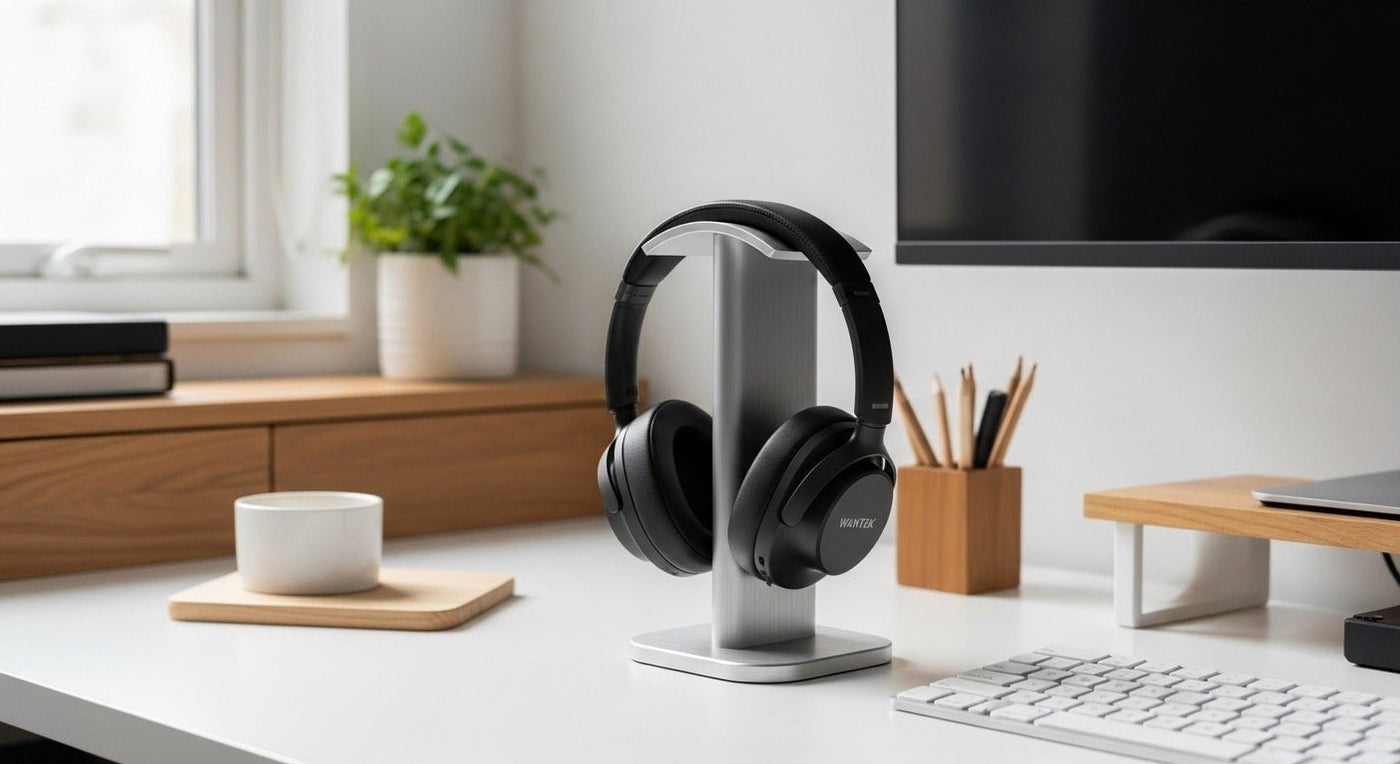
A desk headphone stand keeps a headset off the desk and gives cables a predictable place to go. Choose one that supports the headband without a sharp pressure point, keeps the ear cushions clear of hard surfaces, and fits the space where you will use it.
Best stand shape: broad enough to distribute headband pressure, tall enough to keep the cups clear, and stable enough that removing the headset does not tip the base.
What to check in a desk stand
| Feature | Why it matters | Avoid |
|---|---|---|
| Top support | Spreads load across the headband. | Narrow edges on soft padding. |
| Height | Keeps ear cups from touching the desk. | Cups resting on the base. |
| Base | Resists tipping. | Small light bases for heavy headsets. |
| Cup clearance | Prevents cushion compression. | Stands that squeeze pads together. |

Desktop stand vs. under-desk hook
Choose a freestanding desk stand if you have room for its base and want to move it easily. Check that the base stays steady when you lift the headset with one hand. For a crowded desk, an under-desk hook saves surface space, but its placement must clear your knees, chair arms, and cables.

Charging stands need a second compatibility check
A stand with USB power or a charging dock can add convenience, but only when the charging connector and headset are explicitly compatible. Do not assume that any USB-equipped stand charges any wireless headset. Our charging headphone stand guide explains USB ports, wireless charging pads, and model-specific docks.
For desk-headset organization alongside work calls, see Wantek’s headset accessories guide.
Measure the Headset and Desk
Measure the distance from the top of the headband to the bottom of the ear cups when the headset hangs naturally. Compare that with the stand's usable hanging height, not just its overall height. Then check the base footprint against the free space beside your monitor or keyboard. Leave room to lift the headphones off without hitting nearby equipment.
Check the mounting area
For a clamp-on holder, compare the clamp's supported thickness with the desk edge, including any lip or frame underneath. For an adhesive hook, follow the maker's surface and installation instructions. In either case, check knee clearance and where the cable will hang.
Final Checks Before You Buy
- Headband fits the cradle without concentrating pressure on a narrow edge.
- Ear cups hang freely without resting on the base or pressing together.
- Stand stays stable, or the hook mounting method fits the desk.
- Cable and any charging connection can reach without strain.
- Headphones can be removed without hitting monitors, drawers, or chair arms.
For additional lower-cost mounting options, compare the desk stands and hooks in our budget headphone holder guide; verify the current price before choosing.
Frequently asked questions
Can a headphone stand damage a headband?
A narrow or sharp support can leave impressions in soft padding over time. A broad, rounded contact surface distributes pressure more gently.
Should ear cushions touch while stored?
Avoid unnecessary continuous compression, especially with soft memory-foam pads. Choose a stand with enough spacing for the cups to hang naturally.
Completing Your Desk Setup?
Once you've chosen where to store your headphones, compare wired USB headsets for PC calls by connector, microphone controls, and wearing style.

