
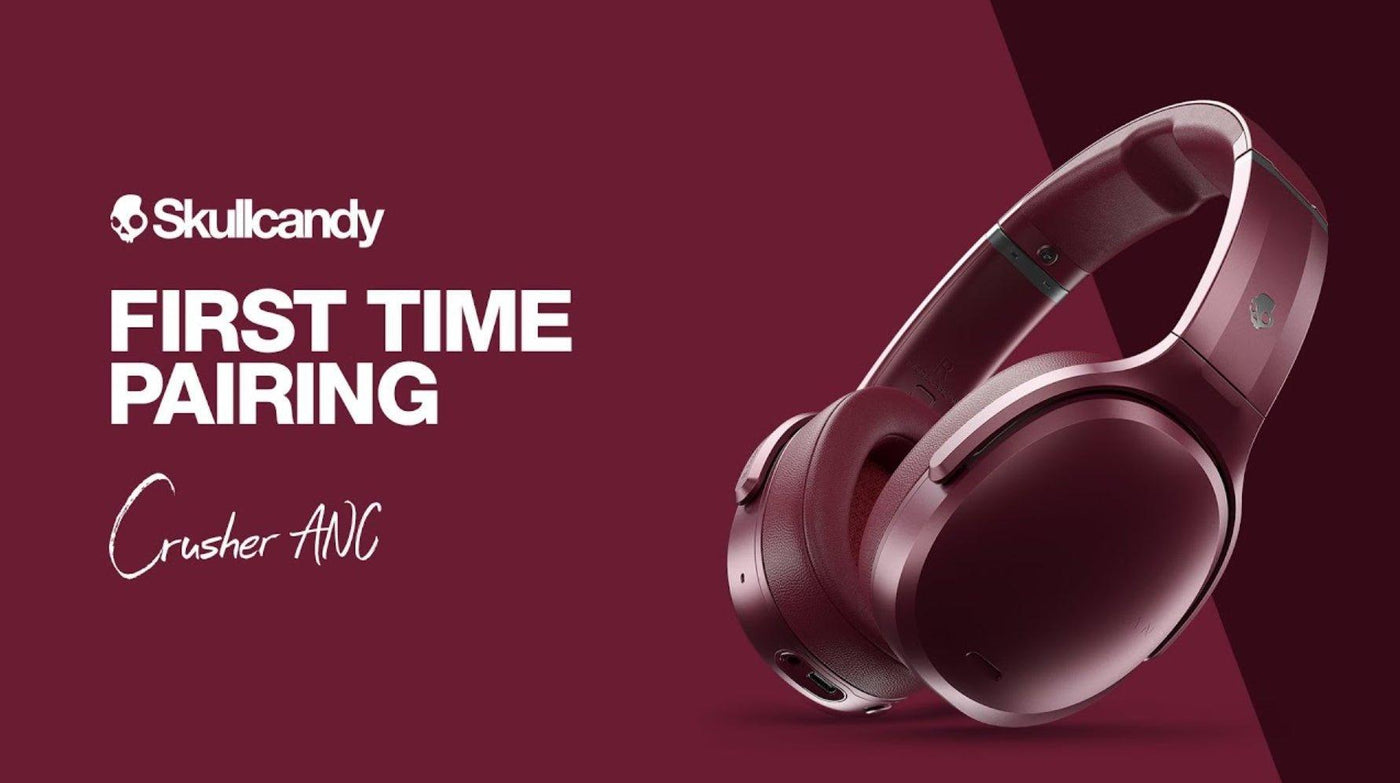
Skullcandy pairing is straightforward once the headphones are actually in pairing mode, but the button sequence and LED behavior vary by model. Use the model's support instructions rather than assuming one universal reset shortcut.
General flow: charge the headphones, enter pairing mode, open Bluetooth settings on the phone/computer, select the Skullcandy model, then verify audio output. If that fails, remove the saved pairing and use the model-specific reset.
1. Put the Headphones Into Pairing Mode
New Skullcandy headphones often enter pairing mode on first power-up. For previously paired devices, use the power/pairing control described in the model manual.
2. Select the Exact Model in Bluetooth Settings
On the phone, tablet or computer, open Bluetooth settings and select the Skullcandy device name. Avoid similarly named devices left from old pairings.
3. Verify Audio Output
After connection, confirm the operating system is sending audio to the headphones rather than speakers or another Bluetooth device.
If Pairing Fails
- Charge both the headphones and, for earbuds, the case.
- Forget/remove the old Bluetooth entry and pair again.
- Disconnect nearby devices that may automatically reconnect first.
- Use the exact model's reset instructions; do not borrow a button sequence from another Skullcandy model.
| Symptom | Likely cause | Next step |
|---|---|---|
| Headphones never appear | Not in pairing mode | Re-enter model-specific pairing mode |
| They appear but fail to connect | Stale saved pairing | Forget device and pair again |
| Connected but no sound | Wrong output device | Select the headset as audio output |
When the generic pairing flow is not enough, Wantek's model-specific Skullcandy pairing guide explains why reset and case-button sequences must be checked against the exact model.
Frequently Asked Questions
Is there one reset sequence for every Skullcandy model?
No. Reset and pairing controls vary. Use the support instructions for the exact model.
Why do my Skullcandy headphones reconnect to another phone?
A previously paired nearby device may connect automatically. Turn off Bluetooth on that device temporarily while pairing the new source.
Why are they connected but silent?
Check the operating system's audio-output selection and media volume before resetting the headphones.
Original Article Media

For model-specific pairing and reset differences, use the model-specific Skullcandy pairing guide.

